


CATO-CloudGame Play PC Game
Play on PC with BlueStacks – the Android Gaming Platform, trusted by 500M+ gamers.

Page Modified on: Mar 5, 2026
Main CATO-CloudGame Play PC Game on PC
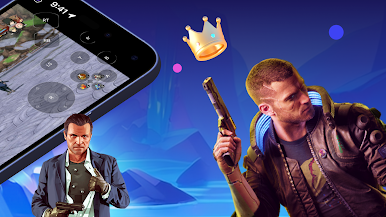
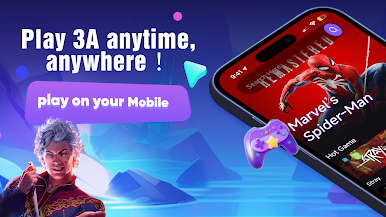
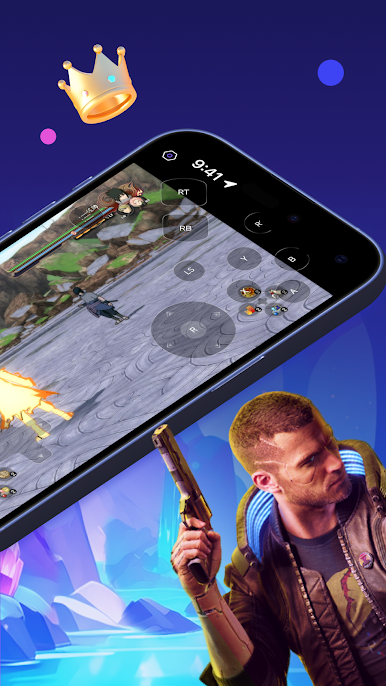
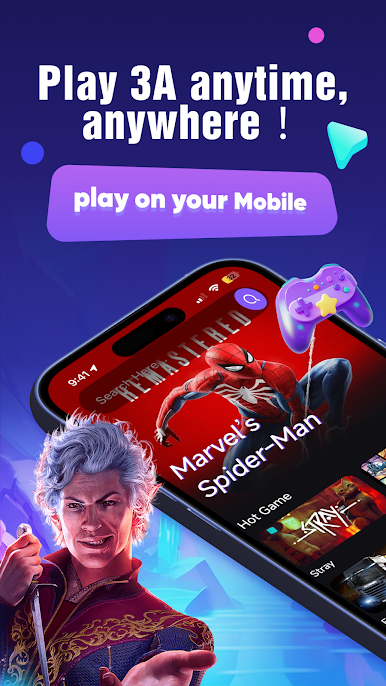
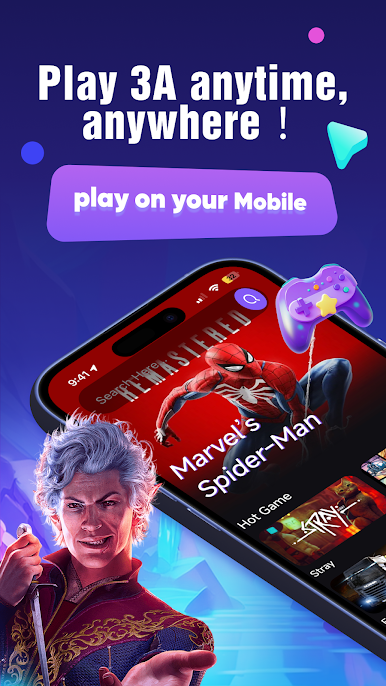
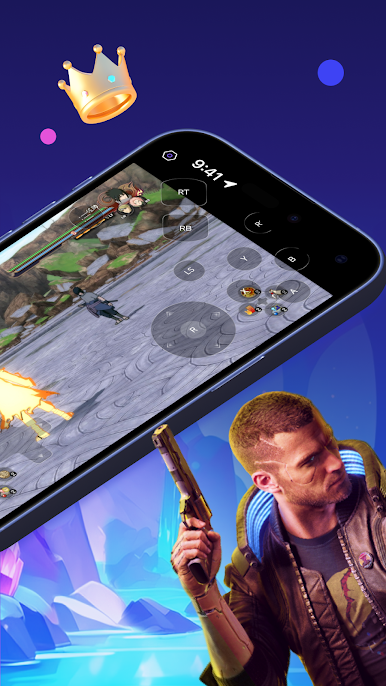
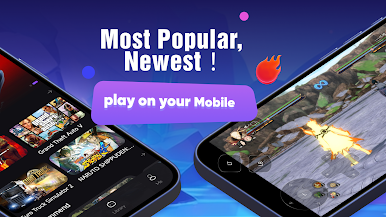
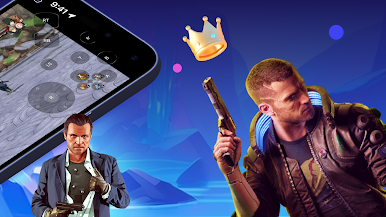
Searching for "cato"? You've found the ultimate cloud gaming experience! CATO lets you play high-quality PC games, including AAA titles, directly on your mobile device. No powerful hardware required!
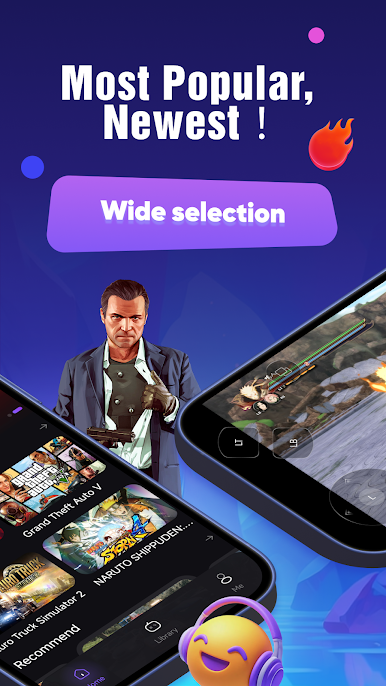
Forget downloads and storage woes. CATO streams games directly to your phone, saving you time and precious space. Jump into GTA 5, FIFA 23, Elden Ring, Red Dead Redemption 2, and hundreds more instantly!
Why Choose CATO?
* Instant Access: Zero downloads, zero installs. Start playing immediately.
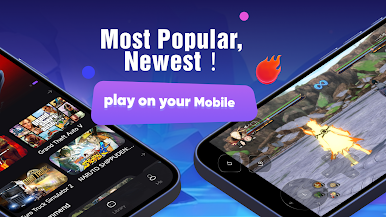
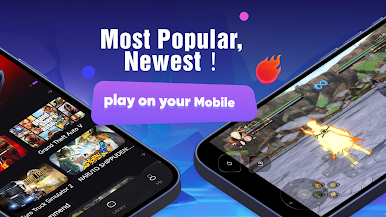
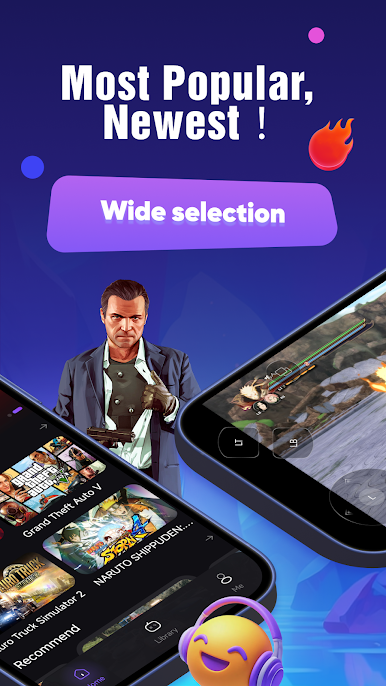
* Massive Library: Explore a vast collection of 400+ PC games, including 200+ AAA hits from Steam, PS4, Xbox One, and Switch libraries.
* Exclusive Perks: Enjoy a free trial for new users and daily benefits!
* Affordable Gaming: Experience premium PC gaming without the premium price tag. No expensive hardware or long waits for mobile ports.
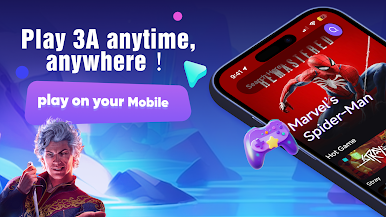
* Play Anywhere, Anytime: Transform your phone into a high-end gaming console on the go.
* Constant Updates: New games are added weekly, so there's always something fresh to play.
Experience the future of gaming with CATO. Download now and unlock a world of PC gaming at your fingertips! Search no more – CATO is the cloud gaming solution you've been looking for.
Play CATO-CloudGame Play PC Game on PC. It’s easy to get started.
-
Download and install BlueStacks on your PC
-
Complete Google sign-in to access the Play Store, or do it later
-
Look for CATO-CloudGame Play PC Game in the search bar at the top right corner
-
Click to install CATO-CloudGame Play PC Game from the search results
-
Complete Google sign-in (if you skipped step 2) to install CATO-CloudGame Play PC Game
-
Click the CATO-CloudGame Play PC Game icon on the home screen to start playing

