


Football Live TV HD
Play on PC with BlueStacks – the Android Gaming Platform, trusted by 500M+ gamers.

Page Modified on: Dec 30, 2024
Overview
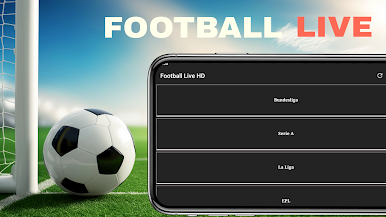
This app provides users fast and simple user interface to watch their favorite sports events along with regular content updates. Users can also subscribe to get real time notifications for their favorite sports teams.
Simply tap and you'll have access to all your preferred Soccer Games, along with instant updates on ongoing Football Games.
Relax and enjoy Live Football TV HD Streaming, a totally free service for all football enthusiasts, ensuring you never miss a game, no matter your location.
Disclaimer:
This app is made for Football fans which shows football highlights videos, and it is unofficial. The content in this app is not affiliated with, endorsed, sponsored, or specifically approved by any company. If you have any issues with our listed videos, please feel free to contact us.


Play Football Live TV HD on PC. It’s easy to get started.
-
Download and install BlueStacks on your PC
-
Complete Google sign-in to access the Play Store, or do it later
-
Look for Football Live TV HD in the search bar at the top right corner
-
Click to install Football Live TV HD from the search results
-
Complete Google sign-in (if you skipped step 2) to install Football Live TV HD
-
Click the Football Live TV HD icon on the home screen to start playing

