


myQ Garage & Access Control
Play on PC with BlueStacks – the Android Gaming Platform, trusted by 500M+ gamers.

Page Modified on: Oct 1, 2026
Play myQ Garage & Access Control on PC
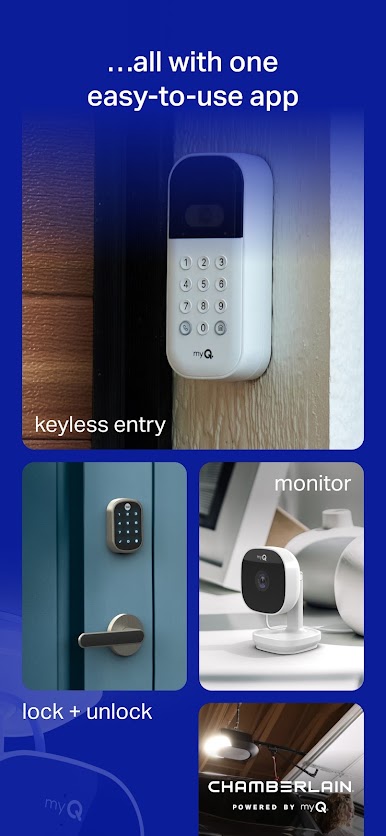
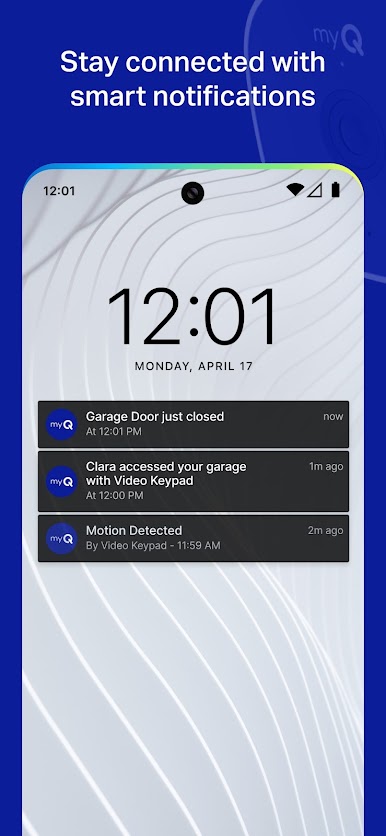
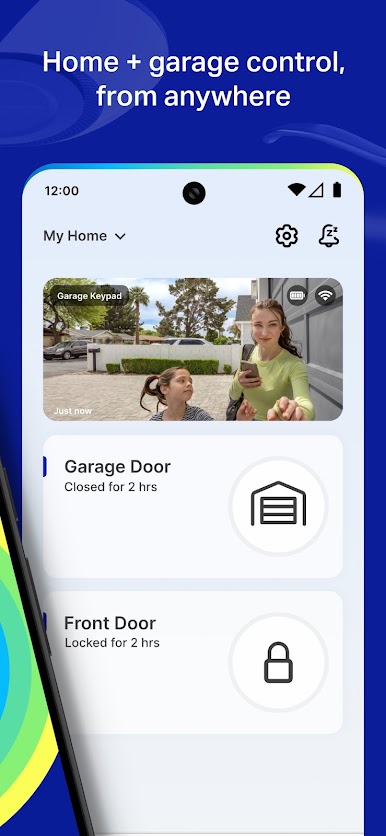
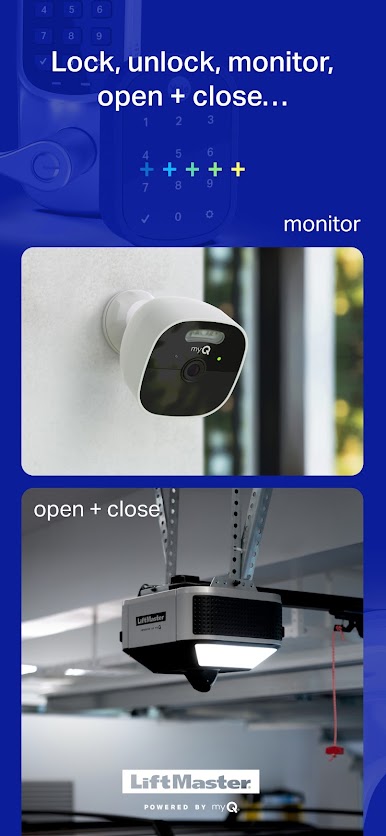
With the myQ Smart Garage Camera, you can keep an eye on your home’s busiest access point. myQ lets you know who’s coming and going, alerting you when someone is detected. With a video storage plan, myQ captures and stores the important motion events, saving the video clips so you can quickly filter, download, and share with your friends and family.
The myQ Smart Garage Video Keypad lets you know who’s entering your garage, so you can know your loved ones are home safe.
Additional myQ Features:
-Set up smart access alerts that notify you when there’s activity
-Set schedules to close your garage doors or gates
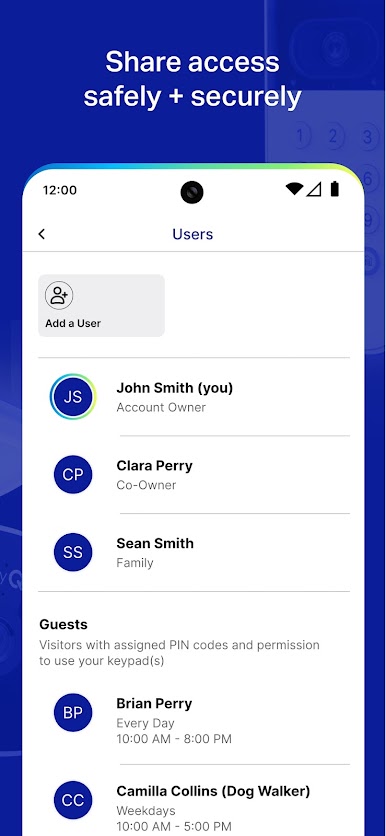
-Share access with family, friends or service providers
For myQ smartphone control, you need either:
-A compatible Wi-Fi garage door opener OR
-The myQ Smart Garage Control to retrofit older non-Wi-Fi garage door opener
Download the app today to check your compatibility.
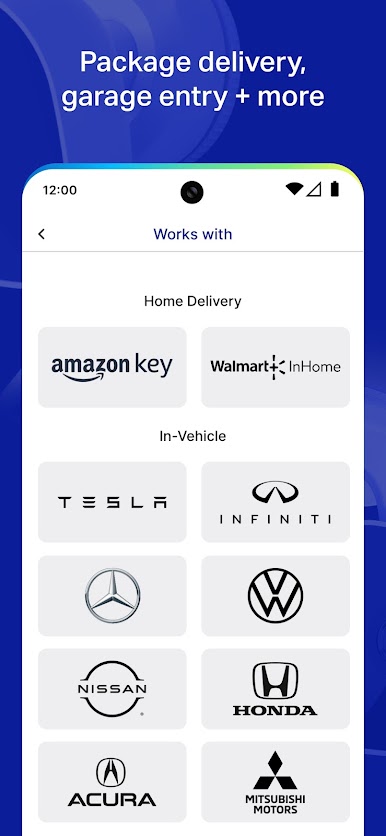
With myQ Connected Garage, you can use your vehicle’s infotainment system as a remote to open, close, and monitor your garage door, from anywhere, with no additional hardware. myQ Connected Garage is currently available in select Tesla, Honda, Acura, Volkswagen, Mercedes, and Mitsubishi vehicles.
Additional smart access products and services within the myQ ecosystem include:
-myQ Smart Garage Video Keypad
-myQ Smart Garage Camera
-Amazon Key In-Garage Delivery
-Walmart+ InHome Delivery
To turn your existing garage door opener into a smart opener, visit www.myQ.com for accessory options.
Play myQ Garage & Access Control on PC. It’s easy to get started.
-
Download and install BlueStacks on your PC
-
Complete Google sign-in to access the Play Store, or do it later
-
Look for myQ Garage & Access Control in the search bar at the top right corner
-
Click to install myQ Garage & Access Control from the search results
-
Complete Google sign-in (if you skipped step 2) to install myQ Garage & Access Control
-
Click the myQ Garage & Access Control icon on the home screen to start playing

