


Moko Live: Live Stream Friends
Play on PC with BlueStacks – the Android Gaming Platform, trusted by 500M+ gamers.

Page Modified on: Sep 15, 2026
Play Moko Live: Live Stream Friends on PC
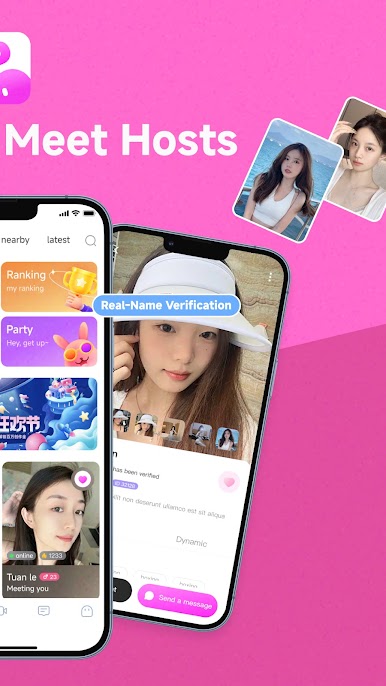
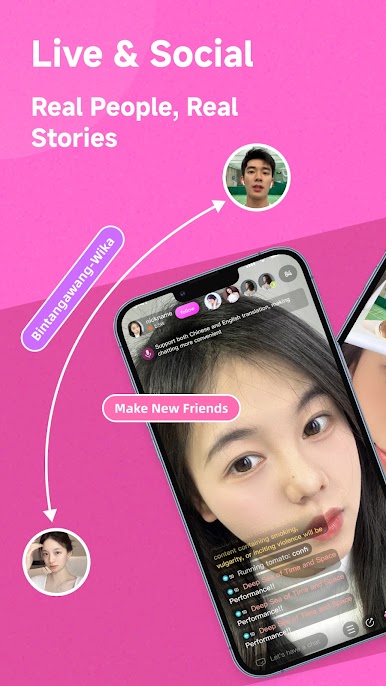
🎬 Real creators broadcasting live 24/7 from around the world
🎁 Interactive live rooms with hosts you love
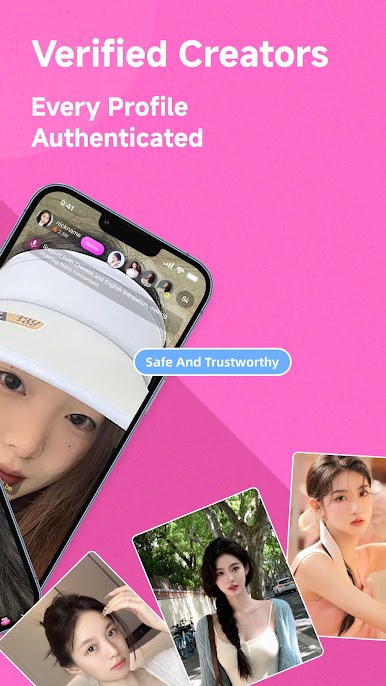
💎 Verified creator community, safe and secure
【Why Moko Live】
✨ Real Live Streaming
Open Moko Live and discover real creators from the Philippines, Vietnam, Indonesia, Malaysia, Singapore, Taiwan, Hong Kong, the Middle East, Latin America, Europe, and more. Watch, follow, leave your mark.
✨ Interactive Live Rooms
Enter a live room and chat with creators in real time. Send beautiful animated gifts to show your support. Join a creator's fan club for exclusive titles.
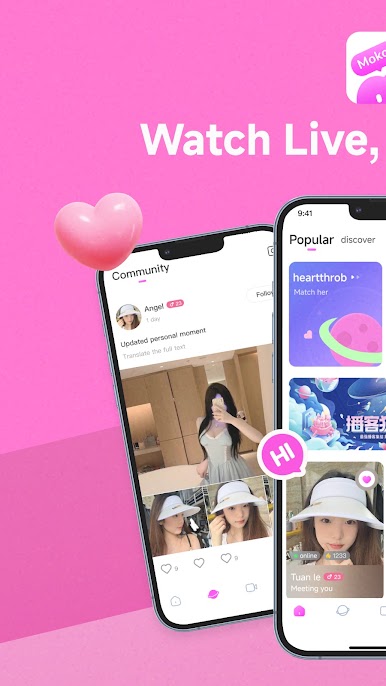
✨ Creator Community
• Live room interactions — real-time chat, emotes, gifts
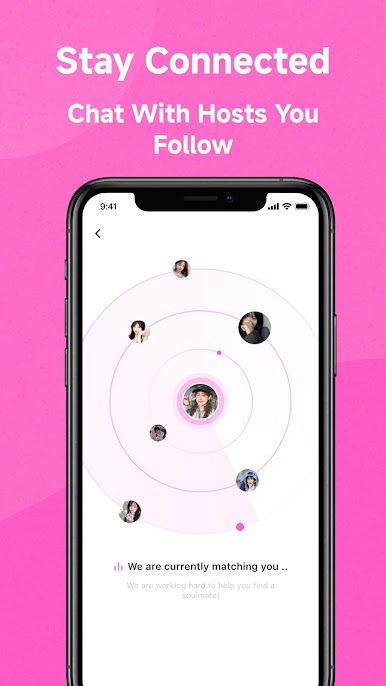
• Direct messaging — talk privately with creators you follow
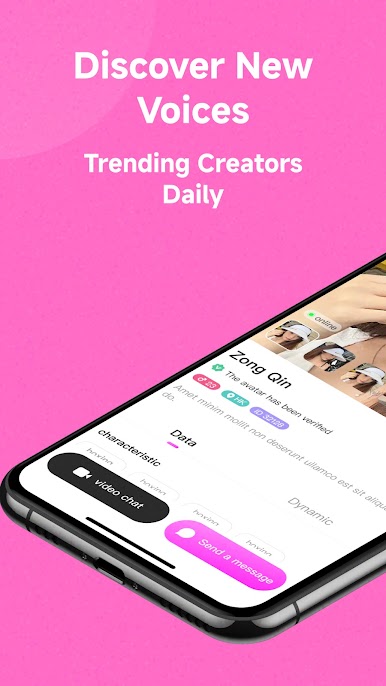
• Video call features — connect more closely with creators you support
• Guardian leaderboard — become a creator's top supporter
• Level system — earn growth points, unlock more privileges
✨ VIP Premium Experience
Become a VIP member for exclusive icons, entrance effects, dedicated support, and more.
✨ Safe & Private
• Strict creator identity verification
• 24/7 AI content moderation
• End-to-end encrypted privacy
• Live human support around the clock
• One-tap reporting
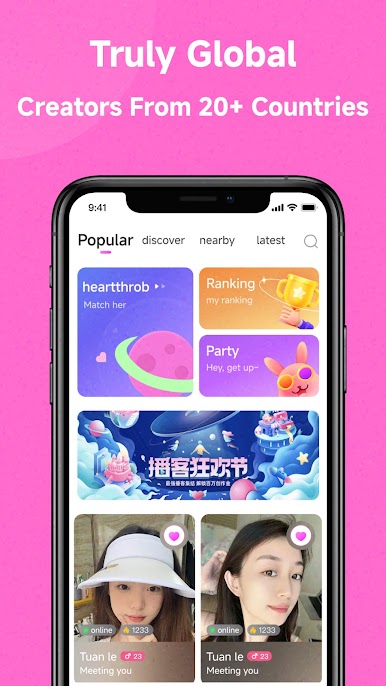
【Truly Global Community】
Real creators from 20+ countries broadcast every day. English, Mandarin, Tagalog, Vietnamese, Bahasa, Arabic, Hindi, and more. From Asia to the Middle East to the Americas, find creators you love.
【Perfect For】
• Anyone who enjoys watching live streams and discovering creators
• Busy professionals looking to relax and join a community
• Global users who love cross-cultural content
• Fans who want a closer connection with their favorite creators
Download Moko Live and join the global live streaming community!
—————————————————
Website: mokolive.com
Support: support@mokolive.com
Privacy: mokolive.com/privacy
Terms: mokolive.com/terms"
Play Moko Live: Live Stream Friends on PC. It’s easy to get started.
-
Download and install BlueStacks on your PC
-
Complete Google sign-in to access the Play Store, or do it later
-
Look for Moko Live: Live Stream Friends in the search bar at the top right corner
-
Click to install Moko Live: Live Stream Friends from the search results
-
Complete Google sign-in (if you skipped step 2) to install Moko Live: Live Stream Friends
-
Click the Moko Live: Live Stream Friends icon on the home screen to start playing

