


Univerbal: AI Language Tutor
Play on PC with BlueStacks – the Android Gaming Platform, trusted by 500M+ gamers.

Page Modified on: Mar 13, 2026
Run Univerbal AI Language Learning on PC or Mac
What’s better than using Univerbal AI Language Learning by Quazel? Well, try it on a big screen, on your PC or Mac, with BlueStacks to see the difference.
About the App
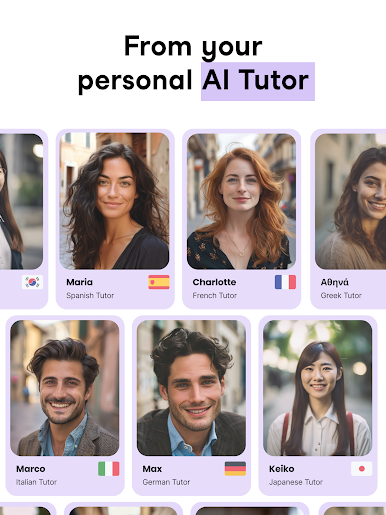
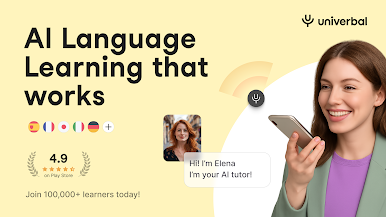
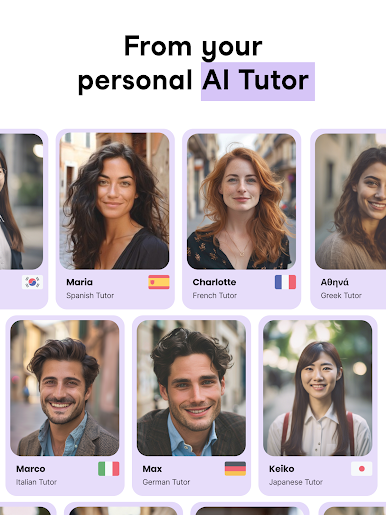
Univerbal AI Language Learning, created by Quazel, is basically your passport to real-life language skills. It’s built for those who want to actually hold a conversation—not just recite random sentences about apples and bears. If you’re looking for something more practical than your typical language games, this Education app puts you in the kinds of everyday scenarios you’ll actually face, whether you’re planning a trip, prepping for an exam, or just curious about a new language. With support for 20+ languages, learning starts to feel a lot more like living.
App Features
-
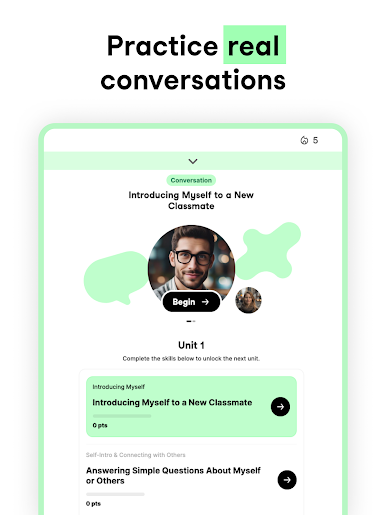
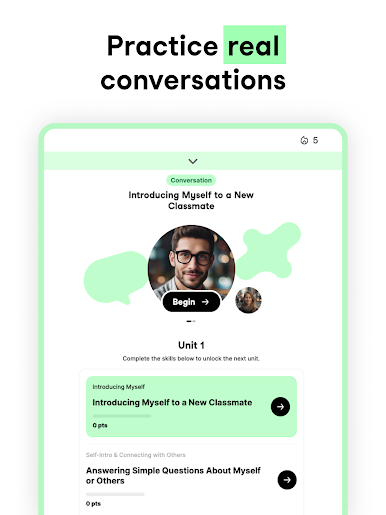
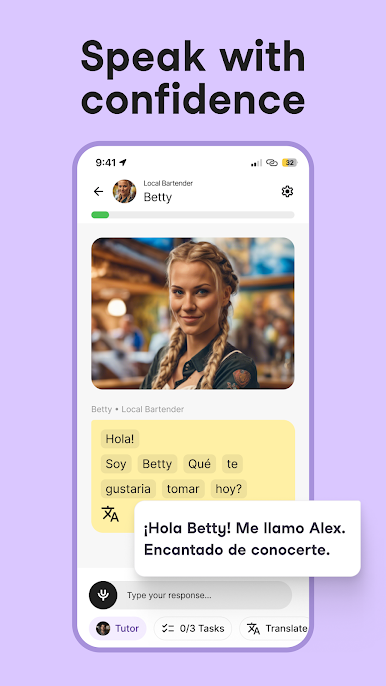
Real Conversations, Real Practice
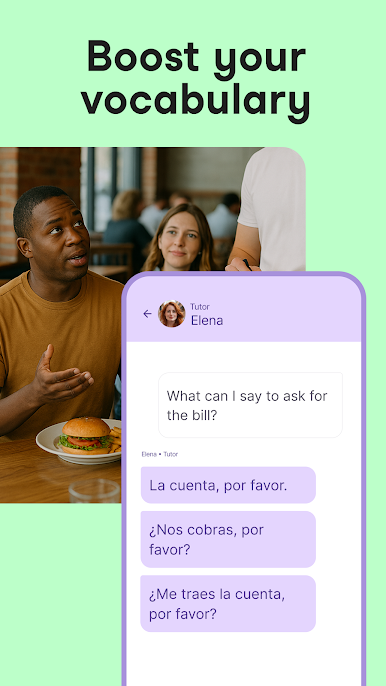
Tired of textbook phrases? Univerbal drops you straight into meaningful chats—think ordering coffee, meeting new friends, or handling a job interview. These aren’t imaginary situations; it’s the kind of talk you’ll really use. -
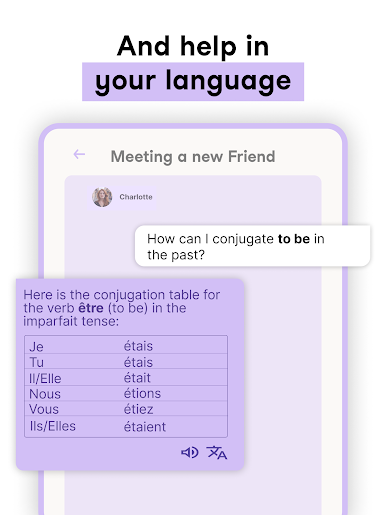
Instant AI Tutor Help
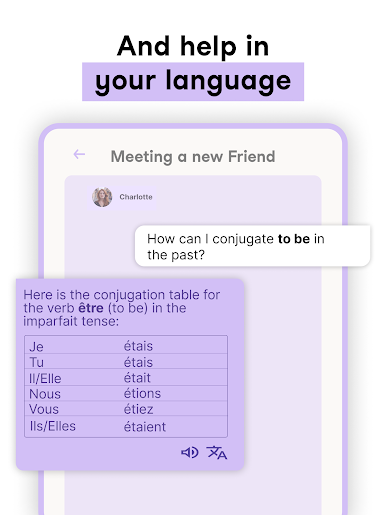
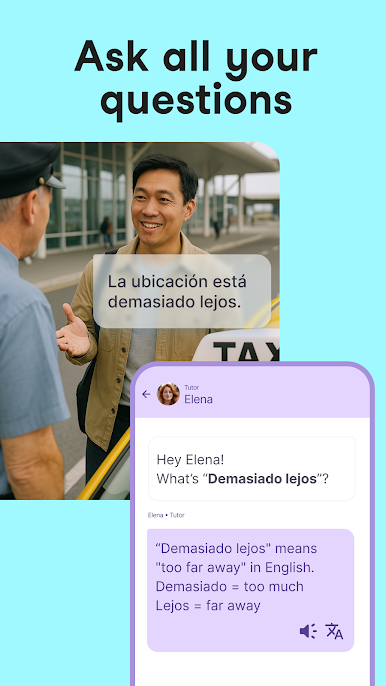
Stuck on a tricky grammar rule or don’t get a particular phrase? Your AI Language Tutor jumps right in with answers or explanations in your own language while the conversation keeps flowing. -
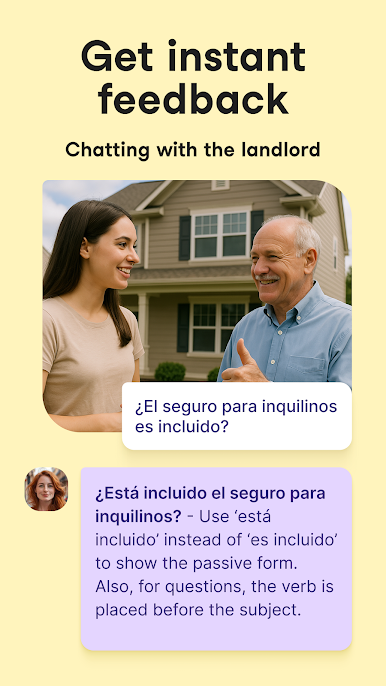
On-the-Spot Feedback
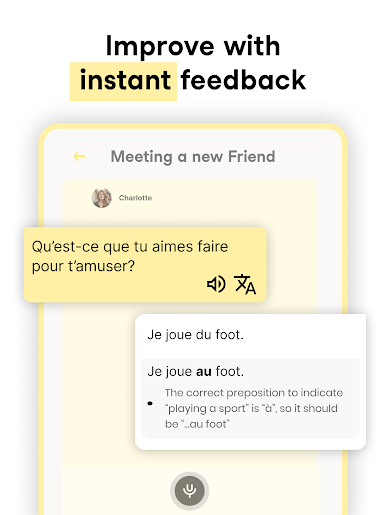
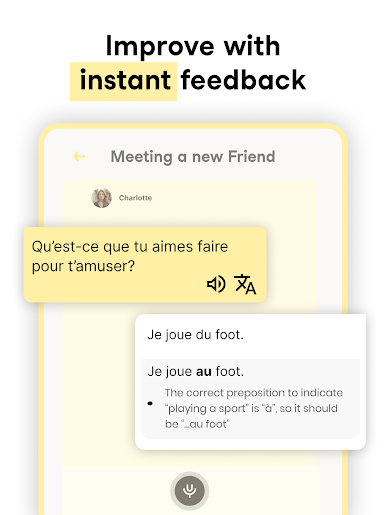
You don’t have to wait around to find out where you slipped up. Get immediate corrections on your speaking, see what needs work, and get a personal review after every chat—super helpful for tracking your progress. -
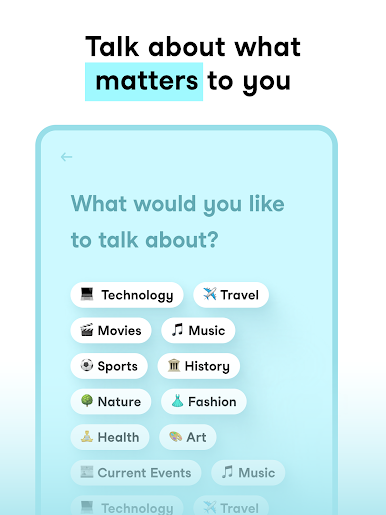
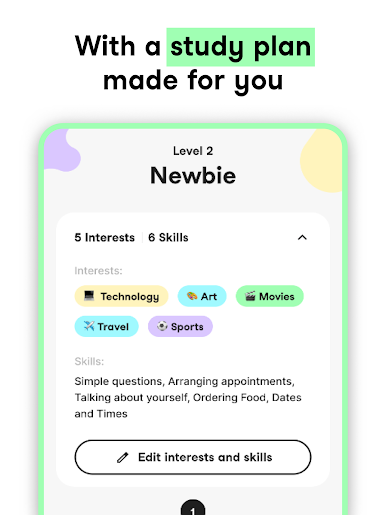
Personalized Conversations
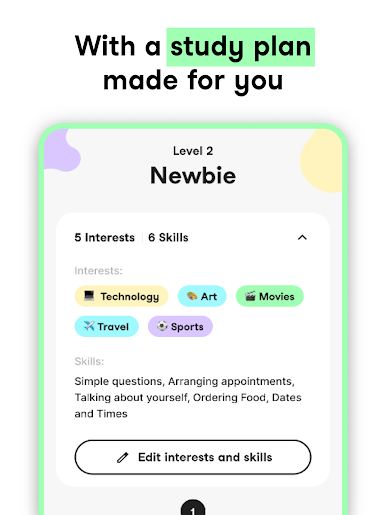
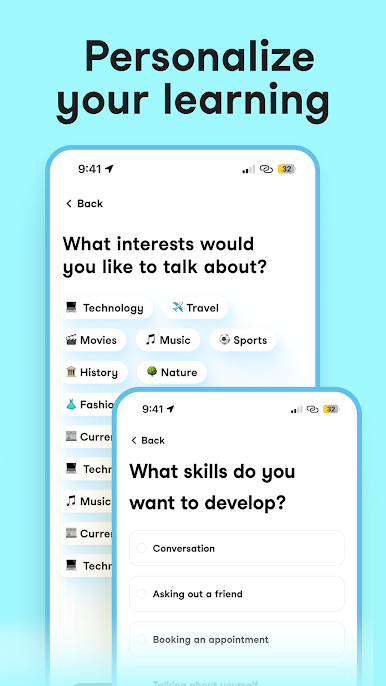
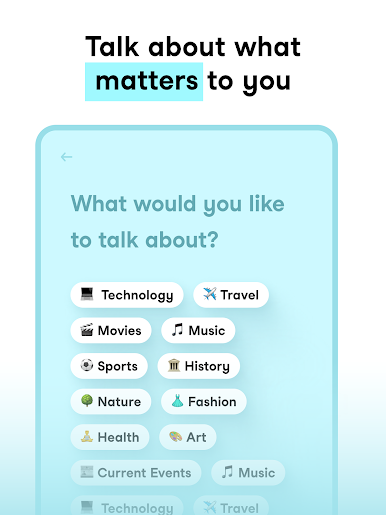
Bored of cookie-cutter lessons? Each chat can be tailored to your interests, your level, and wherever you are in your learning journey. No two practice sessions are exactly the same. -
Handy Learning Tools
Vocabulary sets, conversation tasks, helpful hints, and a built-in translator are all at your fingertips. Everything’s designed to get you using your new language, day by day. -
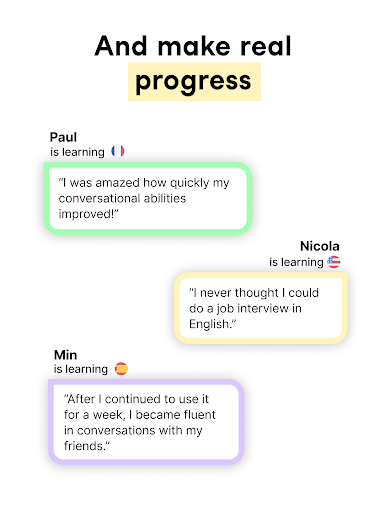
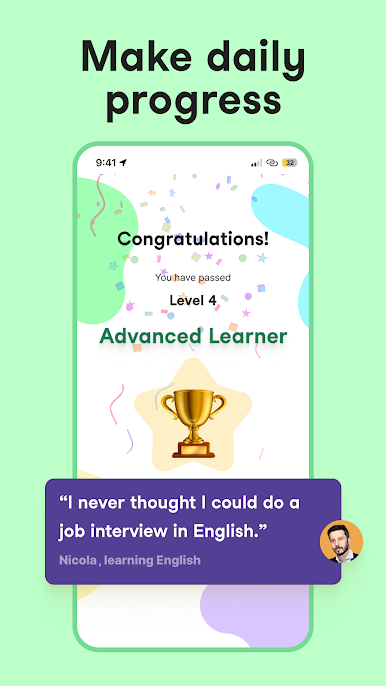
Track Your Progress
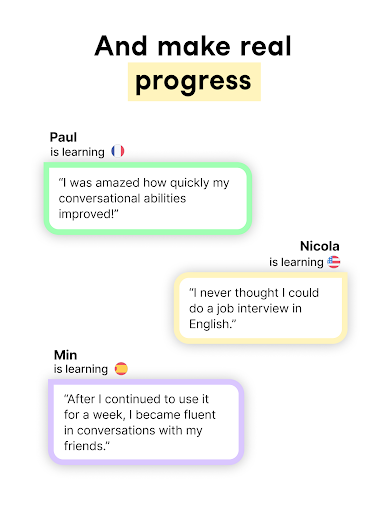
Want to see how far you’ve come? The app offers streaks and loads of stats so you can stay motivated. Watch your vocabulary and speaking skills grow over time.
And if you’re running Univerbal AI Language Learning on BlueStacks, you can take advantage of handy controls and a bigger screen while you practice.
Ready to experience Univerbal AI Language Learning on a bigger screen, in all its glory? Download BlueStacks now.

Play Univerbal: AI Language Tutor on PC. It’s easy to get started.
-
Download and install BlueStacks on your PC
-
Complete Google sign-in to access the Play Store, or do it later
-
Look for Univerbal: AI Language Tutor in the search bar at the top right corner
-
Click to install Univerbal: AI Language Tutor from the search results
-
Complete Google sign-in (if you skipped step 2) to install Univerbal: AI Language Tutor
-
Click the Univerbal: AI Language Tutor icon on the home screen to start playing

