


Gambit - Play and Learn Poker
Play on PC with BlueStacks – the Android Gaming Platform, trusted by 500M+ gamers.

Page Modified on: May 20, 2026
Play Gambit - Play and Learn Poker on PC or Mac
Gambit – Play and Learn Poker brings the Card genre to life, and throws up exciting challenges for gamers. Developed by Chess.com, this Android game is best experienced on BlueStacks, the World’s #1 app player for PC and Mac users.
About the Game
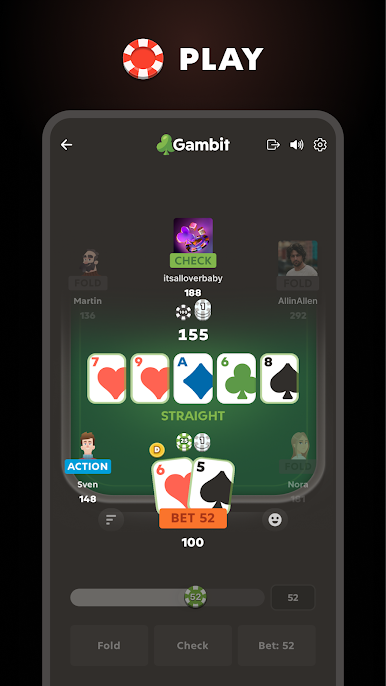
Gambit – Play and Learn Poker makes Texas Hold’em feel approachable, not intimidating. It teaches you as you play, breaking down decisions in plain language so you actually understand why a move works. Jump into quick hands, friendly tables with pals, or structured brackets—no real‑money pressure, just solid poker and smarter choices.
Game Features
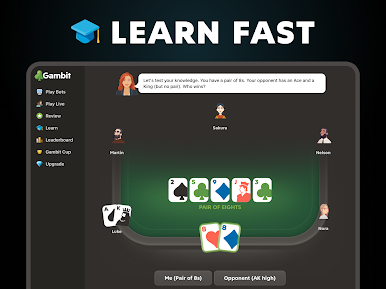
- Smart Coach: Get on-the-spot guidance that explains folds, calls, and raises as they happen, helping you learn the “why” behind each decision.
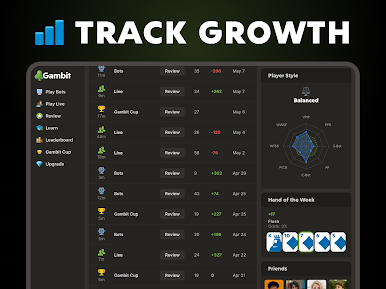
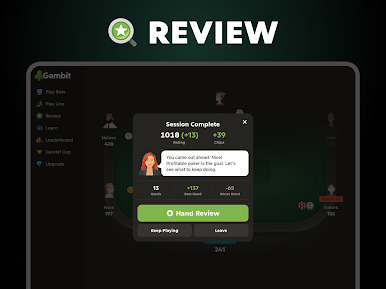
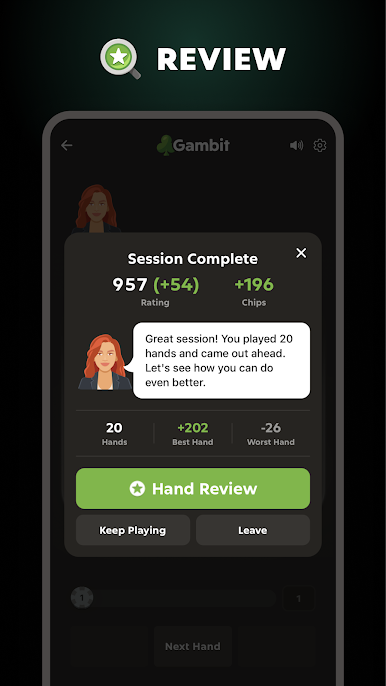
- Hand Review: Rewind your past hands to see what you missed, compare lines you could’ve taken, and spot patterns in your game.
- Play Online or Offline: Match up with real people in real time, or practice anywhere with no connection needed—perfect for trying new lines without the heat.
- Personality-Driven Bots: Test yourself against a lineup of AI opponents with distinct styles, from tight and cautious to splashy and unpredictable.
- Private Tables with Friends: Spin up a room, share a seat, and run your own “home game” feel—even if everyone’s in different places.
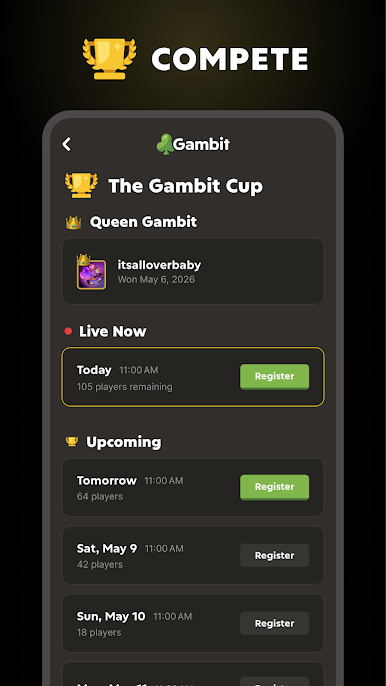
- The Gambit Cup: Take a shot at daily, fast-paced brackets designed to sharpen decision-making and keep your heart rate up at the final table.
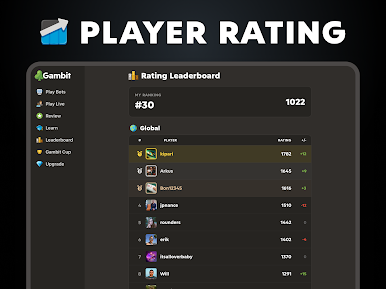
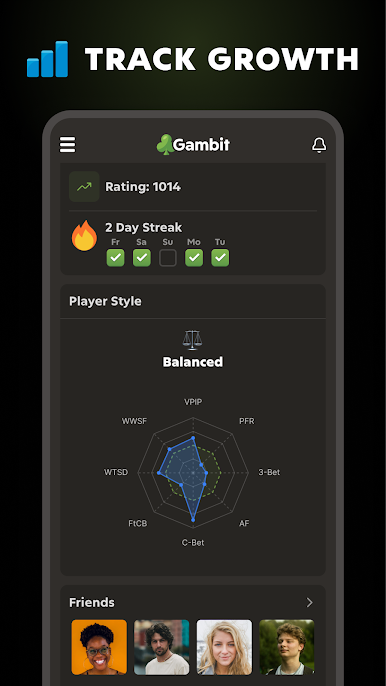
- Rating and Leaderboard: Track your progress as your rating rises, earn trophies, and see how you stack up on the global board.
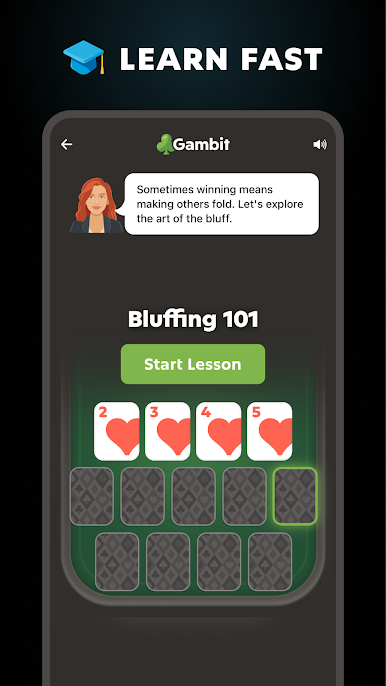
- Strategy Tools Built In: Learn concepts like ranges, pot odds, position, and bluff timing through practical, bite-sized coaching.
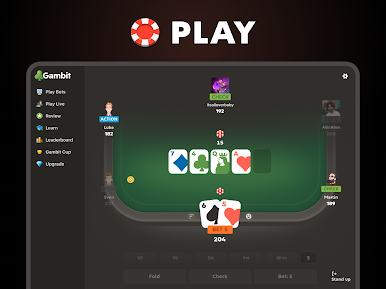
- Clean, Readable Table: Smooth animations, a classic deck look, and an intuitive layout keep the focus where it belongs—on the action.
- One Account, Many Screens: Play on phone, tablet, or in a browser with your same profile. It also feels great on PC with BlueStacks if you prefer a bigger view.
Start playing Gambit – Play and Learn Poker on BlueStacks and get a smoother, more comfortable PC or Mac setup.




Play Gambit - Play and Learn Poker on PC. It’s easy to get started.
-
Download and install BlueStacks on your PC
-
Complete Google sign-in to access the Play Store, or do it later
-
Look for Gambit - Play and Learn Poker in the search bar at the top right corner
-
Click to install Gambit - Play and Learn Poker from the search results
-
Complete Google sign-in (if you skipped step 2) to install Gambit - Play and Learn Poker
-
Click the Gambit - Play and Learn Poker icon on the home screen to start playing

