


Chicken Road
Play on PC with BlueStacks – the Android Gaming Platform, trusted by 500M+ gamers.

Page Modified on: Mar 25, 2026
Play Chicken Road on PC
The tunnel is filled with sharp spikes and tiny safe spots placed on both sides, so every move matters. A perfectly timed tap can keep your run going, while a single mistake can end it instantly. As the pace increases and obstacle patterns become more difficult, the gameplay feels even more intense and rewarding.
Chicken Road is a fast-paced arcade game built around timing, focus, and reaction speed. Change gravity, avoid deadly hazards, and lead the chicken through a chaotic tunnel where only sharp reflexes will keep you alive.

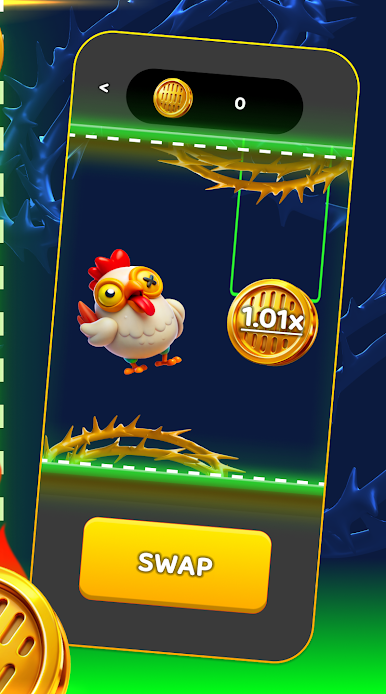

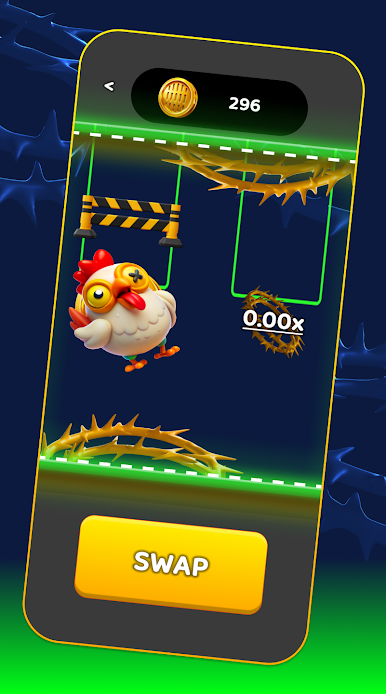


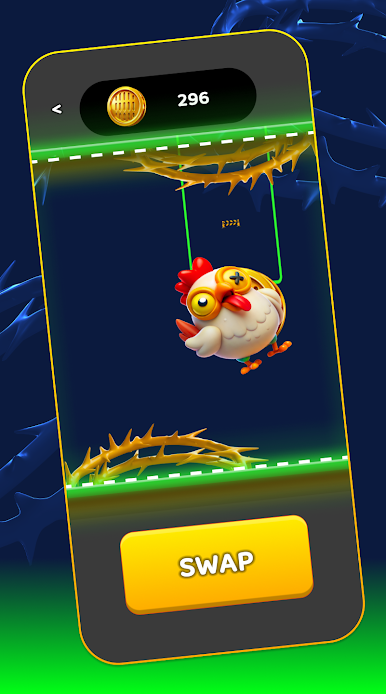
Play Chicken Road on PC. It’s easy to get started.
-
Download and install BlueStacks on your PC
-
Complete Google sign-in to access the Play Store, or do it later
-
Look for Chicken Road in the search bar at the top right corner
-
Click to install Chicken Road from the search results
-
Complete Google sign-in (if you skipped step 2) to install Chicken Road
-
Click the Chicken Road icon on the home screen to start playing

