


Children's Health
Play on PC with BlueStacks – the Android Gaming Platform, trusted by 500M+ gamers.

Page Modified on: Nov 21, 2025
Play Children's Health on PC
Key features:
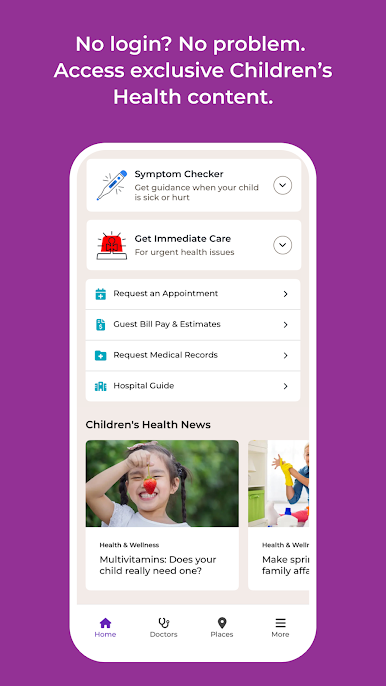
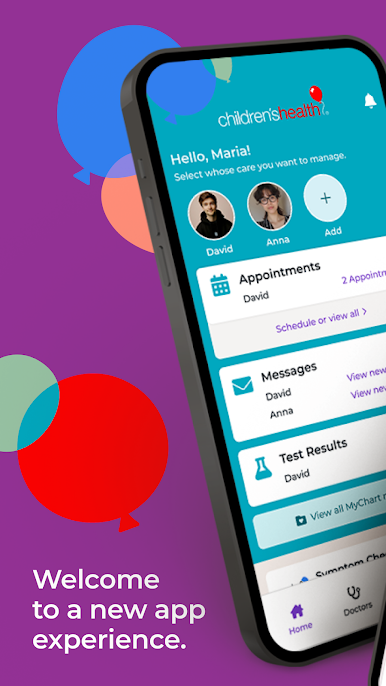
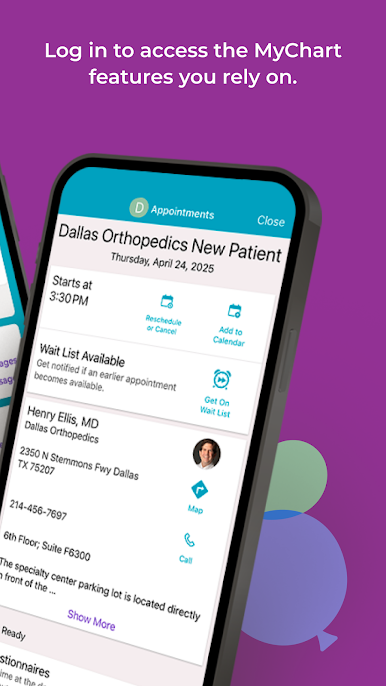
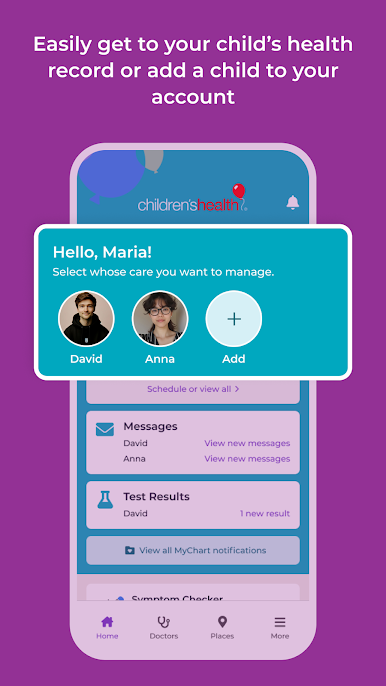
- Manage your child’s appointments
- Communicate securely with your child’s care team
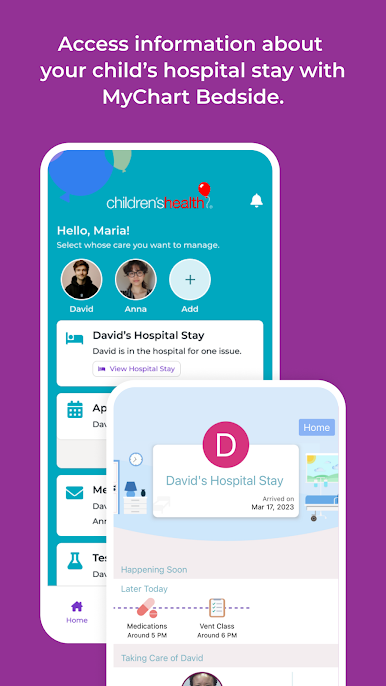
- Easily access lab results, immunization history and doctor visit notes
- Request prescription refills
- Pay your bill
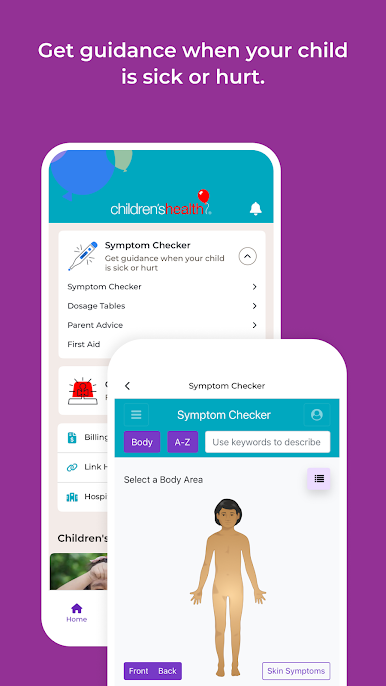
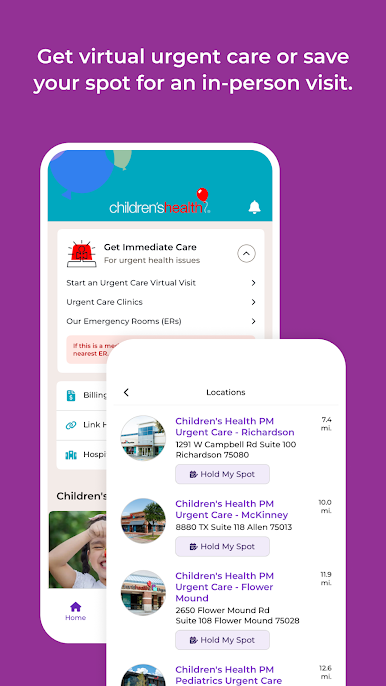
- Find a doctor or access virtual care
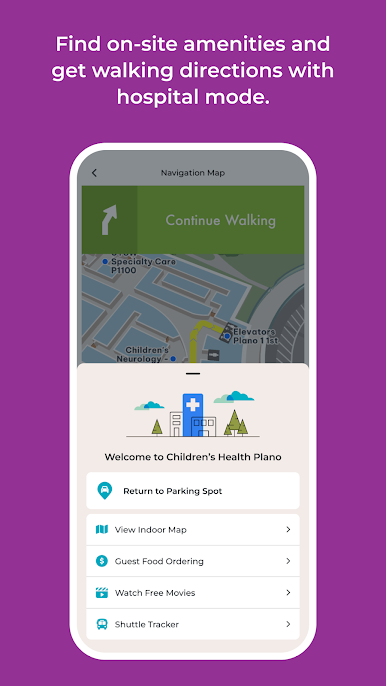
- Easily locate amenities, both in and around the hospital
- Navigate door-to-door from your home right to your doctor’s office
What's New in This Version:
• MyChart Help – Get answers to common questions about the Children’s Health MyChart experience from the More menu
• Accessibility improvements including larger text compatibility
• Minor enhancements and bug fixes
Play Children's Health on PC. It’s easy to get started.
-
Download and install BlueStacks on your PC
-
Complete Google sign-in to access the Play Store, or do it later
-
Look for Children's Health in the search bar at the top right corner
-
Click to install Children's Health from the search results
-
Complete Google sign-in (if you skipped step 2) to install Children's Health
-
Click the Children's Health icon on the home screen to start playing

