


Brick Breaker: Win Real Cash
Play on PC with BlueStacks – the Android Gaming Platform, trusted by 500M+ gamers.

Page Modified on: Nov 6, 2026
Overview
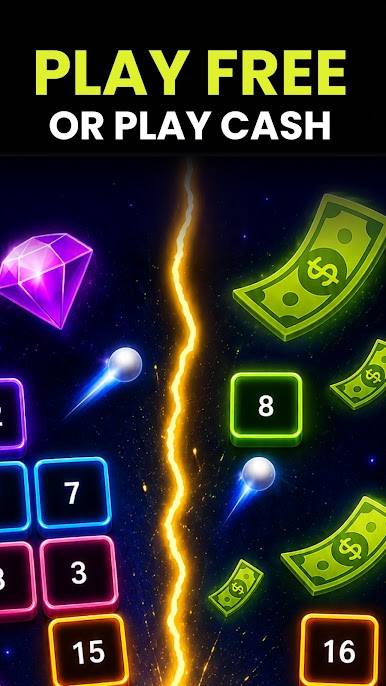
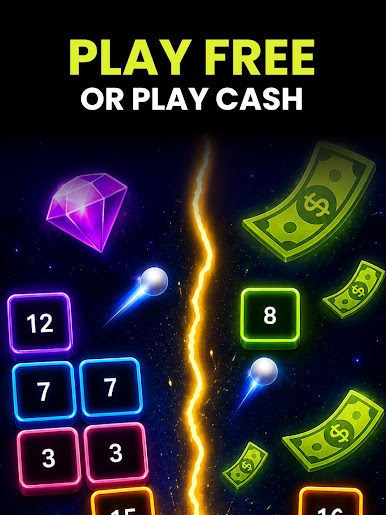
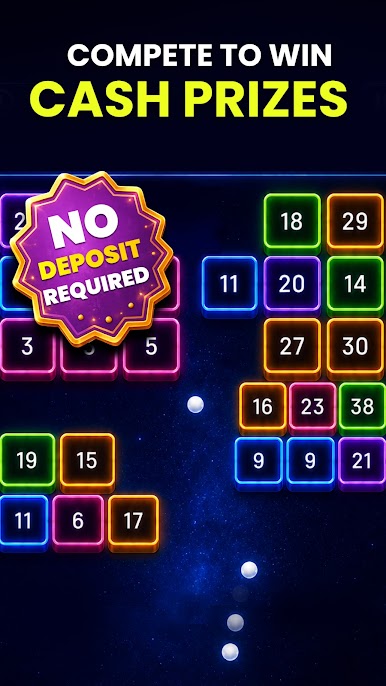
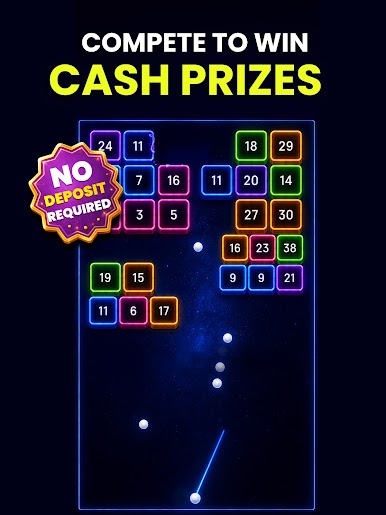
Brick Breaker is a fast-paced arcade game where every shot matters. Clear numbered bricks, grab power-ups, and make strategic moves before time runs out. Put your skills to the test in daily real cash tournaments and compete against other players for cash prizes.
🧱 PLAY BRICK BREAKER
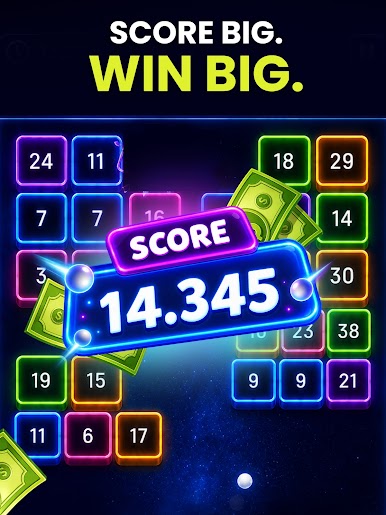
Aim, shoot, and clear numbered bricks before the clock hits zero. Grab power-ups along the way, find the best angles, and keep the board under control as you chase a higher score.
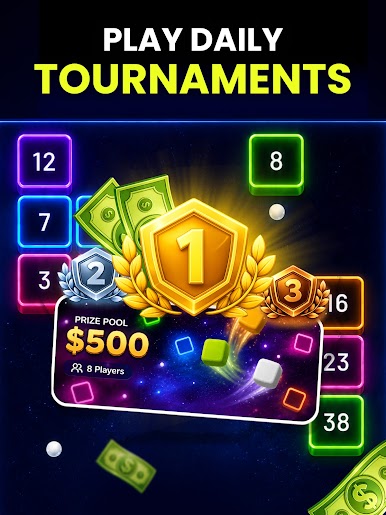
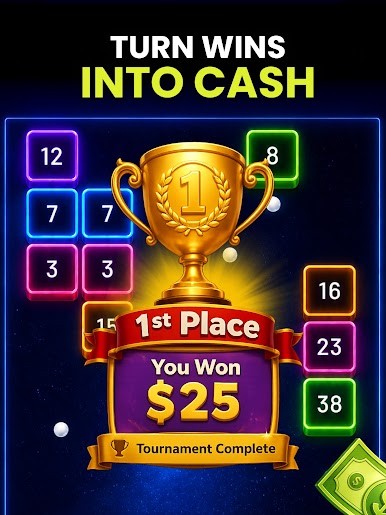
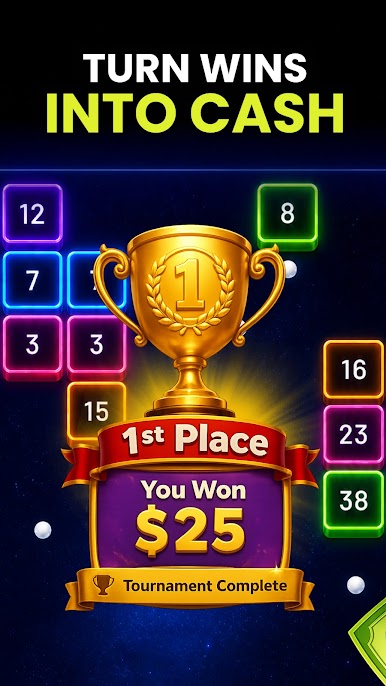
🏆 DAILY CASH TOURNAMENTS
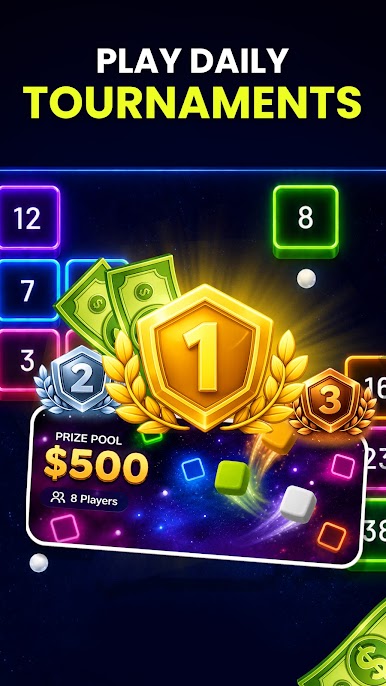
Think you've got what it takes to beat the competition? Join daily real cash tournaments, put your brick breaking skills head-to-head against other players, and climb the leaderboard for a chance to win.
🧠 PUT YOUR STRATEGY TO THE TEST
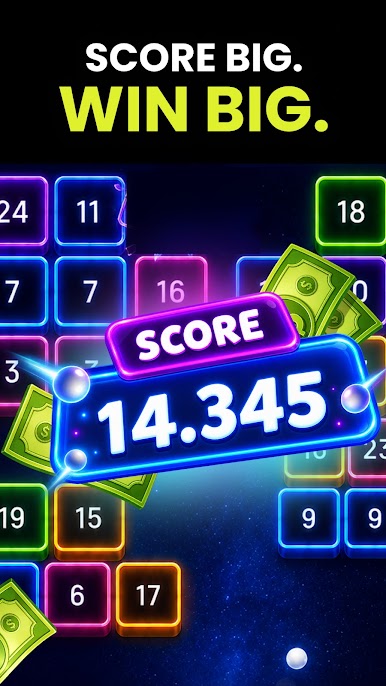
Brick Breaker is easy to pick up, but mastering the board takes skill. Choose your shots carefully, plan your moves, and use power-ups at the right moment to get the most points out of every game.
Ready to break the board and take the top spot?
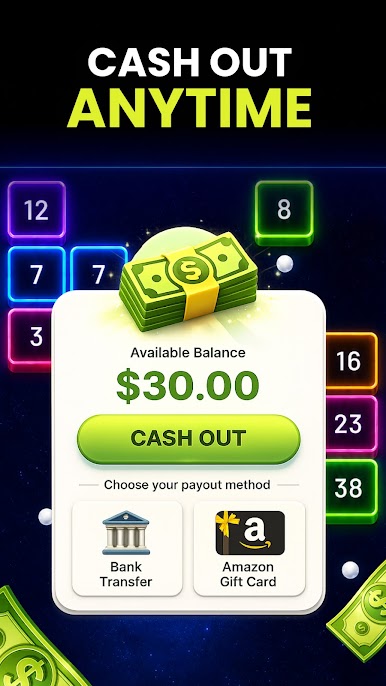
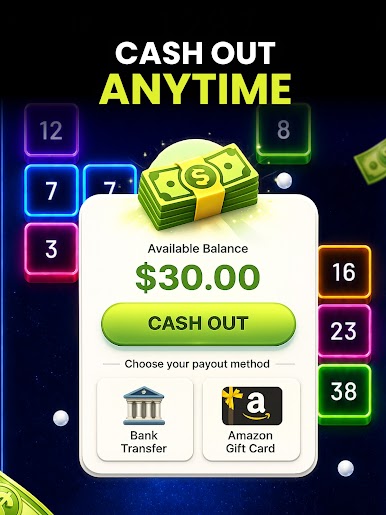
📥 Download Brick Breaker. Play daily. Compete for real cash. Cash out anytime.
🌐For more info, visit our website: https://chillgames.app
🔒Read our Privacy Policy: https://chillgames.app/privacy
📱Follow us on Instagram & TikTok
Play Brick Breaker: Win Real Cash on PC. It’s easy to get started.
-
Download and install BlueStacks on your PC
-
Complete Google sign-in to access the Play Store, or do it later
-
Look for Brick Breaker: Win Real Cash in the search bar at the top right corner
-
Click to install Brick Breaker: Win Real Cash from the search results
-
Complete Google sign-in (if you skipped step 2) to install Brick Breaker: Win Real Cash
-
Click the Brick Breaker: Win Real Cash icon on the home screen to start playing

