


Guild of Monster Girls
Play on PC with BlueStacks – the Android Gaming Platform, trusted by 500M+ gamers.

Page Modified on: Mar 25, 2026
Main Guild of Monster Girls on PC
YOUR WORLD, YOUR GIRLS
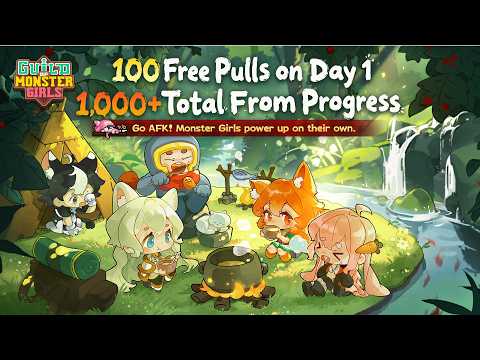
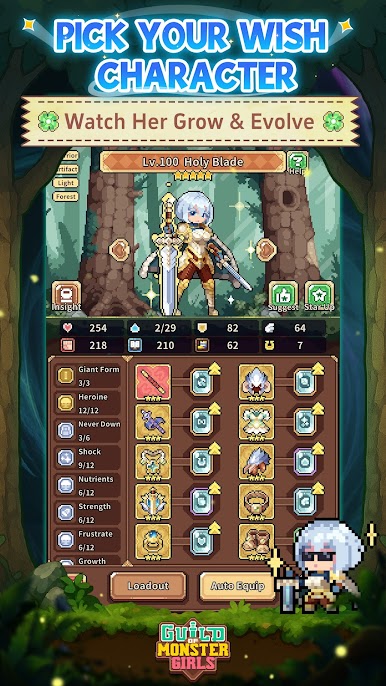
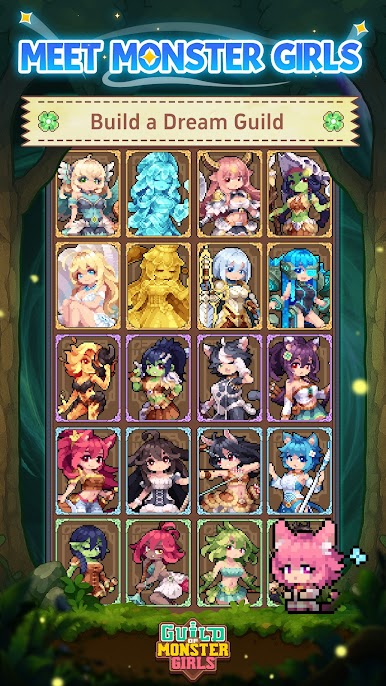
Your first 10-pull guarantees the fan-favorite Legendary "Holy Blade." From there, over 100 monster girls await: bubbly slimes, beast-ears, elven maidens, mischievous mimics, and plenty more. Every girl has her own personality, skills, and combat style.
ADVENTURE ON YOUR TERMS
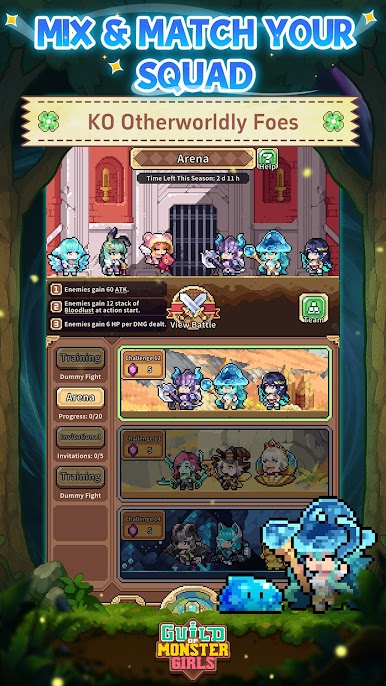
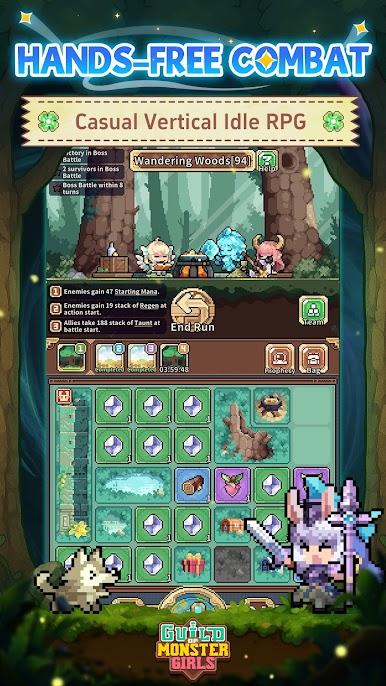
The game is designed for portrait play, featuring an auto-battle system that keeps your squad moving while you do other things. You can play one-handed on your commute, check in on your loot over lunch, or just let your girls grind through the night.
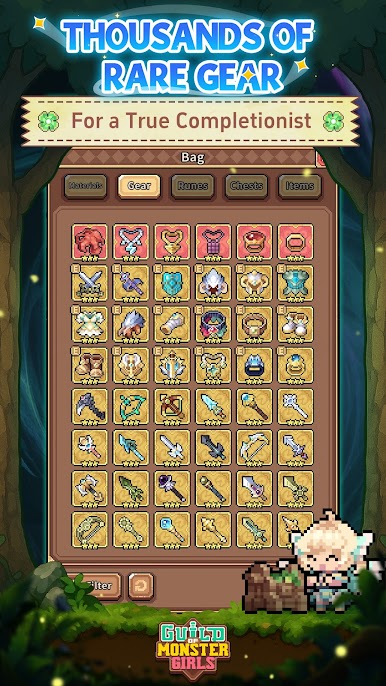
1,000+ UNIQUE GEAR PIECES
Over 1,000 one-of-a-kind gear pieces are hidden across the continent. Mix and match equipment to unlock powerful combos, build specialized setups for each girl, or just hit auto-equip if you'd rather keep things simple.
A BRIGHT JOURNEY AWAITS
The game blends collecting, management and combat with lighthearted strategy and cozy progression. Put your squad together, explore uncharted lands, and see everything this pixel fantasy world has to offer. Your guild is up and running, and the adventure is just getting started.
Follow us:
http://www.chillyroom.com
Email: info@chillyroom.games
YouTube: @ChillyRoom
Instagram: @chillyroominc
X: @ChillyRoom
Discord: https://discord.gg/euUJPpEdPb
Play Guild of Monster Girls on PC. It’s easy to get started.
-
Download and install BlueStacks on your PC
-
Complete Google sign-in to access the Play Store, or do it later
-
Look for Guild of Monster Girls in the search bar at the top right corner
-
Click to install Guild of Monster Girls from the search results
-
Complete Google sign-in (if you skipped step 2) to install Guild of Monster Girls
-
Click the Guild of Monster Girls icon on the home screen to start playing

