


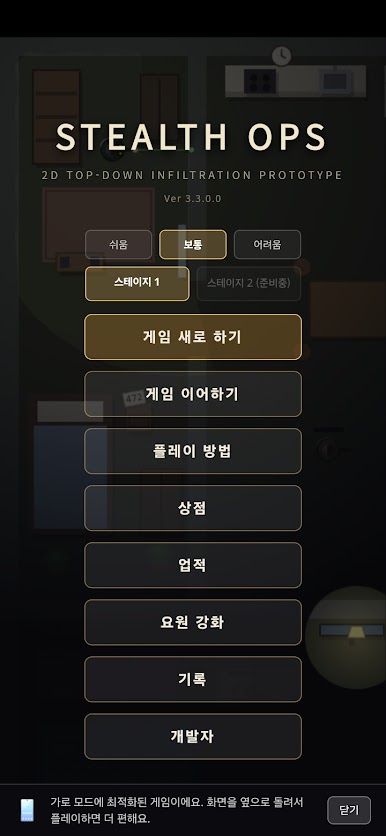
Stealth Ops
Play on PC with BlueStacks – the Android Gaming Platform, trusted by 500M+ gamers.

Page Modified on: Aug 30, 2026
Play Stealth Ops on PC
In the dark, silently, perfectly.
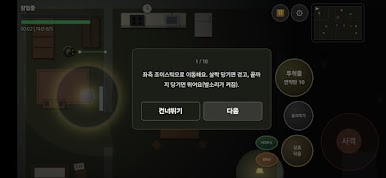
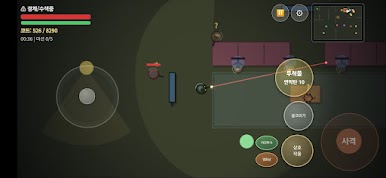
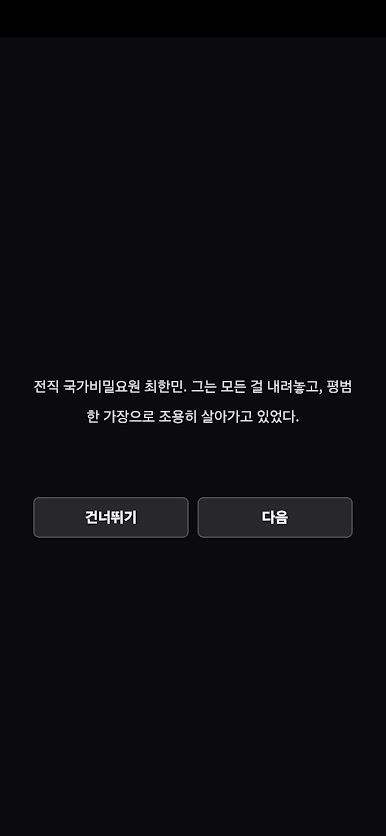
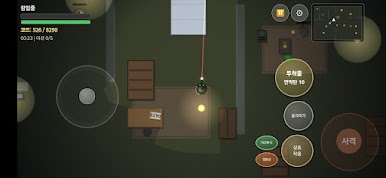
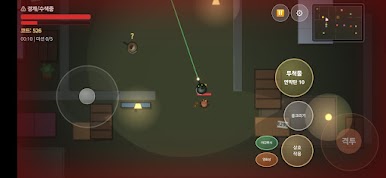
You are a special forces operative. Infiltrate enemy territory alone, illuminating your path with a single flashlight as you advance toward your objective. If detected, an alarm sounds and all enemies begin chasing you — it is not game over; survive and go into stealth again.
■ Flashlight-based Vision System
Wide and bright in front, narrow and dark behind. Read enemy patrol patterns and maneuver within a field of vision that darkens with distance.
■ Various Stealth Kills
A quick knife for frontal ambushes, a silent choke for rear approaches. Be sure to hide the bodies — an alarm will sound immediately if another guard discovers them.
** ■ Special Equipment
- Decoy: Target a desired location with the sound of a coin
- Smoke Grenade / Stun Grenade: Block vision or neutralize enemies
- Night Vision / Thermal Goggles: Gain overwhelming information superiority for a limited time
■ Mission-based Infiltration
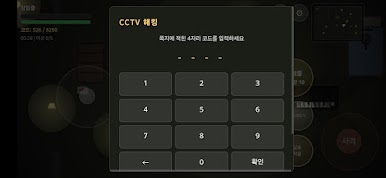
From connecting wires and card key terminals to hacking CCTVs — you must find note hints hidden throughout the house to unlock codes.
■ Real-time AI Security System
Rookie and veteran security guards possess different detection capabilities, and they begin to suspect each other if a partner disappears.
Silence is survival. Start your infiltration now!!
Play Stealth Ops on PC. It’s easy to get started.
-
Download and install BlueStacks on your PC
-
Complete Google sign-in to access the Play Store, or do it later
-
Look for Stealth Ops in the search bar at the top right corner
-
Click to install Stealth Ops from the search results
-
Complete Google sign-in (if you skipped step 2) to install Stealth Ops
-
Click the Stealth Ops icon on the home screen to start playing

