


parkrunner: weekly 5k results
Play on PC with BlueStacks – the Android Gaming Platform, trusted by 500M+ gamers.

Page Modified on: Oct 6, 2025
Play parkrunner: weekly 5k results on PC
Key Features:
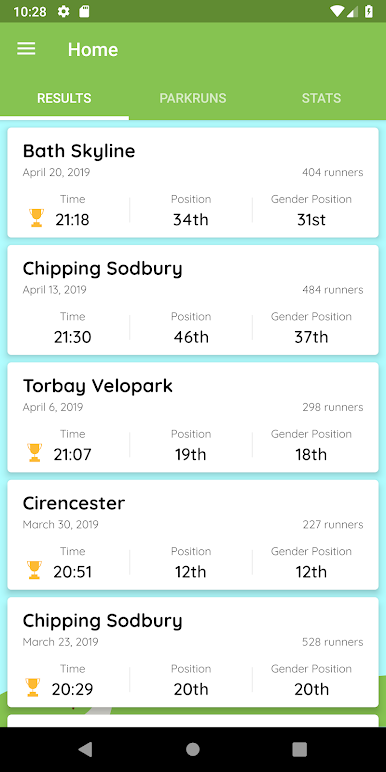
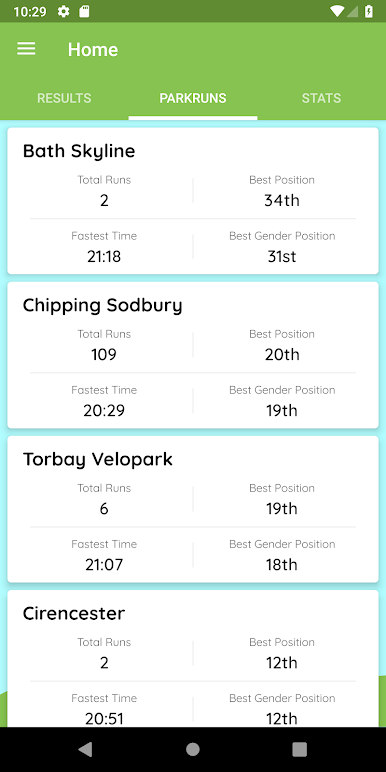
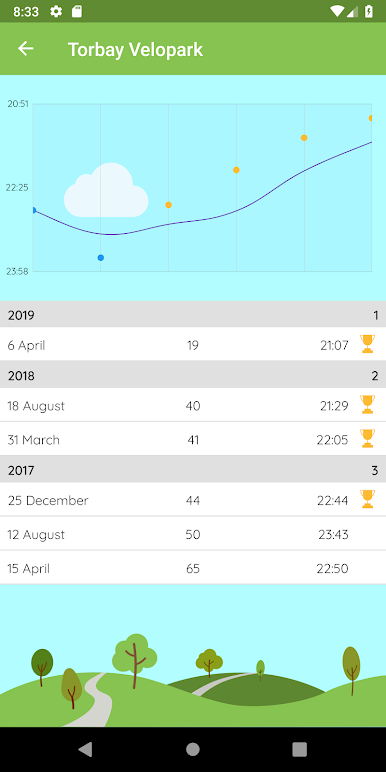
Track your results - keep a history of all your weekly 5k runs.
See your progress - analyse performance trends over time.
Follow friends & family - view their results alongside your own.
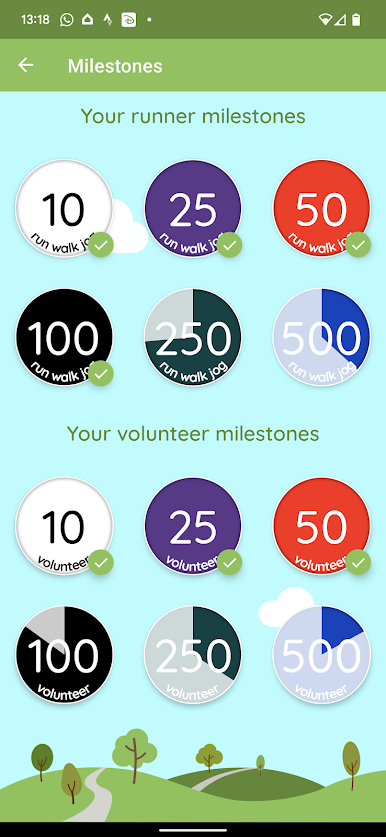
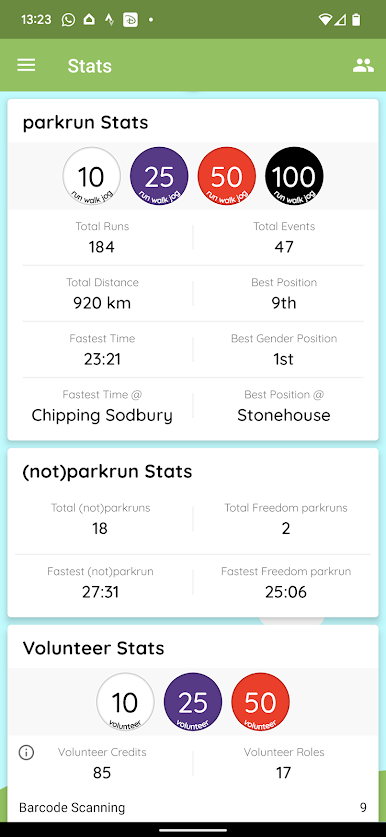
Celebrate milestones - track your run, walk, jog, and volunteer activities.
Unlock achievements - take on fun challenges like the Alphabet or Stopwatch Bingo.
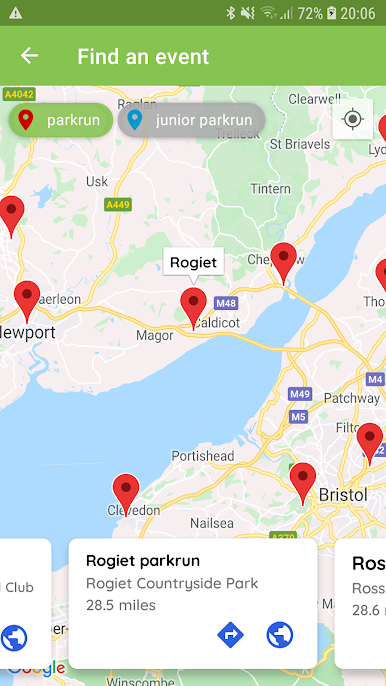
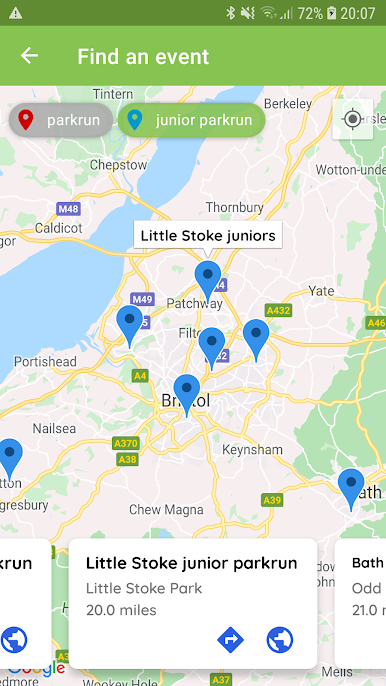
Discover events - find your nearest parkrun with the interactive event map.
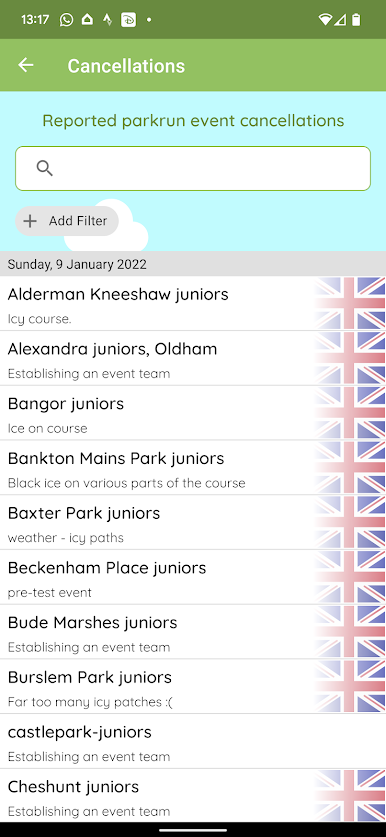
Stay updated - check the latest event cancellations before you set off.
About:
parkrunner is a personal passion project, built in my spare time.
It is not associated with or endorsed by parkrun - just a tool created by a fellow parkrunner to make tracking your results a little easier.
Permissions:
Camera - optional, for scanning barcodes to sign in or follow other parkrunners.
Location - optional, for showing your position on the event map.
Play parkrunner: weekly 5k results on PC. It’s easy to get started.
-
Download and install BlueStacks on your PC
-
Complete Google sign-in to access the Play Store, or do it later
-
Look for parkrunner: weekly 5k results in the search bar at the top right corner
-
Click to install parkrunner: weekly 5k results from the search results
-
Complete Google sign-in (if you skipped step 2) to install parkrunner: weekly 5k results
-
Click the parkrunner: weekly 5k results icon on the home screen to start playing

