

Last Isle: Survival
Play on PC with BlueStacks – the Android Gaming Platform, trusted by 500M+ gamers.

Page Modified on: Sep 16, 2026
Main Last Isle: Survival on PC
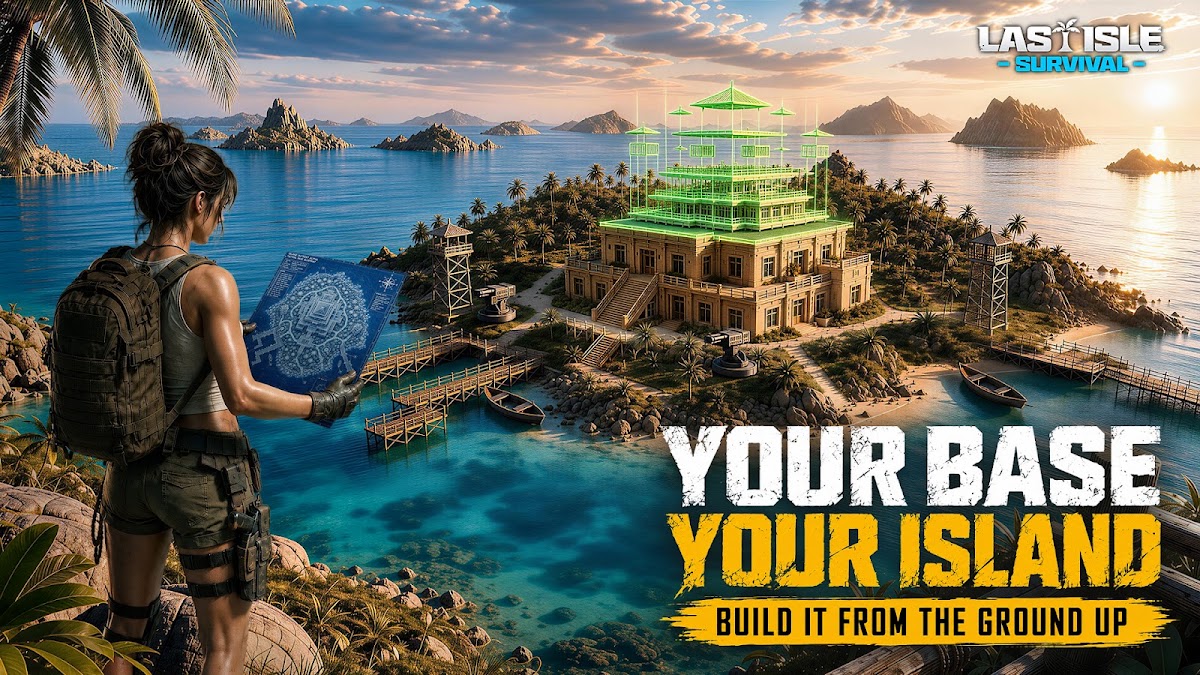
[Build & Defend Your Base]
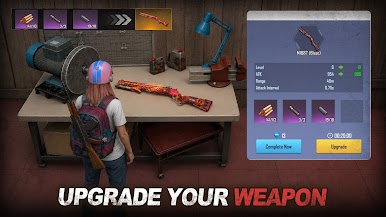
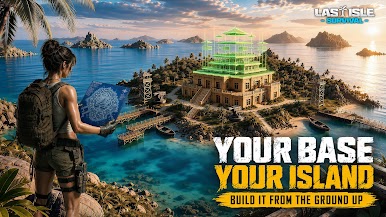
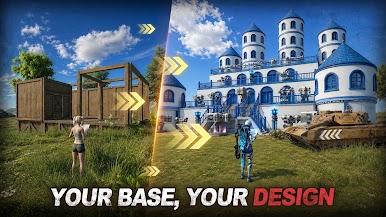
Gather resources, construct buildings, grow crops, and tame pets. Set up turrets, traps, and mines to defend against enemy raids and build your own ocean fortress.
[FPS Combat & Raid Gameplay]
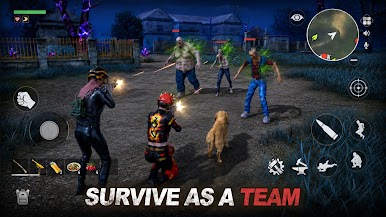
Switch freely between first- and third-person shooting. Fight monsters and players, raid enemy islands, destroy structures, and seize resources.
[Loot & Extraction]
Explore dangerous zones to collect loot. Successfully extract to keep everything—fail, and lose it all.
[Multiplayer PvP & Guild Wars]
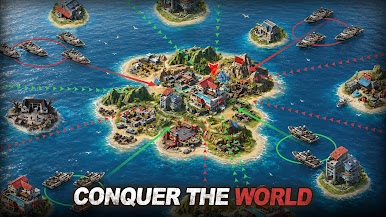
Join PvP battles, guild wars, and fight for island control with your team.
[Social & Alliances]
Add friends, form alliances, and interact in player bases.
[Player-Driven Economy]
Trade items freely and turn loot into profit.
Start from a lonely island and expand your power. Only the strong can rebuild order.

Play Last Isle: Survival on PC. It’s easy to get started.
-
Download and install BlueStacks on your PC
-
Complete Google sign-in to access the Play Store, or do it later
-
Look for Last Isle: Survival in the search bar at the top right corner
-
Click to install Last Isle: Survival from the search results
-
Complete Google sign-in (if you skipped step 2) to install Last Isle: Survival
-
Click the Last Isle: Survival icon on the home screen to start playing

