


Cinnabon
Play on PC with BlueStacks – the Android Gaming Platform, trusted by 500M+ gamers.

Page Modified on: Sep 24, 2025
Play Cinnabon on PC
Sweet Rewards
---------------------
Enjoy a 4-ct BonBites with purchase just for signing up!*
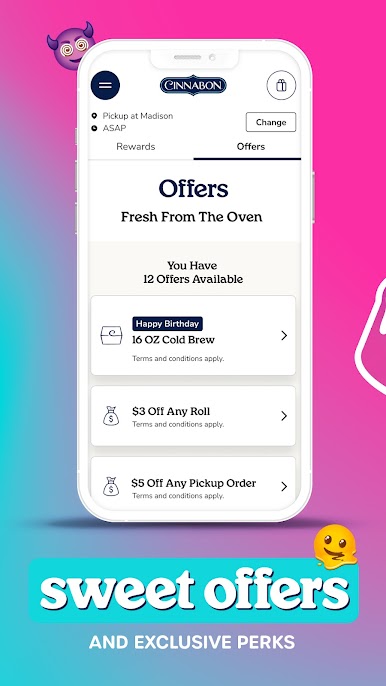
Get a 16 oz Cold Brew on your birthday
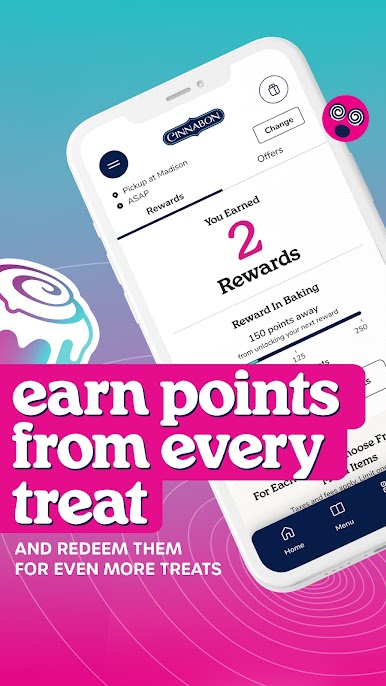
Earn 10 points for every dollar spent
Receive a Classic Roll, MiniBon or 4-ct BonBites every 250 points
Bonus offers and fun surprises
Great Features
--------------------
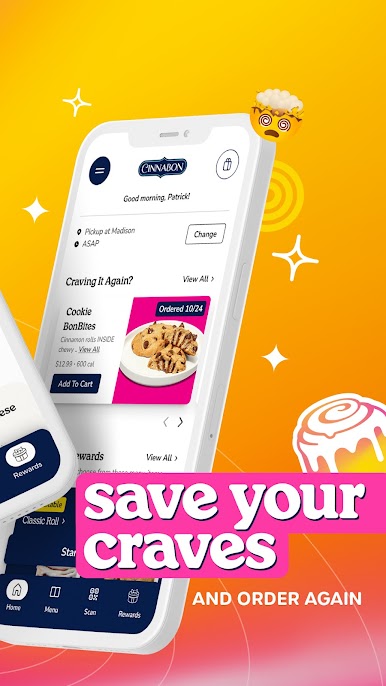
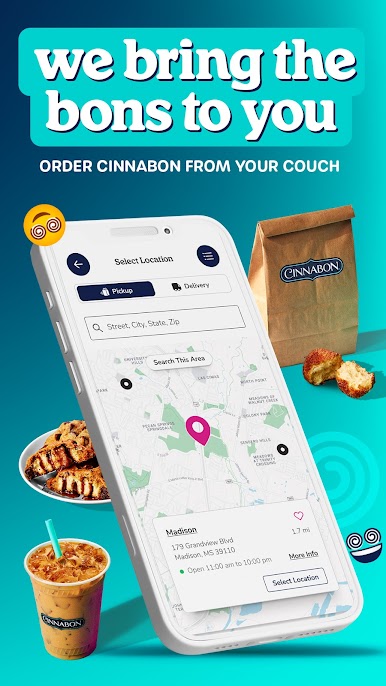
Contactless mobile ordering for delivery or pickup
Exclusive rewards & offers
Convenient bakery locator
Points tracker
Rewards and online ordering only available at participating U.S. locations.
*New Cinnabon Rewards Members get a 4-ct of Original BonBites on us (excl. taxes and fees) with any purchase. Expires 14 days from issue date. Not valid with other offers or rewards. Service fee applies to online and in app orders. See full details at https://www.cinnabon.com/rewards.
CA Privacy Notice: https://www.cinnabon.com/privacy#ca
Do Not Sell My Info: https://www.cinnabon.com/privacy#ca
Play Cinnabon on PC. It’s easy to get started.
-
Download and install BlueStacks on your PC
-
Complete Google sign-in to access the Play Store, or do it later
-
Look for Cinnabon in the search bar at the top right corner
-
Click to install Cinnabon from the search results
-
Complete Google sign-in (if you skipped step 2) to install Cinnabon
-
Click the Cinnabon icon on the home screen to start playing

