


Loklok: Movies & Drama
Play on PC with BlueStacks – the Android Gaming Platform, trusted by 500M+ gamers.

Page Modified on: Aug 21, 2025
Overview
🎬 Features:
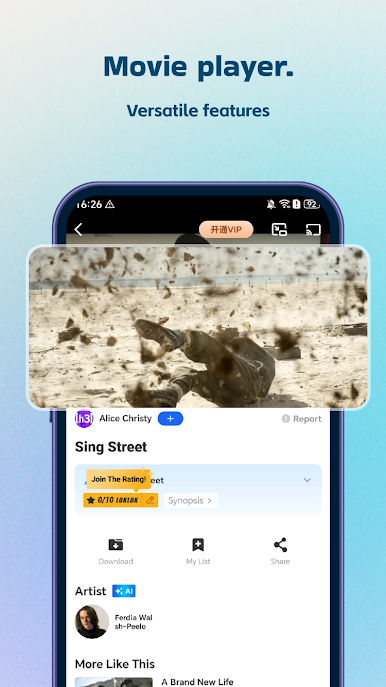
Stream Anytime, Anywhere
Watch episodes and films in HD on your schedule.
Discover Short Dramas
Explore compact stories that are ideal for quick and enjoyable viewing.
Offline Viewing
Download your favorite content and enjoy it without an internet connection.
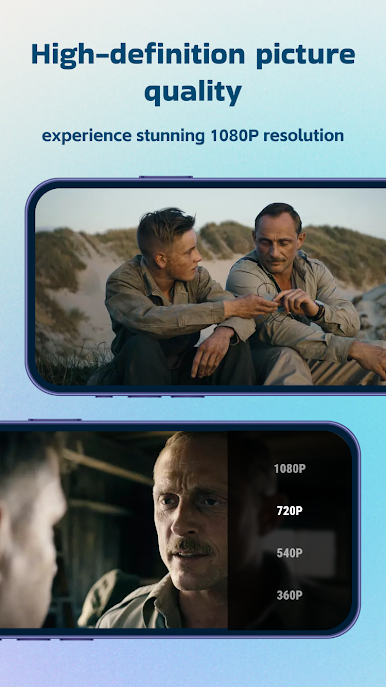
1080P HD Playback
Watch with clarity and detail across all supported devices.
Share Opinions in the Community
Join a viewer-friendly space where users exchange reviews and recommendations.
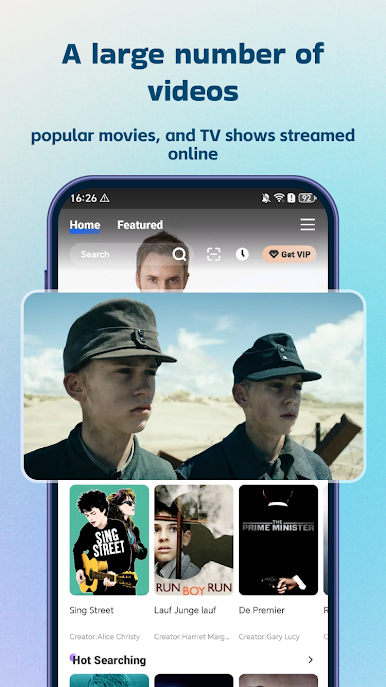
Diverse Content Catalog
Explore shows and films from various regions including the US and Korea.
Whether you're revisiting your favorite shows or discovering something new, Loklok provides a smooth and enjoyable viewing experience.
👉 Download now and start watching.

Play Loklok: Movies & Drama on PC. It’s easy to get started.
-
Download and install BlueStacks on your PC
-
Complete Google sign-in to access the Play Store, or do it later
-
Look for Loklok: Movies & Drama in the search bar at the top right corner
-
Click to install Loklok: Movies & Drama from the search results
-
Complete Google sign-in (if you skipped step 2) to install Loklok: Movies & Drama
-
Click the Loklok: Movies & Drama icon on the home screen to start playing

