


Solitaire The Clash: Win Cash
Play on PC with BlueStacks – the Android Gaming Platform, trusted by 500M+ gamers.

Page Modified on: Jan 13, 2026
Play Solitaire The Clash: Win Cash on PC
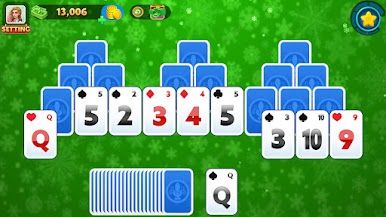
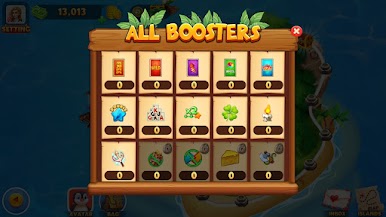
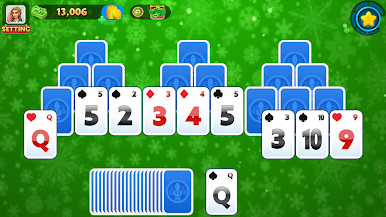
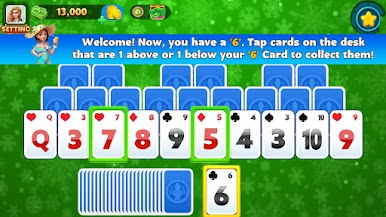
This app follows classic Klondike rules. You stack cards by suit, arrange columns in order, and clear the board one move at a time. The layout is simple. The cards are easy to read. Every action feels direct.
Solitaire The Clash: Win Cash — a classic you can settle into
This solitaire game is designed for calm sessions and clear thinking. You can play at your own pace. There is no pressure to rush and no clutter pulling your attention away.
What you’ll find inside
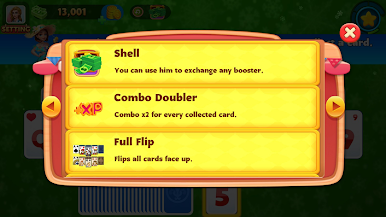
Traditional Klondike solitaire with draw 1 and draw 3 options
Smooth card stacking and clean animations
A familiar card game feel with modern performance
Fast solitaire rounds that stay controlled and readable
Lightweight design that runs well on Android devices
Whether you prefer classic solitaire or a more focused, fast solitaire flow, the experience stays steady. Moves are precise. Controls respond instantly. The goal is simple: organize the deck and finish the hand.
This is a skill-based game built around planning and attention. You read the table, decide your next move, and build each stack with care. Sessions can be short or long. The game adapts to how you play.
Solitaire The Clash: Win Cash keeps things straightforward. No distractions. No unnecessary features. Just Klondike solitaire presented in a clean, reliable way that feels good to return to.
If you enjoy a traditional solitaire game that respects your time and focus, this is a solid place to play.
Disclaimer
This app is not affiliated with or endorsed by Solitaire Clash.
This is an independent Android app.
No real money or prizes are involved.
Social casino gameplay does not equal real gambling.



Play Solitaire The Clash: Win Cash on PC. It’s easy to get started.
-
Download and install BlueStacks on your PC
-
Complete Google sign-in to access the Play Store, or do it later
-
Look for Solitaire The Clash: Win Cash in the search bar at the top right corner
-
Click to install Solitaire The Clash: Win Cash from the search results
-
Complete Google sign-in (if you skipped step 2) to install Solitaire The Clash: Win Cash
-
Click the Solitaire The Clash: Win Cash icon on the home screen to start playing

