


Pulsarc: Singularity
Play on PC with BlueStacks – the Android Gaming Platform, trusted by 500M+ gamers.

Page Modified on: Jul 20, 2026
Play Pulsarc: Singularity on PC
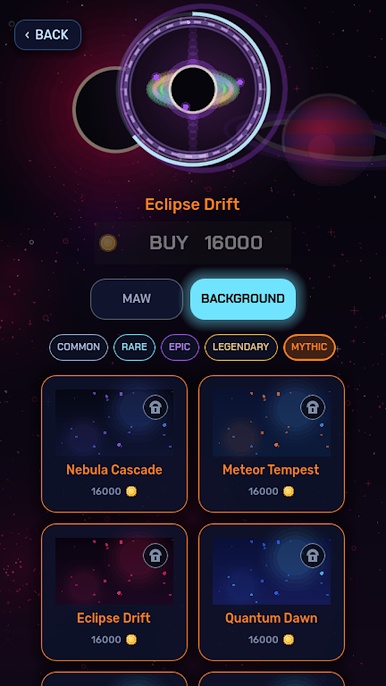
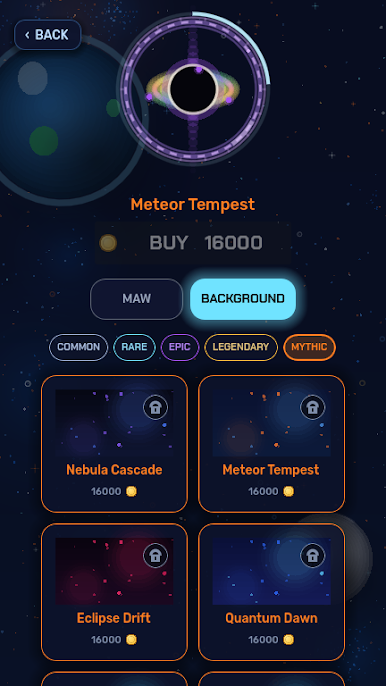
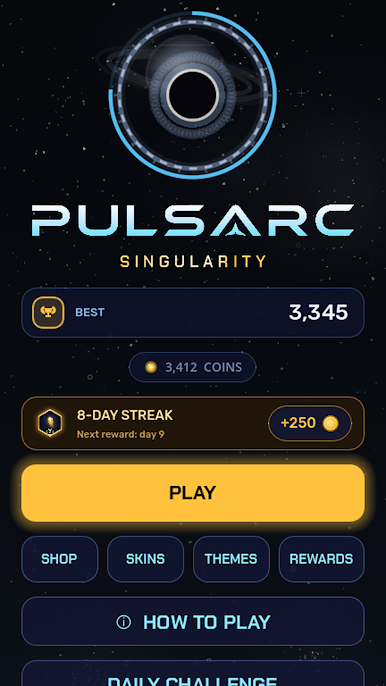
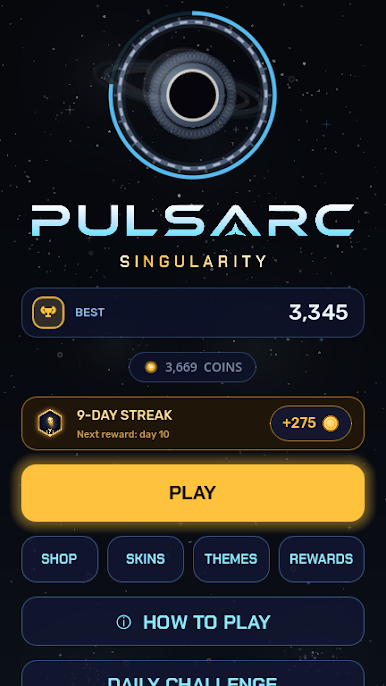
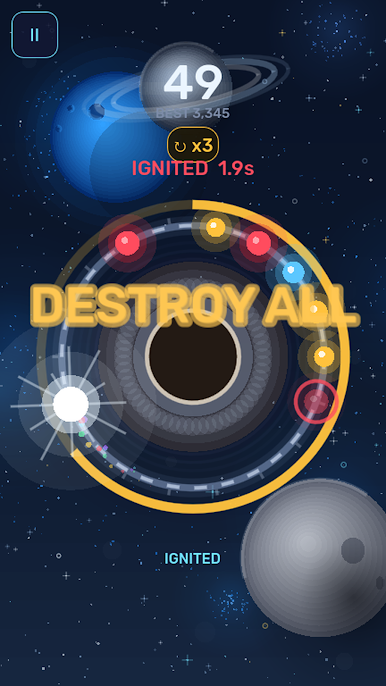
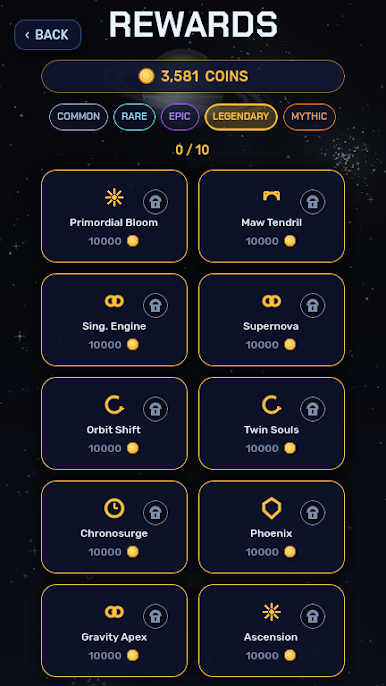
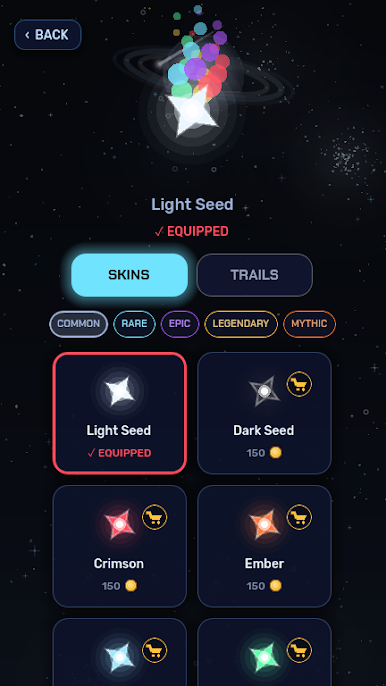
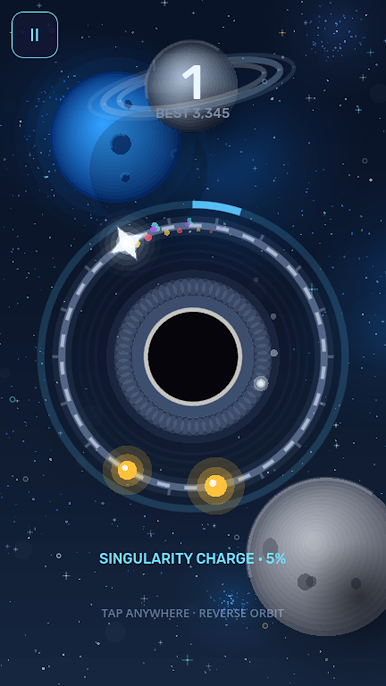
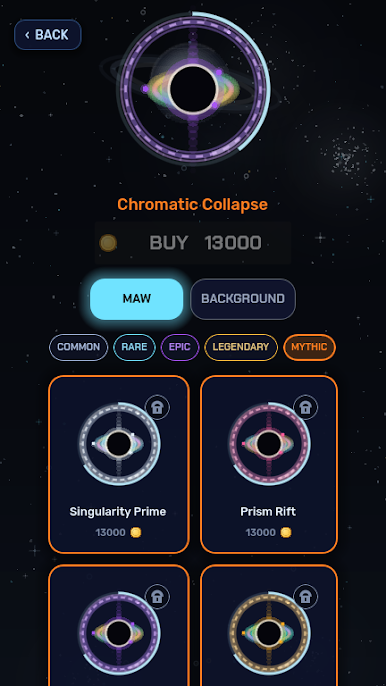
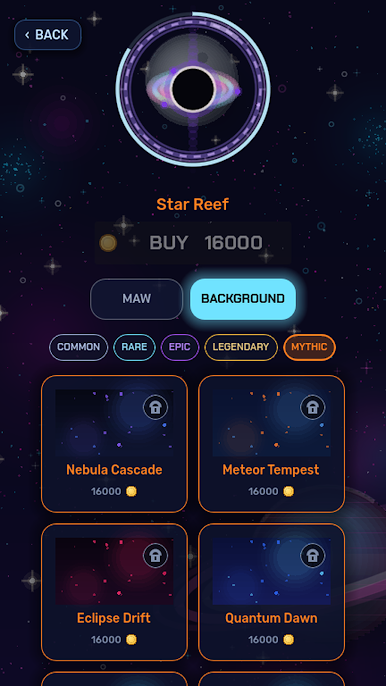
Unlock a galaxy of cosmetics: gradient star skins, comet and lightning trails, black-hole "maw" packages, and animated backgrounds. Simple to learn, hard to master — a quick pick-up-and-play arcade challenge you can enjoy in short bursts.
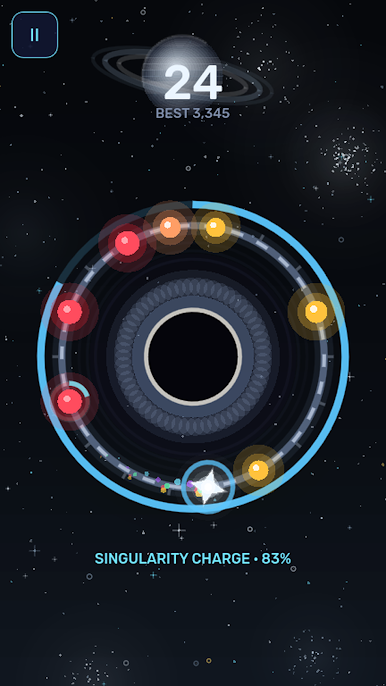
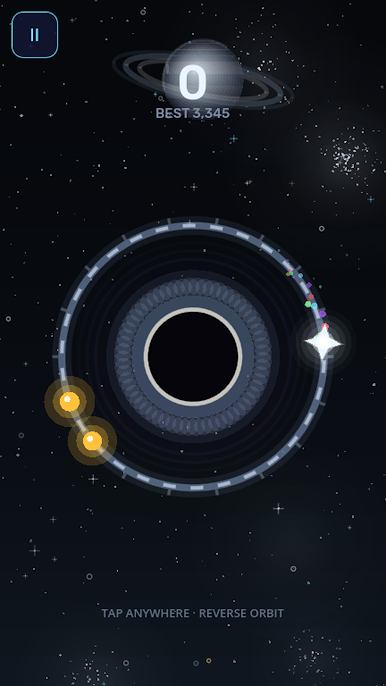
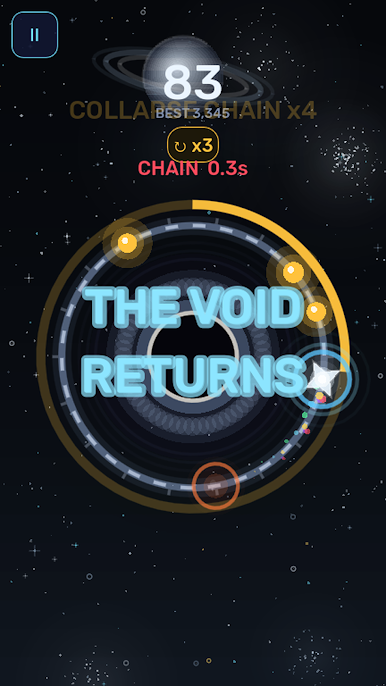
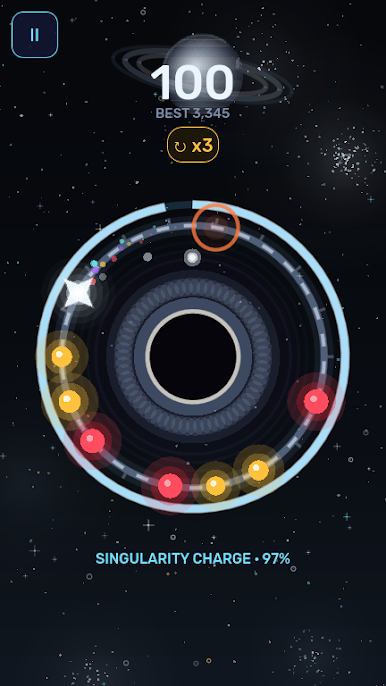
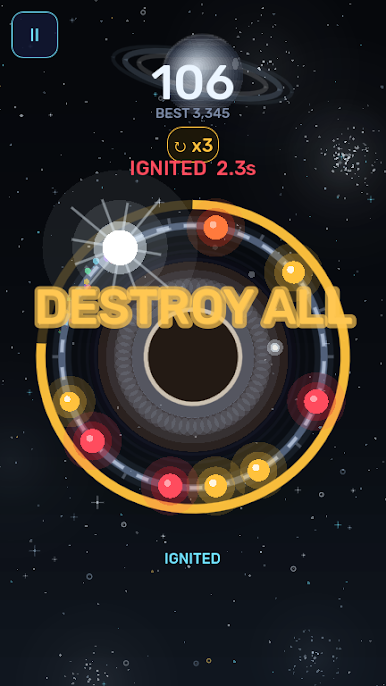
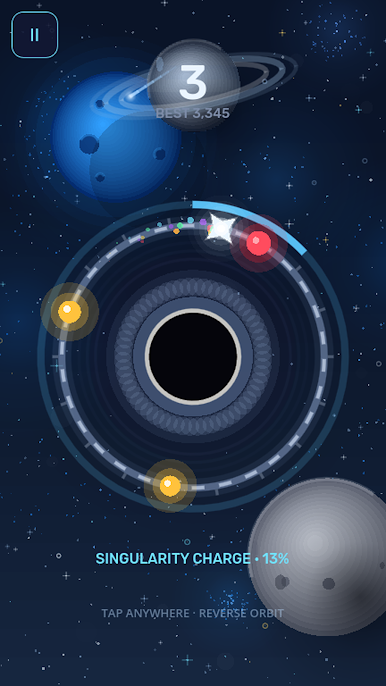
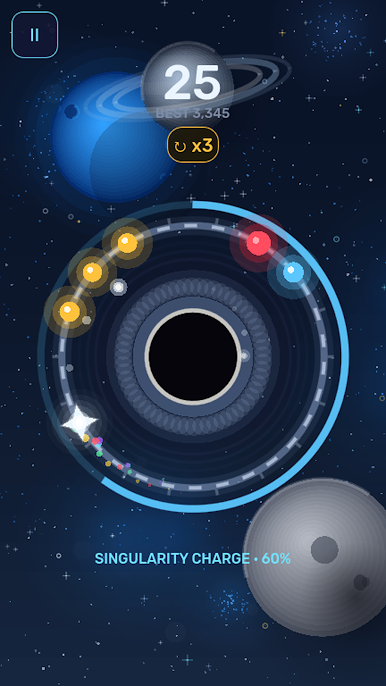
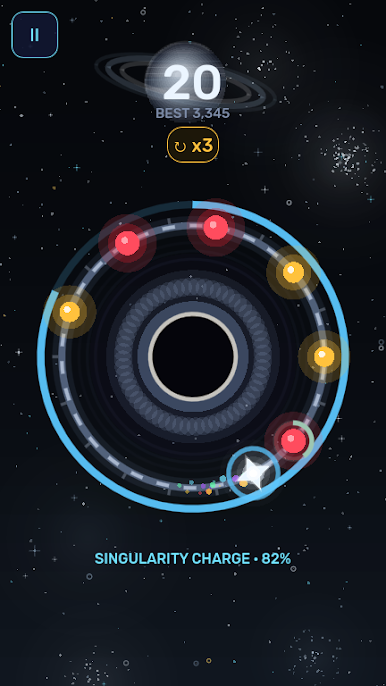
- One-tap reverse-orbit control
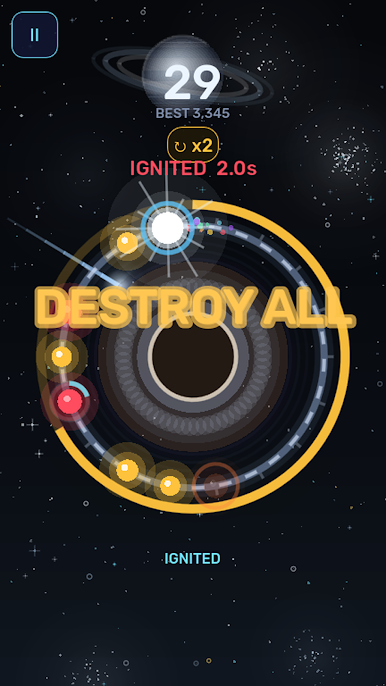
- Charge → Ignite mechanic + combos
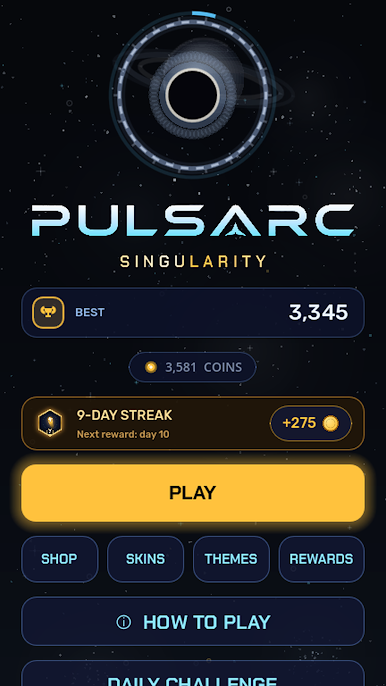
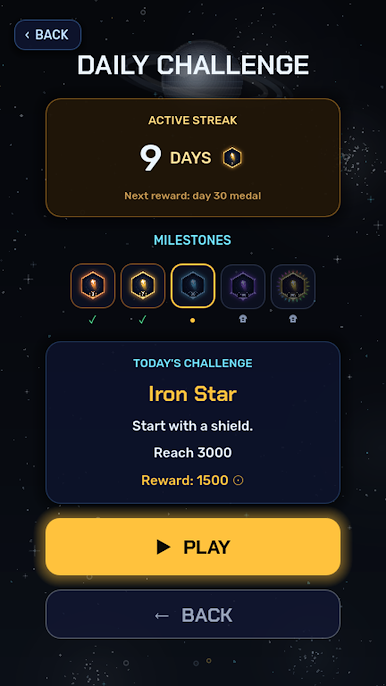
- Daily challenge & streak rewards
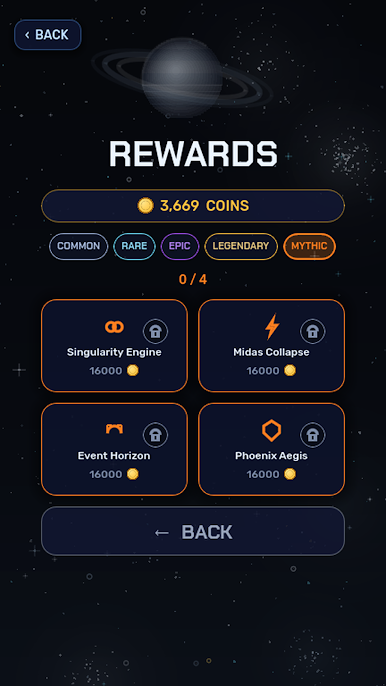
- Dozens of stars, trails, maws and backgrounds to unlock
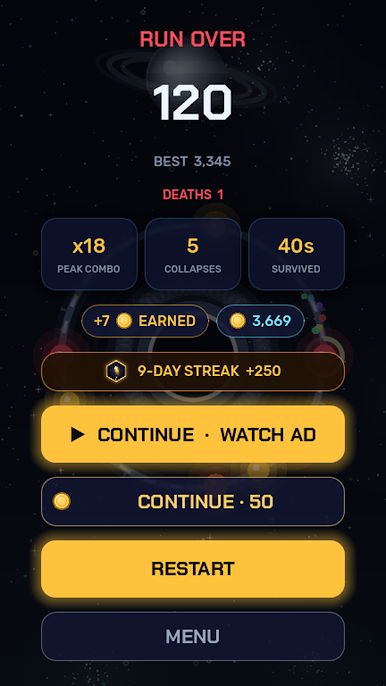
- Free to play with optional rewarded ads (watch to continue or double coins)

Play Pulsarc: Singularity on PC. It’s easy to get started.
-
Download and install BlueStacks on your PC
-
Complete Google sign-in to access the Play Store, or do it later
-
Look for Pulsarc: Singularity in the search bar at the top right corner
-
Click to install Pulsarc: Singularity from the search results
-
Complete Google sign-in (if you skipped step 2) to install Pulsarc: Singularity
-
Click the Pulsarc: Singularity icon on the home screen to start playing

