


ClonkSwarm
Play on PC with BlueStacks – the Android Gaming Platform, trusted by 500M+ gamers.

Page Modified on: Mar 12, 2026
Main ClonkSwarm on PC
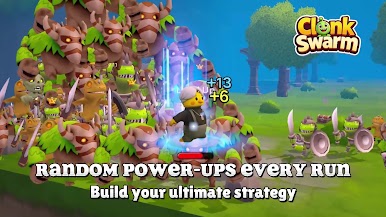
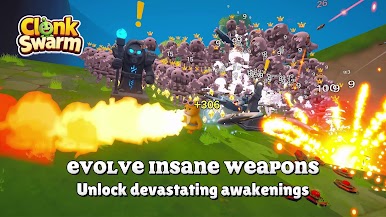
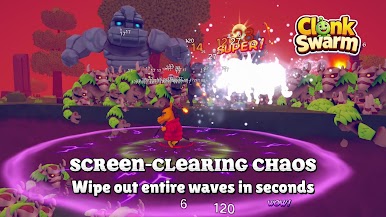
Survive endless waves of enemies in fast-paced auto-combat. Level up, unlock powerful weapons, and stack randomized upgrades to create unstoppable builds.
Dozens of unique weapons: Snowballs, playing cards, laser swords & more! Deep roguelite mechanics: Randomized perks, items, and enemy spawns every run
Unlockable characters: Including the exclusive “Longying Mazun” (horse-headed Bruce Lee-style warrior!)
Endless progression: Climb higher waves and compete on global leaderboards!
Easy to learn, impossible to put down. Download now and experience 3D swarm-slaying chaos!



Play ClonkSwarm on PC. It’s easy to get started.
-
Download and install BlueStacks on your PC
-
Complete Google sign-in to access the Play Store, or do it later
-
Look for ClonkSwarm in the search bar at the top right corner
-
Click to install ClonkSwarm from the search results
-
Complete Google sign-in (if you skipped step 2) to install ClonkSwarm
-
Click the ClonkSwarm icon on the home screen to start playing

