


Clicker of Exile
Play on PC with BlueStacks – the Android Gaming Platform, trusted by 500M+ gamers.

Page Modified on: Oct 20, 2026
Main Clicker of Exile on PC
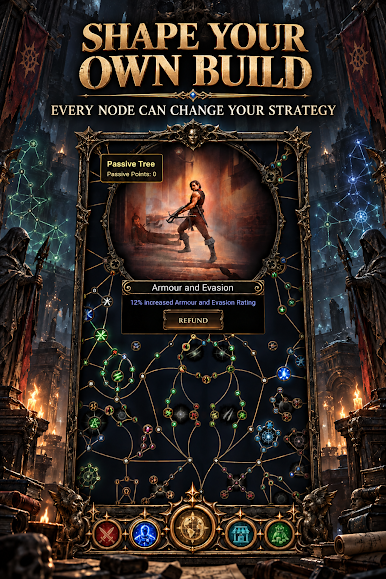
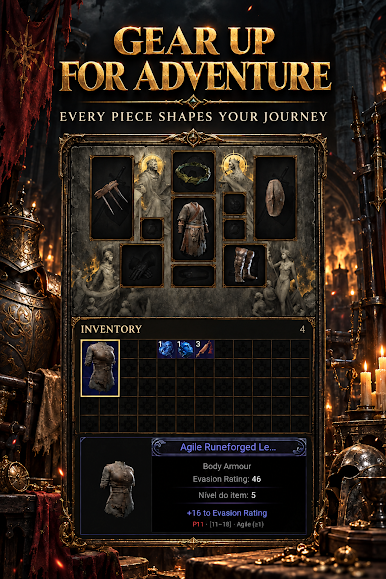
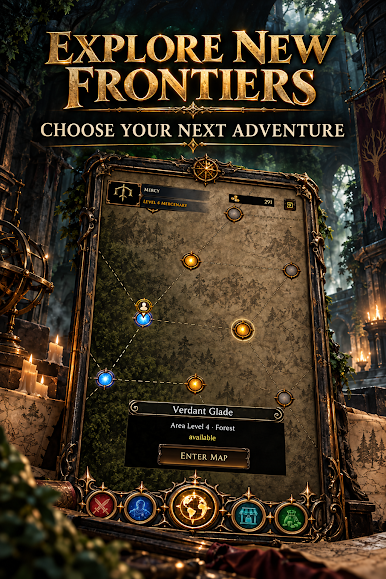
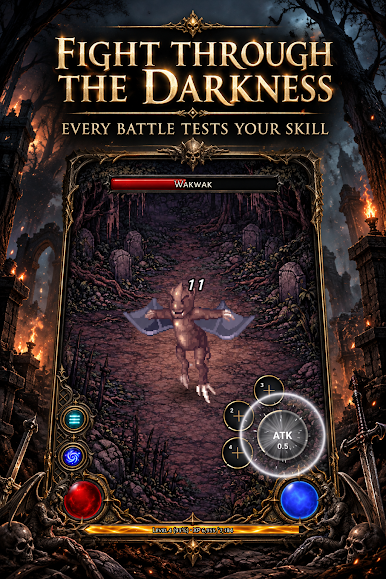
Combine powerful skills, discover synergies between items, and progress through challenging maps while facing hordes of monsters and colossal bosses. Customize your build with deep talent trees and mystical runes to create a unique playstyle.
The challenge never ends – explore a deep progression system with ascensions, endless challenges, and reincarnation mechanics to reach new heights of power. Are you ready to forge your destiny in exile?

Play Clicker of Exile on PC. It’s easy to get started.
-
Download and install BlueStacks on your PC
-
Complete Google sign-in to access the Play Store, or do it later
-
Look for Clicker of Exile in the search bar at the top right corner
-
Click to install Clicker of Exile from the search results
-
Complete Google sign-in (if you skipped step 2) to install Clicker of Exile
-
Click the Clicker of Exile icon on the home screen to start playing

