


Battle of Berlin
Play on PC with BlueStacks – the Android Gaming Platform, trusted by 500M+ gamers.

Page Modified on: Oct 14, 2025
Play Battle of Berlin on PC
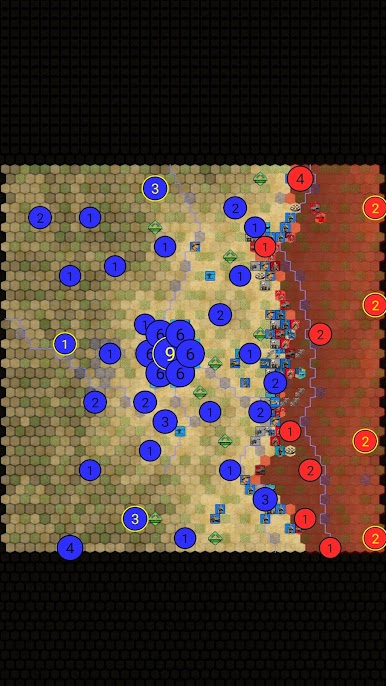
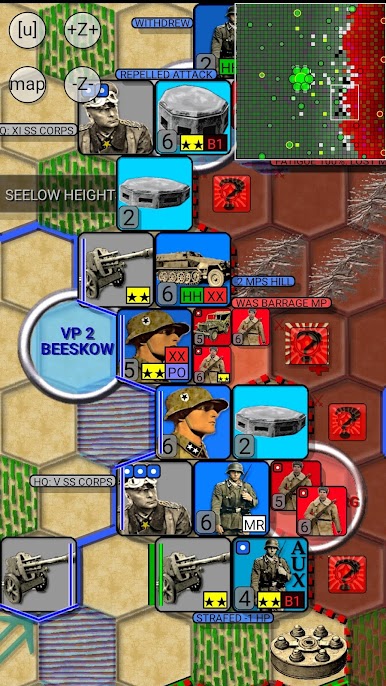
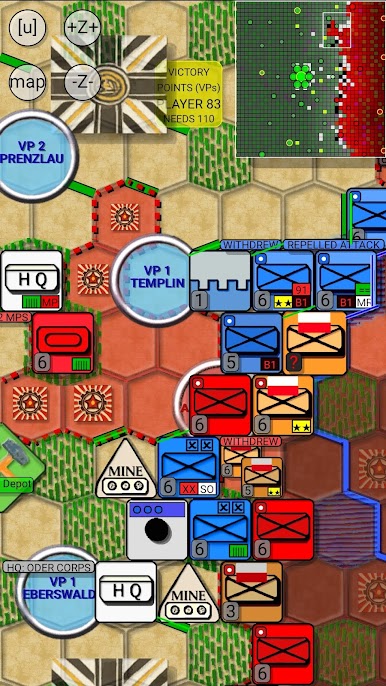
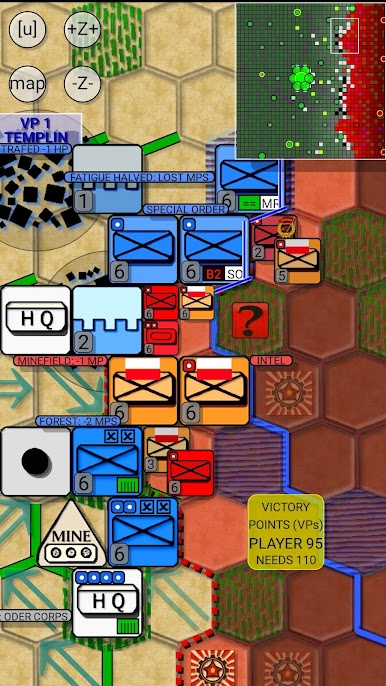
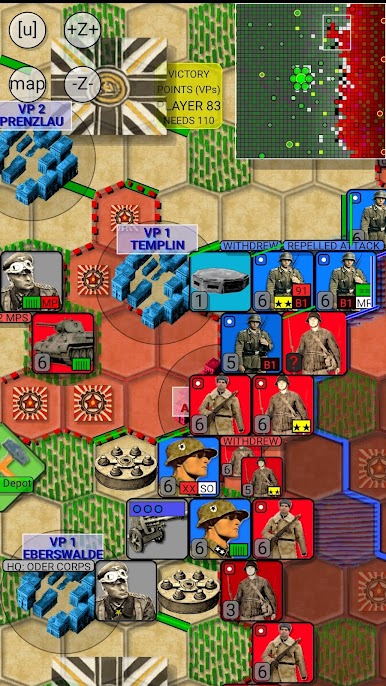
You take command of the ragtag German armed forces struggling to defend the capital of Germany against the Soviet Red Army's massive offensive in April 1945. Your resources are running low and your troops are exhausted, but the fate of the war lies in your hands. Will you be able to hold out against the overwhelming enemy forces and maybe even shockingly turn the tide of the war?
Notice: The Hall of Fame lists victories (full Victory Points) and losses (partial Victory Points) separately.
“The ubiquitous initials LSR for Luftschutzraum, or air-raid shelter, were said to stand for ‘Lernt schnell Russisc’: ‘Learn Russian quickly’.”
-- Antony Beevor, Berlin: The Downfall 1945
FEATURES:
+ Historical accuracy: Campaign mirrors the historical setup.
+ Thanks to in-built variation and the game's smart AI technology, each game provides a unique war gaming experience.
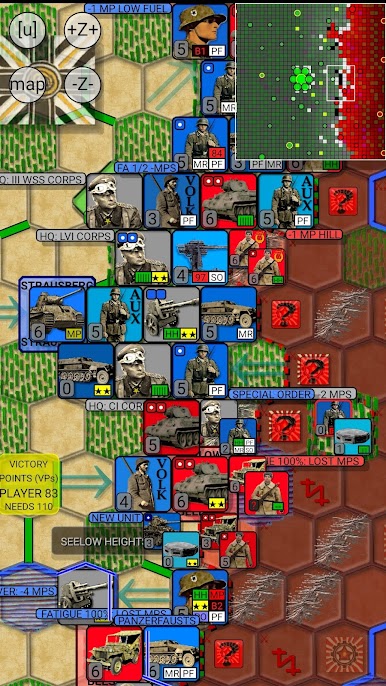
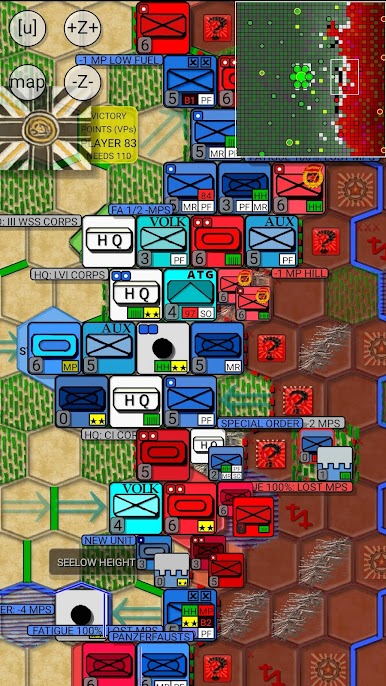
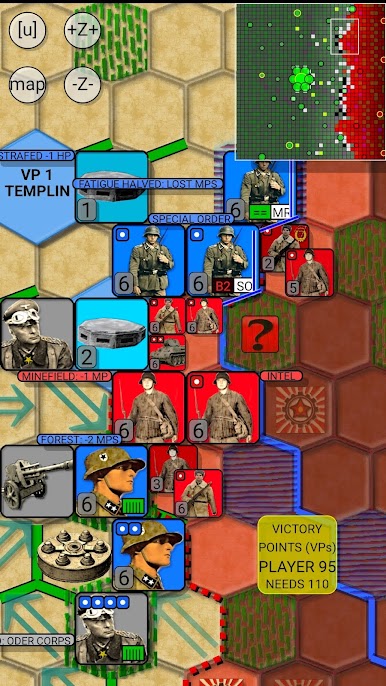
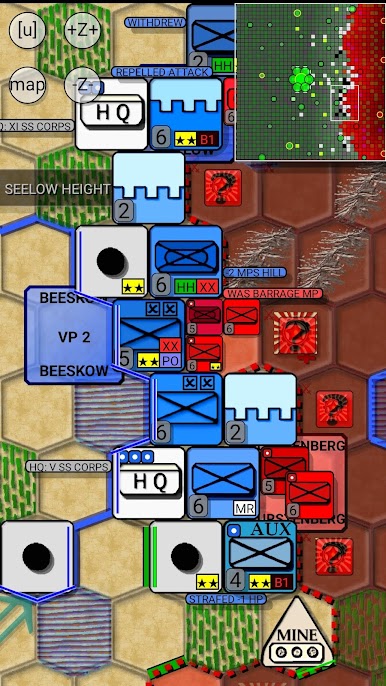
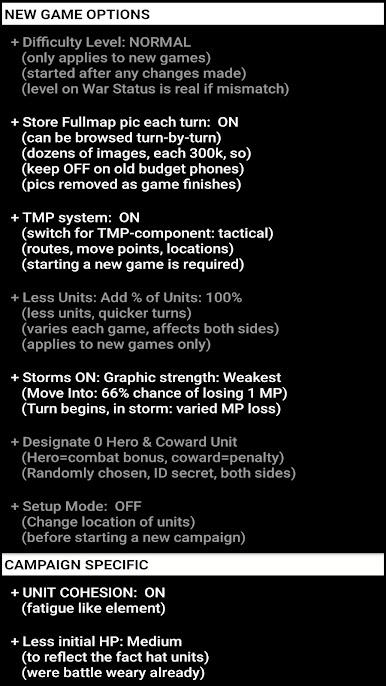
+ Settings: Various options are available to alter the look of the gaming experience: Change difficulty level, hexagon size, Animation speed, choose icon set for units (NATO or REAL) and cities (Round, Shield, Square, block of hourses), decide what is drawn on the map, and much more.
+ Smarter-than average AI: Instead of just attacking on obvious direct line towards the main target, the AI opponent balances between larger strategic goals and smaller tasks like encircling nearby units.
Join your fellow strategy gamers in trying to alter the course of the Second World War!
"General Heinz Guderian wanted a pincer movement from the Oder south of Berlin and an attack down from Pomerania to cut off Georgy Zhukov's leading Soviet armies. To assemble enough troops, more of the Wehrmacht divisions trapped uselessly in Courland and elsewhere needed to be brought back by sea and the German offensive in Hungary postponed. This was refused. Again."
Play Battle of Berlin on PC. It’s easy to get started.
-
Download and install BlueStacks on your PC
-
Complete Google sign-in to access the Play Store, or do it later
-
Look for Battle of Berlin in the search bar at the top right corner
-
Click to install Battle of Berlin from the search results
-
Complete Google sign-in (if you skipped step 2) to install Battle of Berlin
-
Click the Battle of Berlin icon on the home screen to start playing

