


WSOC-TV News
Play on PC with BlueStacks – the Android Gaming Platform, trusted by 500M+ gamers.

Page Modified on: Jul 17, 2025
Play WSOC-TV News on PC
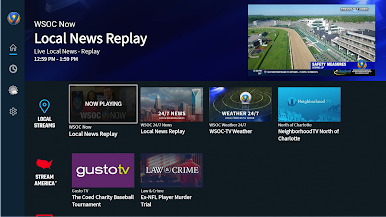
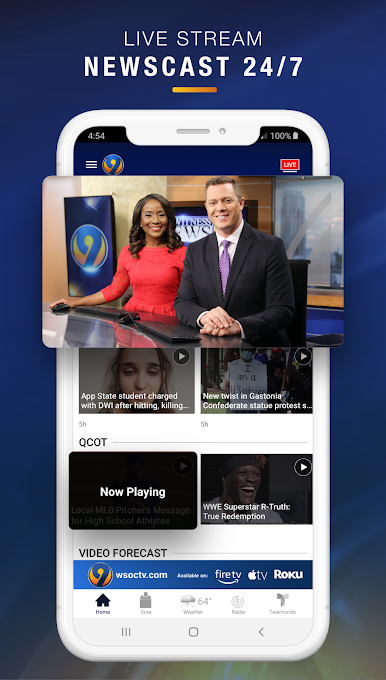
WSOC-TV Channel 9 News is your guide to:
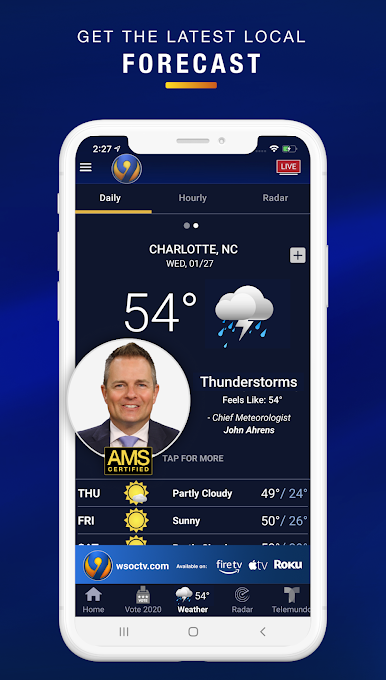
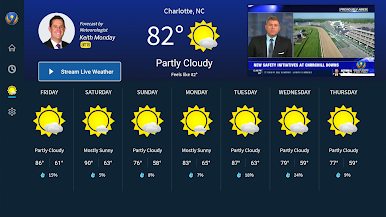
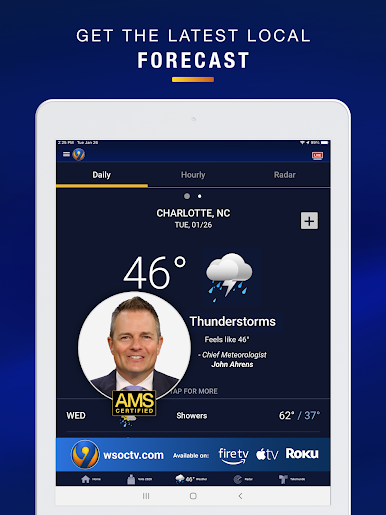
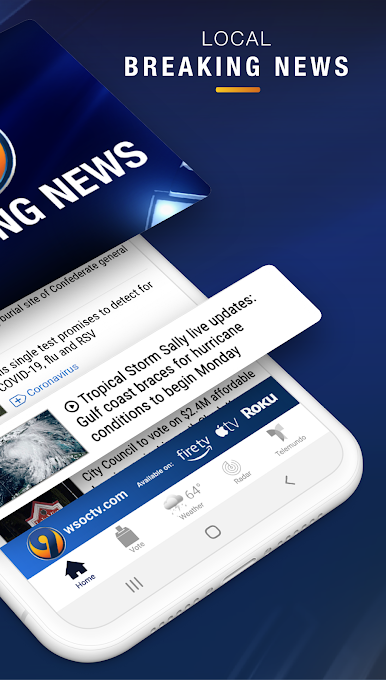
- Minute-by-minute weather using WSOC-TV Channel 9’s StormTracker Doppler Radar and 5-day Forecast so you know how the weather will impact you.
- Getting where you need to go on time with live drive times in and out of the Charlotte Metro Area.
- Direct sports coverage of the Carolina Panthers, Hornets, high school sports, and more.
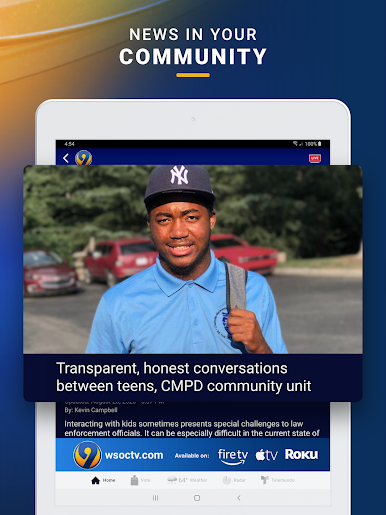
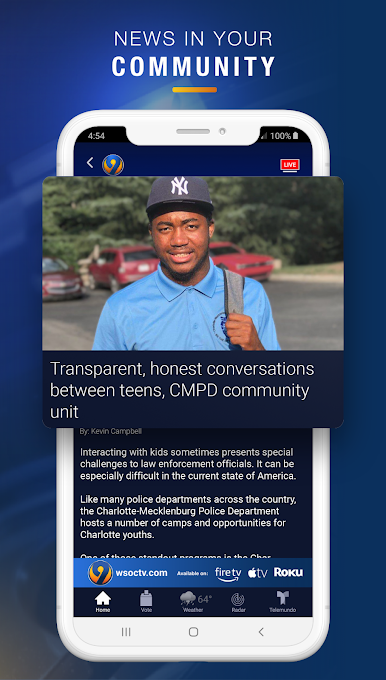
- Local news that matters for Ashe, Watauga, Avery, Caldwell, Alexander, Burke, Catawba, Lincoln, Cleveland, Iredell, Rowan, Cabarrus, Mecklenburg, Gaston, York, Union, Anson, Richmond, Chester, Lancaster, Chesterfield, and Stanly counties including Wadesboro, Monroe, Rockingham, Albermale, Newton, Boone, Newland, Jefferson, Taylorsville, Statesville and Shelby.
- National and world news and what it means for you.
- Engaging content that you can share easily from the app to Twitter and Facebook.
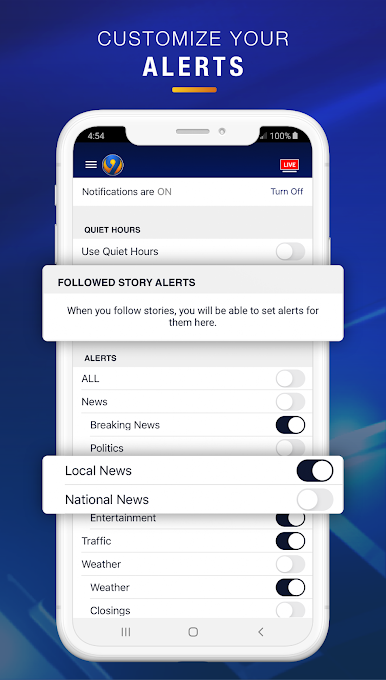
Get accessible coverage that keeps you up-to-date with WSOC-TV Channel 9 News.
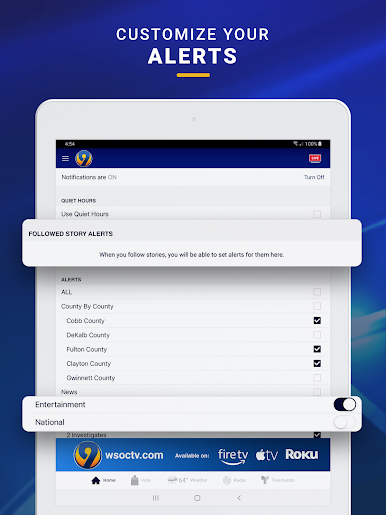
Continued use of GPS running in the background can dramatically decrease battery life. Please note: This app features Nielsen's proprietary measurement software, which will allow you to contribute to market research like Nielsen's TV Ratings. Please see www.nielsen.com/digitalprivacy for more information.




Play WSOC-TV News on PC. It’s easy to get started.
-
Download and install BlueStacks on your PC
-
Complete Google sign-in to access the Play Store, or do it later
-
Look for WSOC-TV News in the search bar at the top right corner
-
Click to install WSOC-TV News from the search results
-
Complete Google sign-in (if you skipped step 2) to install WSOC-TV News
-
Click the WSOC-TV News icon on the home screen to start playing

