


NEXT+
Play on PC with BlueStacks – the Android Gaming Platform, trusted by 500M+ gamers.

Page Modified on: Oct 20, 2026
Main NEXT+ on PC
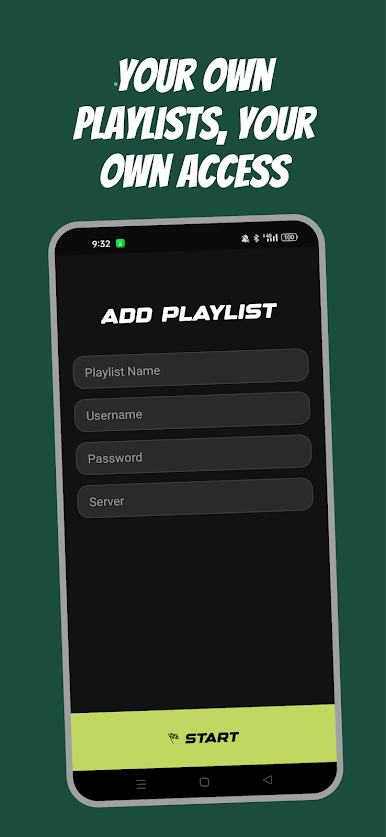
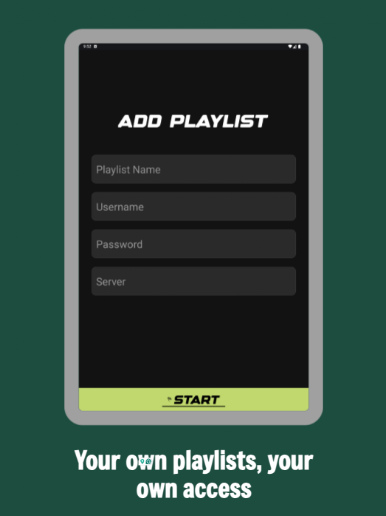
The app does not provide, sell, host, or include any TV channels, movies, series, playlists, subscriptions, or streaming content. Users must add their own legal IPTV service details, including host/server URL, username, and password.
With Next+, users can enjoy a smooth and organized viewing experience for their own content sources.
Key Features:
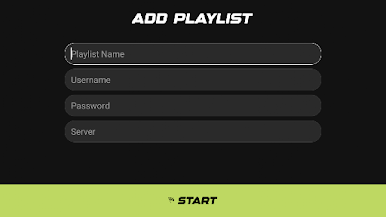
• Login using your own host, username, and password
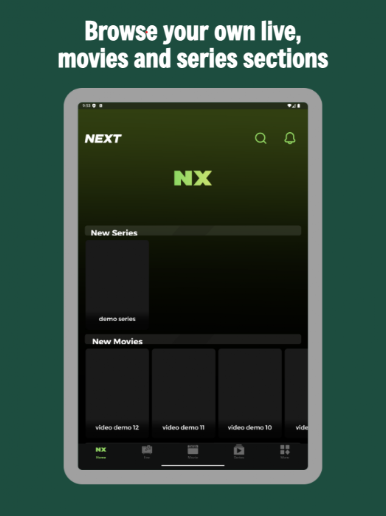
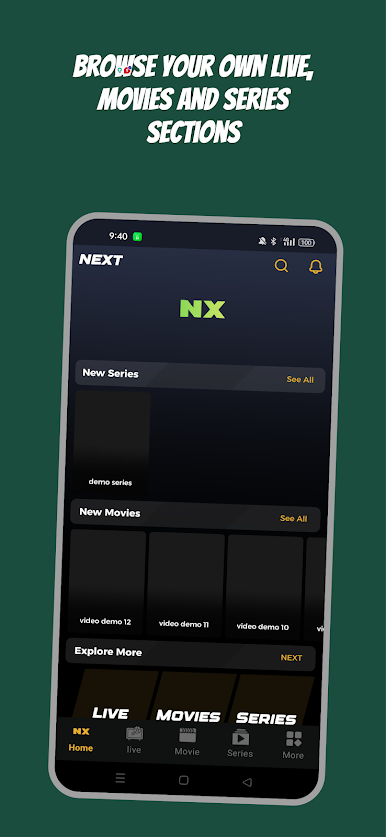
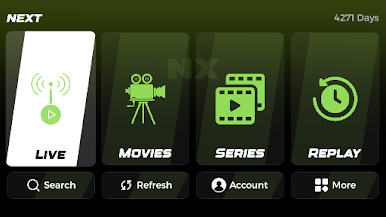
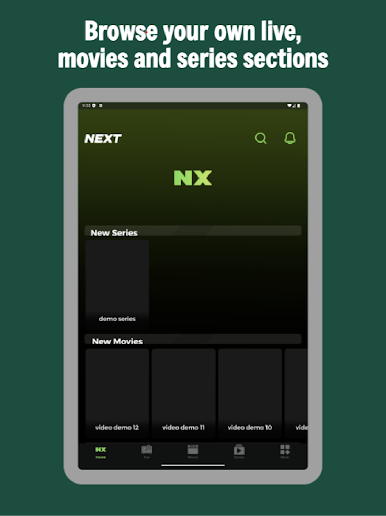
• Organized Live TV, Movies, and Series sections
• Favorites and watch history
• Continue watching
• Fast and smooth media playback
• Clean and simple interface
• Multi-screen support
• EPG and catch-up support when available from the user’s provider
Legal Disclaimer:
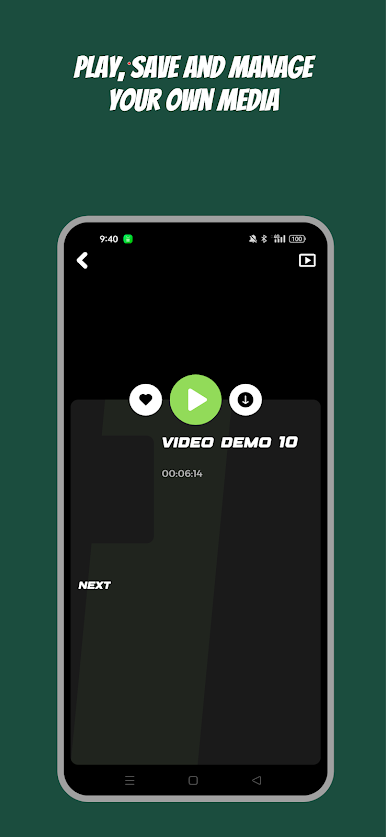
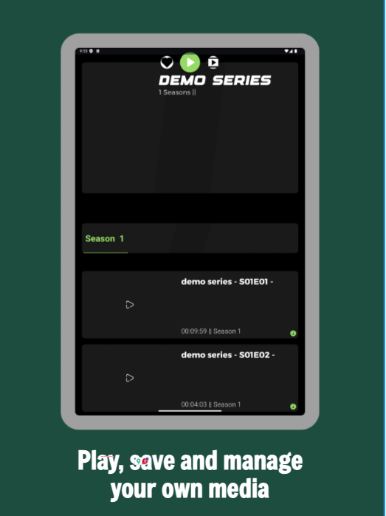
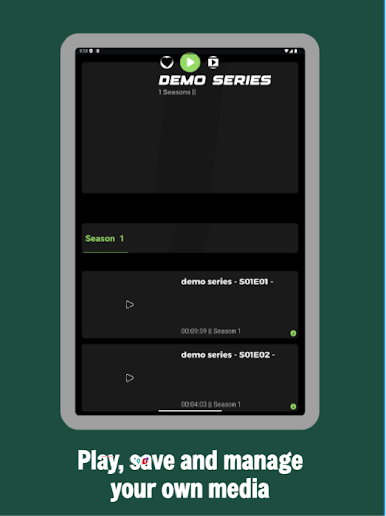
Next+ is a media player only. It does not provide any IPTV subscriptions, channels, movies, series, playlists, or any other media content. The user is responsible for adding their own legally authorized content or provider credentials. The screenshots shown in this store listing are for UI demonstration only and do not represent real or provided content.
Play NEXT+ on PC. It’s easy to get started.
-
Download and install BlueStacks on your PC
-
Complete Google sign-in to access the Play Store, or do it later
-
Look for NEXT+ in the search bar at the top right corner
-
Click to install NEXT+ from the search results
-
Complete Google sign-in (if you skipped step 2) to install NEXT+
-
Click the NEXT+ icon on the home screen to start playing

