


K-Demon Hunter
Play on PC with BlueStacks – the Android Gaming Platform, trusted by 500M+ gamers.

Page Modified on: Feb 22, 2026
Main K-Demon Hunter on PC
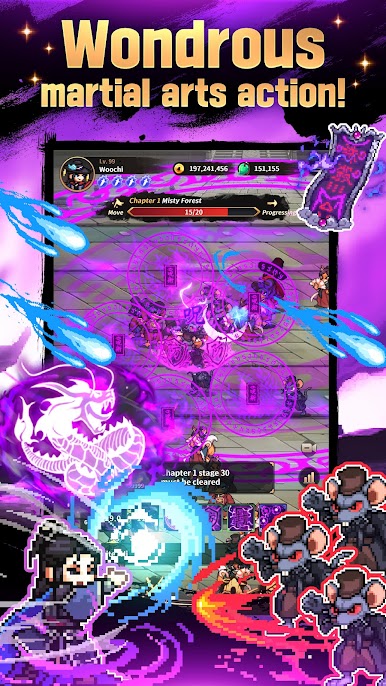
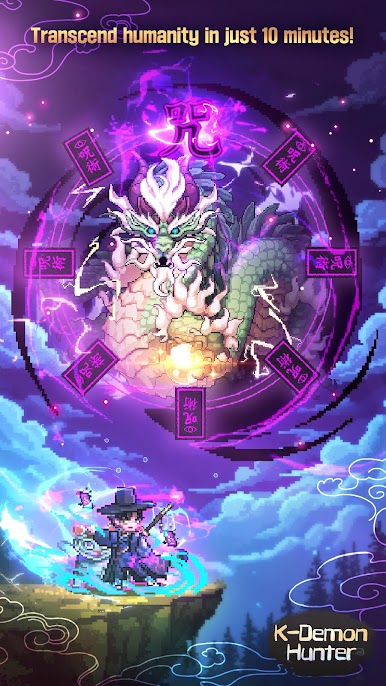
Turn into the rampaging Taoist Demon Hunter and rain down a storm of talismans!
--------------------------------------------------------
▶ Explosive Growth!
Grow stronger at speeds like never before!
Fight with stunning effects right from the start!
▶ Hands-Free Gameplay!
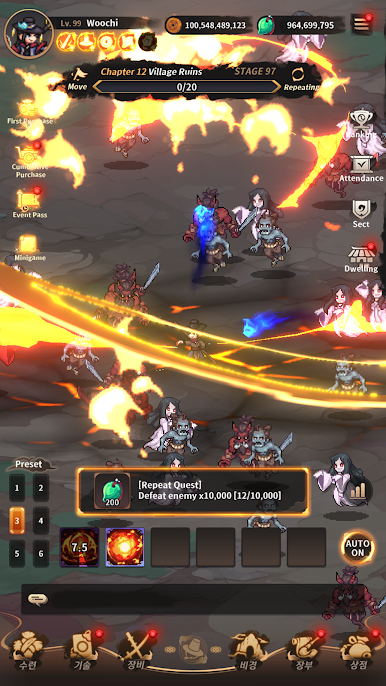
Grow effortlessly with idle combat!
Zero burden with auto battles and offline rewards!
▶ Spell Frenzy!
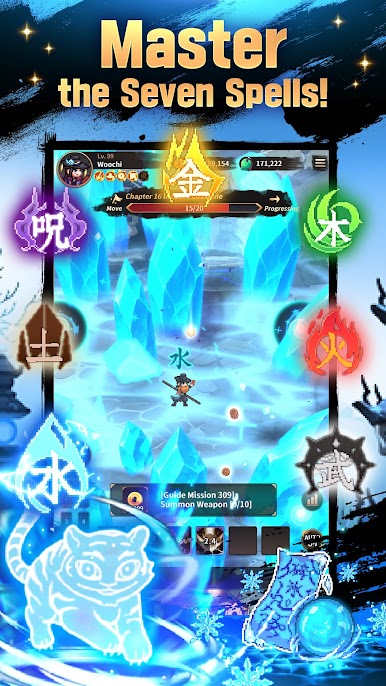
Combine spells and talismans of 7 elements
and build your unique combat style!
▶ Overcome Realms!
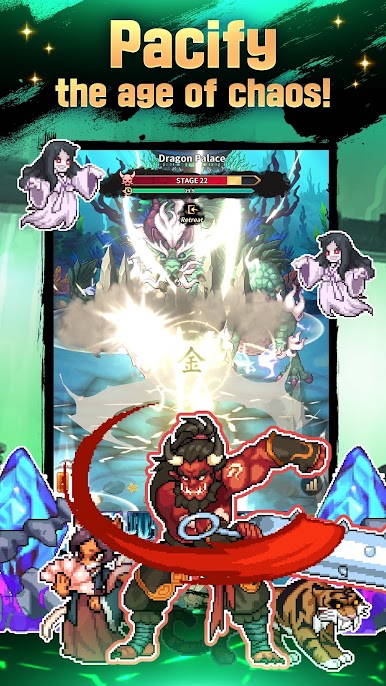
Fight the Demon Realm King, East Sea Dragon King, and more!
Face colossal foes and test your limits!
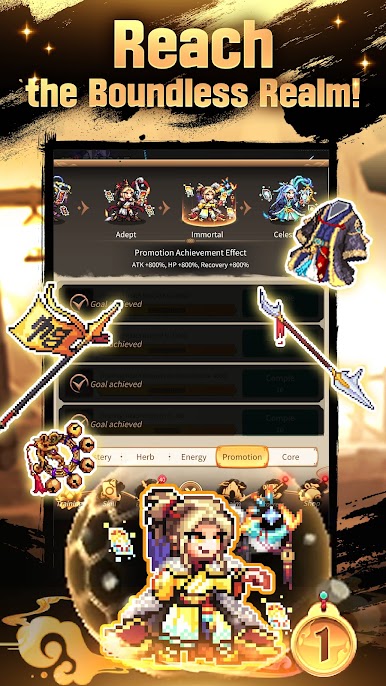
▶ Skin Awakening!
Customize your character with looks
drawn from legends and history!

Play K-Demon Hunter on PC. It’s easy to get started.
-
Download and install BlueStacks on your PC
-
Complete Google sign-in to access the Play Store, or do it later
-
Look for K-Demon Hunter in the search bar at the top right corner
-
Click to install K-Demon Hunter from the search results
-
Complete Google sign-in (if you skipped step 2) to install K-Demon Hunter
-
Click the K-Demon Hunter icon on the home screen to start playing

