


WordsApp
Play on PC with BlueStacks – the Android Gaming Platform, trusted by 500M+ gamers.

Page Modified on: Dec 20, 2025
Overview
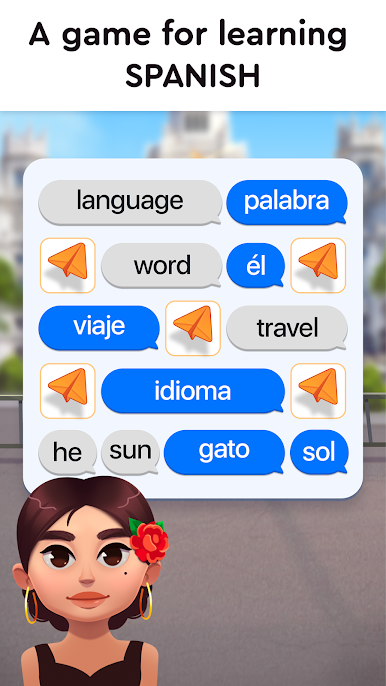
WordsApp is an exciting journey to Spanish-speaking countries and cities with language immersion during which your brain will absorb words and grammar.
1. A unique way to learn the language—a trip around the world where your knowledge of Spanish is your currency.
2. Just a few minutes a day, and over the course of a year you’ll learn more words than a native speaker uses in their daily life.
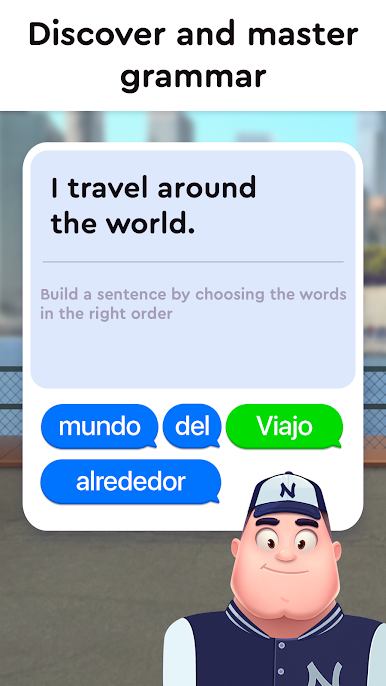
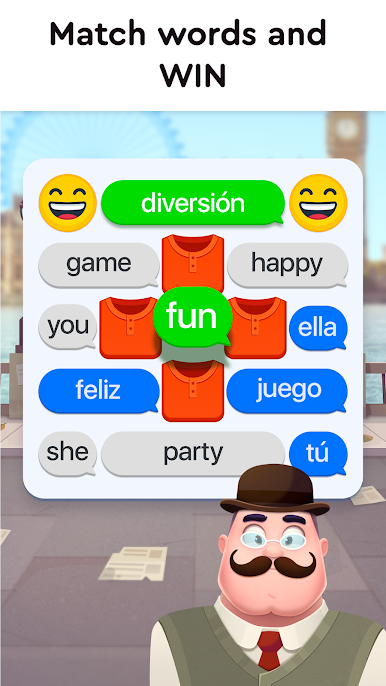
3. Train your Spanish listening comprehension, translation skills, and grammar, and just have fun.
4. A smart algorithm based on the forgetting curve lies at the very core of the game! WordsApp will proactively toss in words you otherwise would have forgotten.
5. Unlock new modes and mechanics! The more you play, the more exciting ways to learn you’ll find along the way.
6. Play anywhere—take a breather at work, entertain yourself on the daily commute, learn something useful before bed, or play through a couple of levels when there’s nothing to read on Facebook and every post is already liked on Instagram. No restrictions.
7. An incredibly special and gorgeous app that will really make you better every single day!
8. You just play the game, and your brain absorbs words and grammar.
WordsApp—play and learn!


Play WordsApp on PC. It’s easy to get started.
-
Download and install BlueStacks on your PC
-
Complete Google sign-in to access the Play Store, or do it later
-
Look for WordsApp in the search bar at the top right corner
-
Click to install WordsApp from the search results
-
Complete Google sign-in (if you skipped step 2) to install WordsApp
-
Click the WordsApp icon on the home screen to start playing

