


Merry Christmas Color
Play on PC with BlueStacks – the Android Gaming Platform, trusted by 500M+ gamers.

Page Modified on: Sep 8, 2026
Play Merry Christmas Color on PC or Mac
Merry Christmas Color by Special Coloring Studio has plenty to keep you busy. BlueStacks lets you play it on PC or Mac with more screen space, better control, and fewer mobile limits.
About the Game
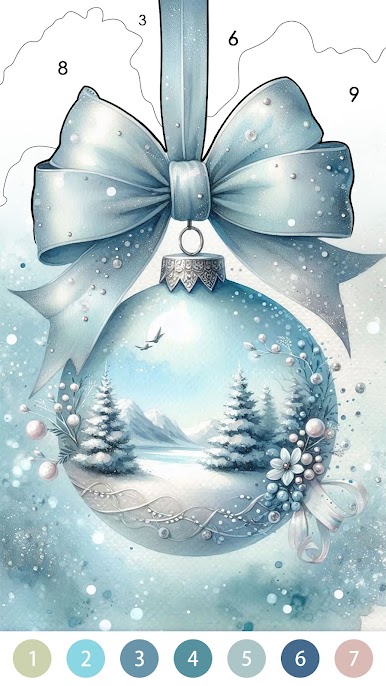
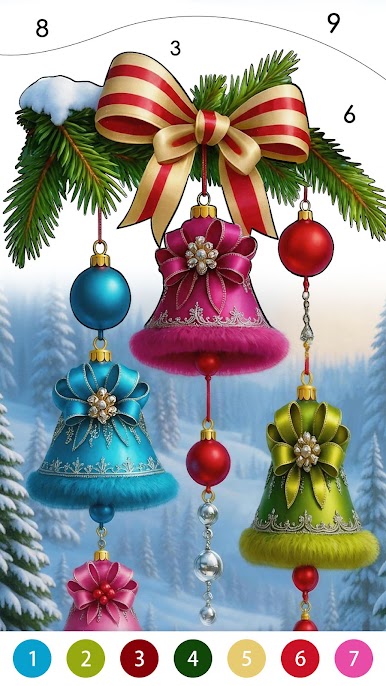
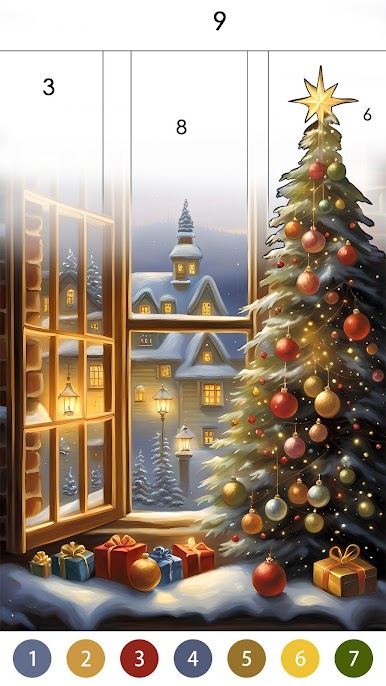
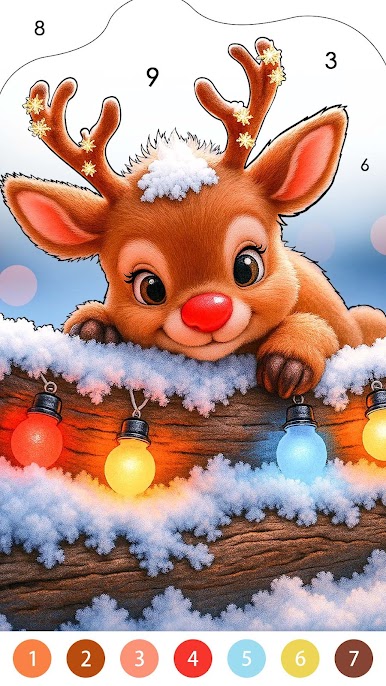
Merry Christmas Color is a cozy, color-by-number Board game that wraps you in classic holiday charm. It’s all about relaxing moments: pick a picture, match the numbers, and watch a vintage Christmas scene slowly glow to life. Expect elegant fashion, warm lights, and nostalgic decor that feels like paging through an old holiday album. Prefer coloring on a larger display? It plays comfortably on BlueStacks without getting in the way.
Game Features
- Vintage holiday art: Color scenes that capture a timeless Christmas—soft lights, classic interiors, and a touch of old-world elegance.
- Cozy winter scenes: From candlelit rooms to snow-dusted windows, each picture feels like a moment you’d want to frame.
- Fashion and family moments: Bring graceful women in vintage outfits and cheerful children in festive attire to life, one shade at a time.
- Decorations to savor: Fill in bells, ribbons, wreaths, garlands, snow globes, ornaments, toys, gifts, and beautifully dressed trees.
- Tap-to-color ease: No drawing skills needed—choose an image, follow the numbers, tap to fill, and watch the details unfold.
- Gentle, calming flow: Set your own pace, whether you’ve got a few spare minutes or want a longer, soothing coloring session.
- Rich, satisfying details: Clean outlines and thoughtful palettes make every finished picture feel polished and pleasantly nostalgic.
- Perfect for the season: When you want a quiet break from the bustle, these warm scenes offer a simple, relaxing holiday escape.
Start playing Merry Christmas Color on BlueStacks and get a smoother, more comfortable PC or Mac setup.




Play Merry Christmas Color on PC. It’s easy to get started.
-
Download and install BlueStacks on your PC
-
Complete Google sign-in to access the Play Store, or do it later
-
Look for Merry Christmas Color in the search bar at the top right corner
-
Click to install Merry Christmas Color from the search results
-
Complete Google sign-in (if you skipped step 2) to install Merry Christmas Color
-
Click the Merry Christmas Color icon on the home screen to start playing

