

Pixel Art: Color by Number
Play on PC with BlueStacks – the Android Gaming Platform, trusted by 500M+ gamers.

Page Modified on: Nov 23, 2025
Run Pixel Art: Color by Number on PC or Mac
Upgrade your experience. Try Pixel Art: Color by Number, the fantastic Entertainment app from Battery Stats Saver, from the comfort of your laptop, PC, or Mac, only on BlueStacks.
About the App
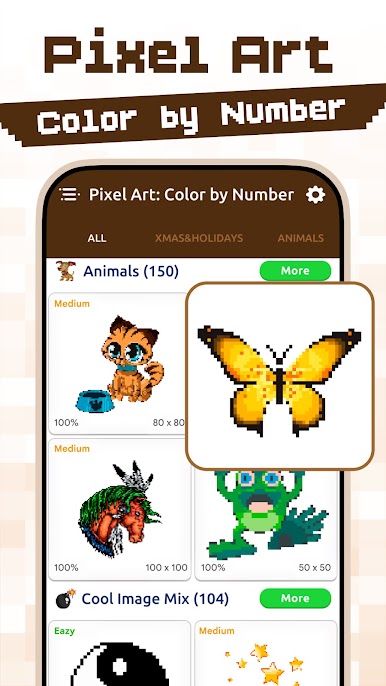
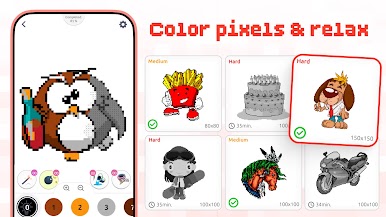
Pixel Art: Color by Number from Battery Stats Saver is a chill, tap-to-color escape where tiny squares become cute icons, cozy scenes, and detailed mosaics. Pick a picture, match numbers to colors, and let your mind wander while the image comes to life. Prefer a bigger canvas? It also feels great to use on BlueStacks.
App Features
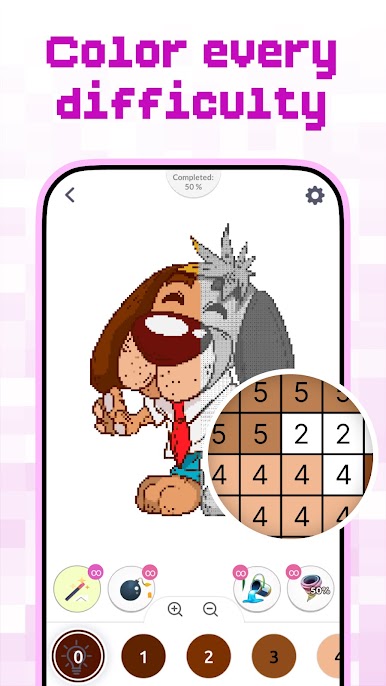
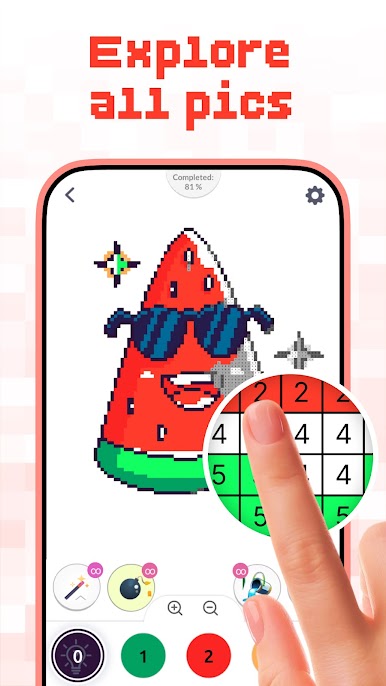
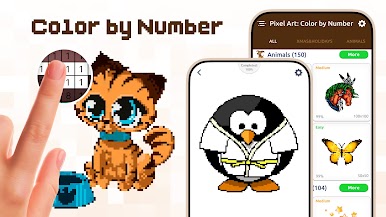
- Big gallery: Browse a wide mix of designs with hundreds of pictures to color—from simple shapes to intricate pixel art.
- Turn photos into art: Use the camera or import a pic and instantly convert it into numbered pixel art you can color.
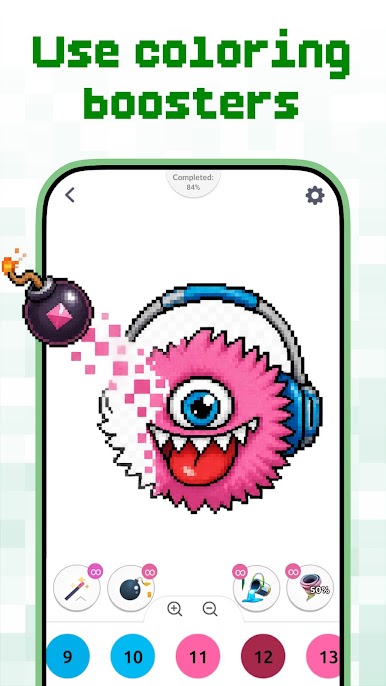
- Magic fill tools: Quickly cover large areas, fine-tune edges, and keep your flow without tapping every single cell.
- Smooth zoom: Pinch and pan for precise coloring when you’re working on tiny details.
- Press-and-hold coloring: Hold to fill continuously and keep the momentum going.
- Haptic toggle: Turn error vibration on or off for a quieter, more focused session.
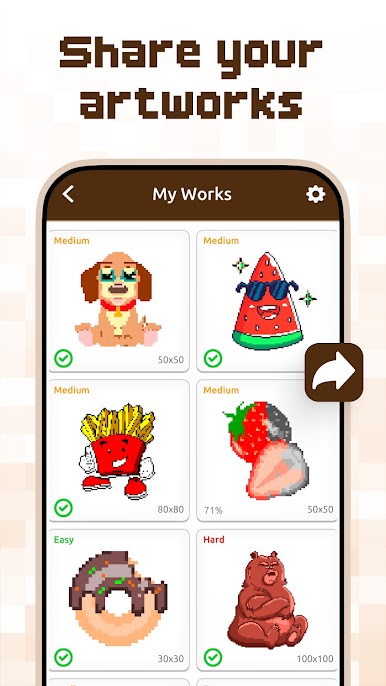
- Filters and backgrounds: Add creative filters, pixel effects, and custom backgrounds to give your finished piece a unique look.
- Guided palettes: Hints highlight where each shade belongs, so you can relax instead of second-guessing colors.
- Works offline: Color anytime, anywhere—no connection needed.
- Relax-first design: Gentle pacing and number guidance support focus, patience, and a calm, creative break in the Entertainment genre.
BlueStacks gives you the much-needed freedom to experience your favorite apps on a bigger screen. Get it now.

Play Pixel Art: Color by Number on PC. It’s easy to get started.
-
Download and install BlueStacks on your PC
-
Complete Google sign-in to access the Play Store, or do it later
-
Look for Pixel Art: Color by Number in the search bar at the top right corner
-
Click to install Pixel Art: Color by Number from the search results
-
Complete Google sign-in (if you skipped step 2) to install Pixel Art: Color by Number
-
Click the Pixel Art: Color by Number icon on the home screen to start playing

