


Coloring Book
Play on PC with BlueStacks – the Android Gaming Platform, trusted by 500M+ gamers.

Page Modified on: Aug 18, 2025
Play Coloring Book on PC
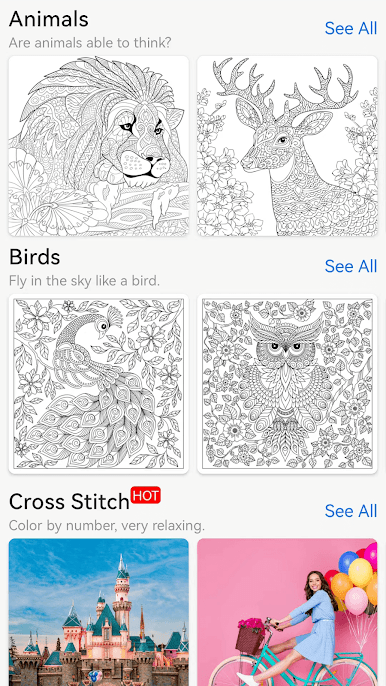
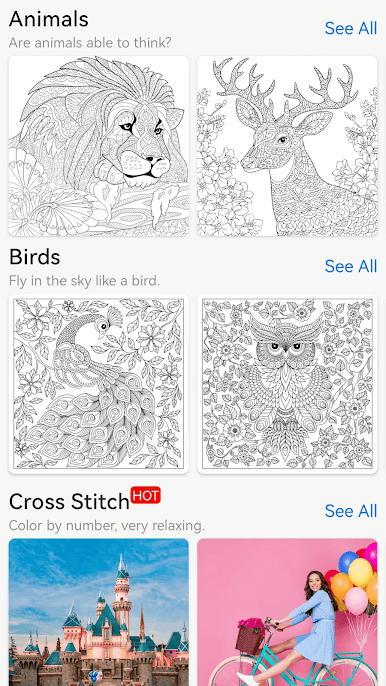
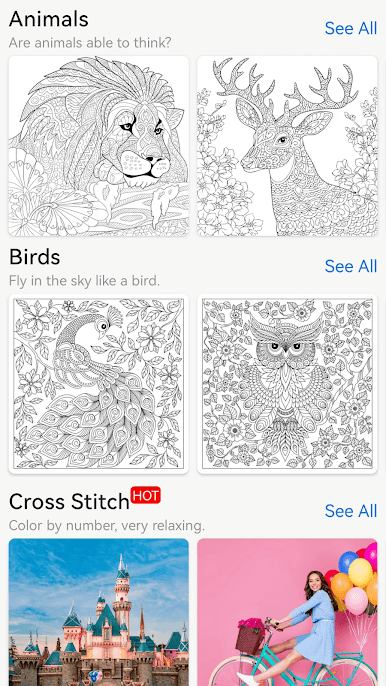
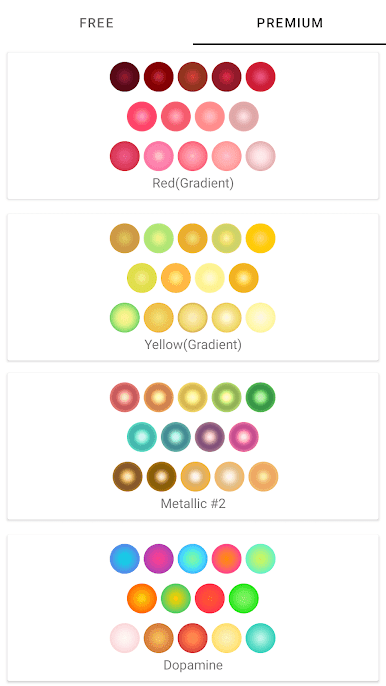
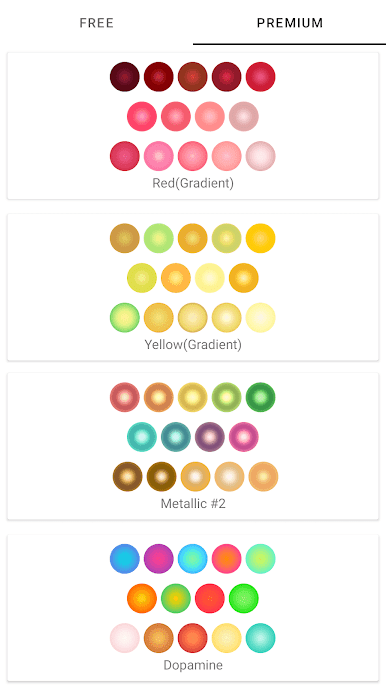
Including mandalas/floral/animals/birds/kids/foods/objects new illustrations, along with many cool colorful palettes,
and it is ALL FREE!
A mind journey which makes you anxiety free and stress relieving!
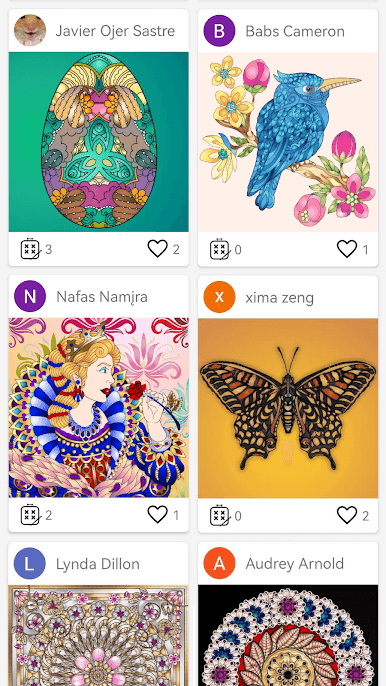
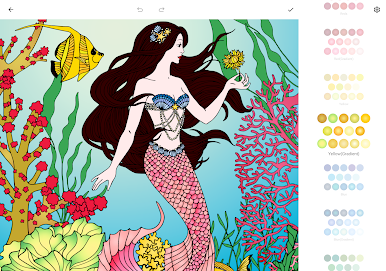
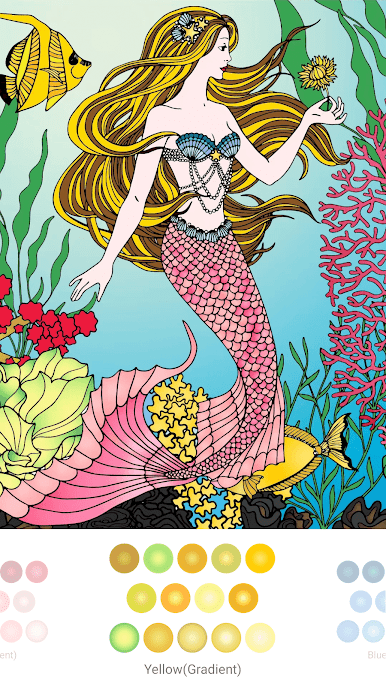
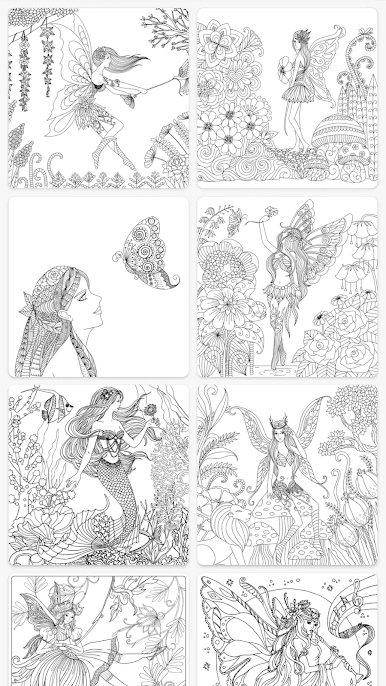
Explore the secret garden created in beautifully detailed illustrations and drawings and bring them to life using those colorful palettes with your imagination.
Have fun in this relaxing painting experience, refill the energy and let anxiety fade away through coloring games.
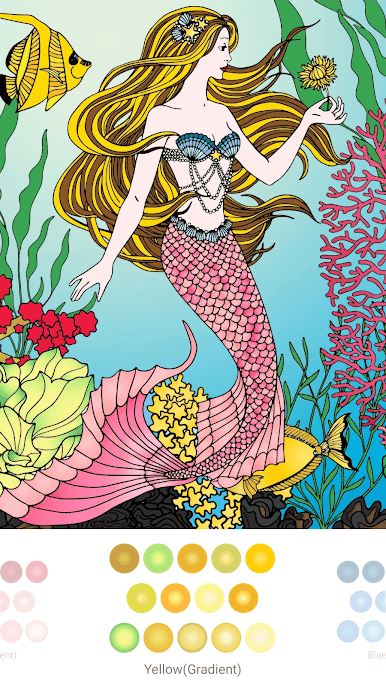
* Simply tap to pick color and paint, all you need is your imagination!
* Lots of beautiful illustrations and drawings to color, and more are coming!
* Personalized color palettes, pick your favorite!
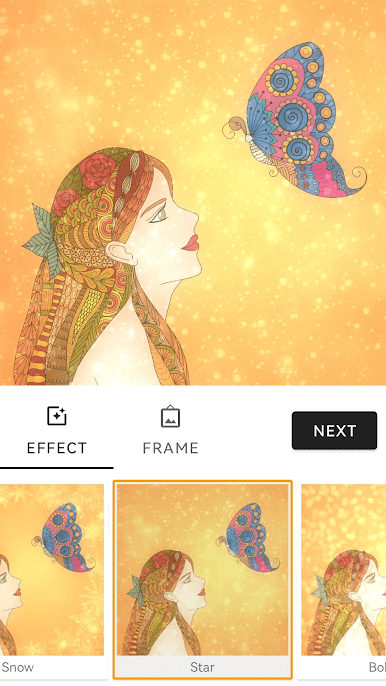
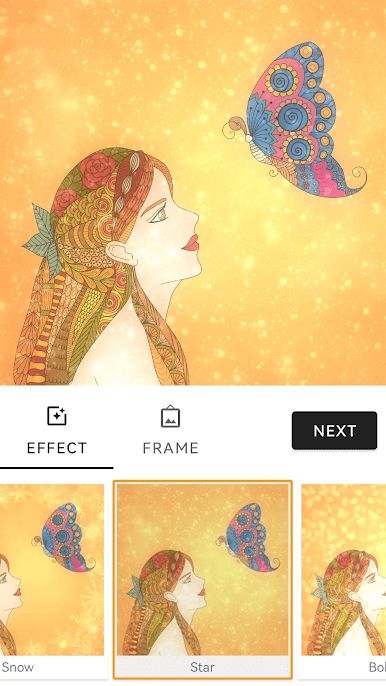
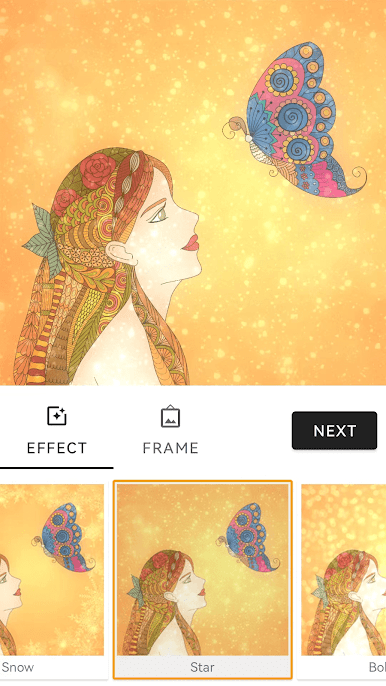
* Design unique work with amazing filters and effects
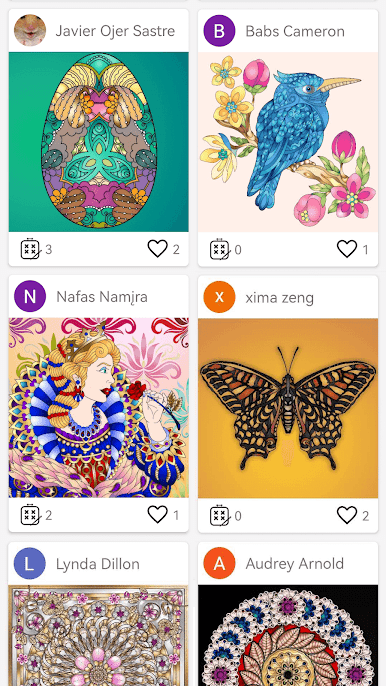
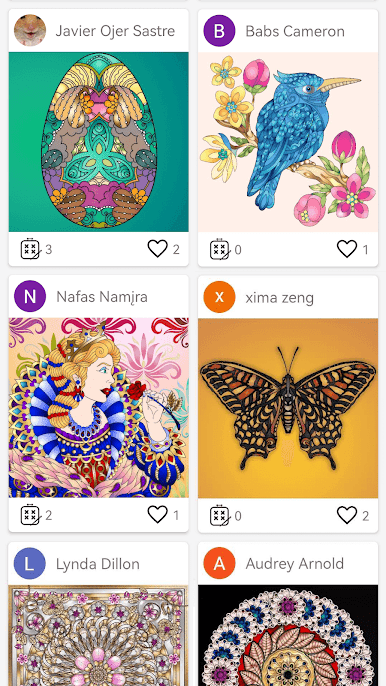
* Share your creations with family and friends
* Be able to save different version of your artwork for the same sketch and revisit later!
* Pinch to zoom in/out, easy coloring games!
The best colour therapy game ever!
Download Colorfeel for free today and keep your eyes in our frequent updates for lots of new content.
Our Facebook Page:
https://www.facebook.com/colorfeelfree


Play Coloring Book on PC. It’s easy to get started.
-
Download and install BlueStacks on your PC
-
Complete Google sign-in to access the Play Store, or do it later
-
Look for Coloring Book in the search bar at the top right corner
-
Click to install Coloring Book from the search results
-
Complete Google sign-in (if you skipped step 2) to install Coloring Book
-
Click the Coloring Book icon on the home screen to start playing

