

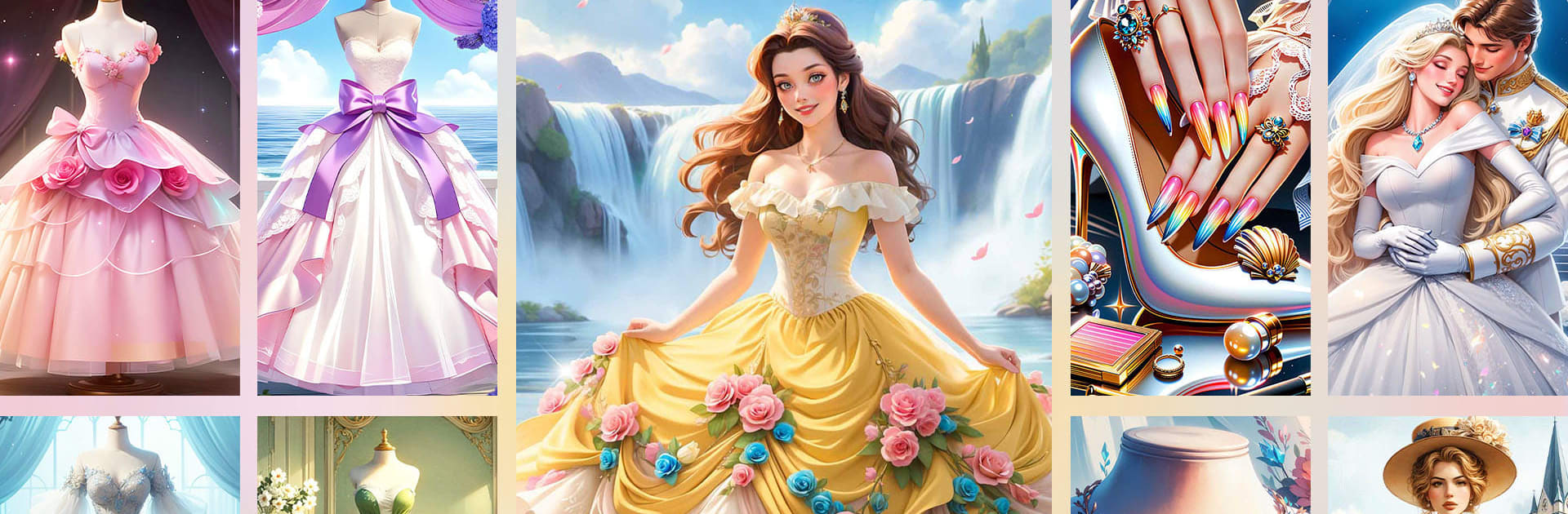
Princess Dress Coloring Game
Play on PC with BlueStacks – the Android Gaming Platform, trusted by 500M+ gamers.

Page Modified on: Jan 4, 2026
Play Princess Dress Coloring Game on PC or Mac
From the innovators and creators at Special Coloring Studio, Princess Dress Coloring Game is another fun addition to the World of Board games. Go beyond your mobile screen and play it bigger and better on your PC or Mac. An immersive experience awaits you.
About the Game
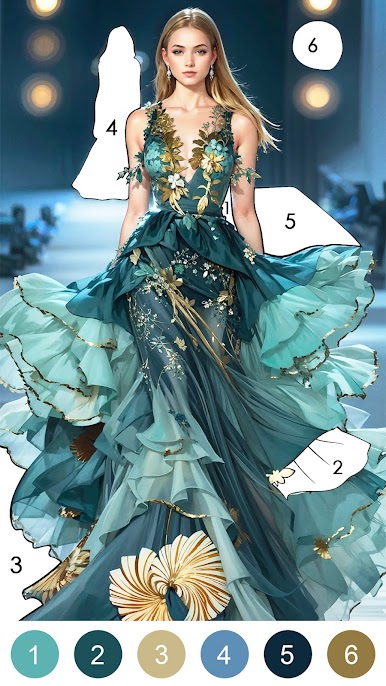
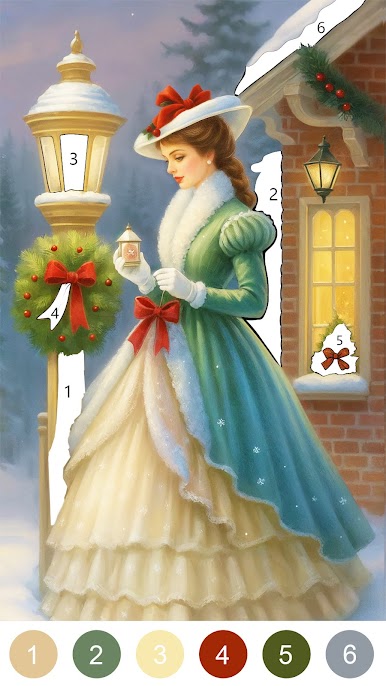
Princess Dress Coloring Game turns outfit daydreams into tap-and-color fun. This relaxing Board title from Special Coloring Studio lets you bring gowns, tiaras, and royal looks to life one shade at a time. It’s simple, soothing, and packed with fresh pages to keep your inner stylist busy.
Game Features
- Dress Gallery — Browse a big closet of designs: classic ball gowns, red‑carpet looks, fairy‑tale ensembles, winter galas, and elegant wedding styles.
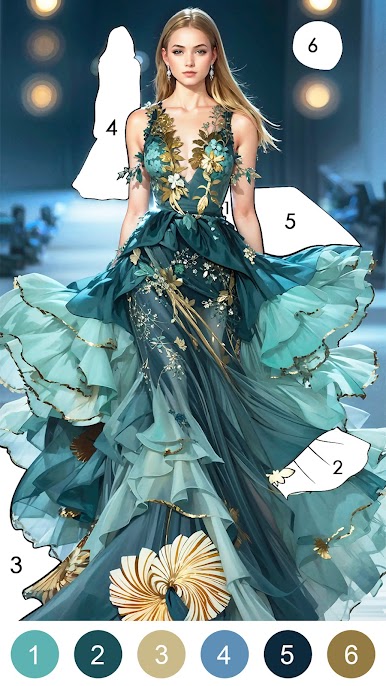
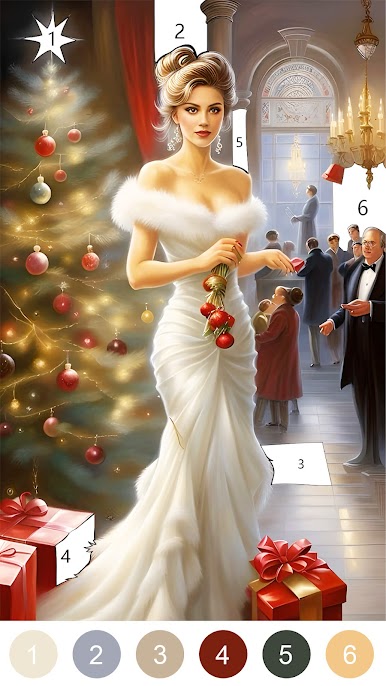
- Color-by-Number Ease — Tap the numbered sections to fill each area with the right shade. No stress, just satisfying progress.
- Magical Settings — Color scenes inspired by castles, glittering parties, royal courts, and seasonal celebrations.
- Daily Newness — Complete daily challenges, earn rewards, and discover new pages with special holiday collections and exclusive pieces.
- All Ages Friendly — Kids, teens, and grown-ups can jump in. It’s welcoming for beginners and chill for regular colorers.
- Offline & Shareable — Color anytime, even without internet. Save your finished artwork and share it when you’re ready to show off.
- Endless Variety — From poofy pink silhouettes to sleek modern cuts, switch styles to match your mood and palette.
- Gentle Me-Time — Take a breather and unwind; the steady rhythm of tap-to-fill makes it a calming break.
- Ongoing Updates — Fresh dresses and themed sets keep arriving, so there’s always something new to color.
- Bigger Canvas Option — Want more room to work? You can also color on your PC with BlueStacks for a comfy, larger view.
Slay your opponents with your epic moves. Play it your way on BlueStacks and dominate the battlefield.



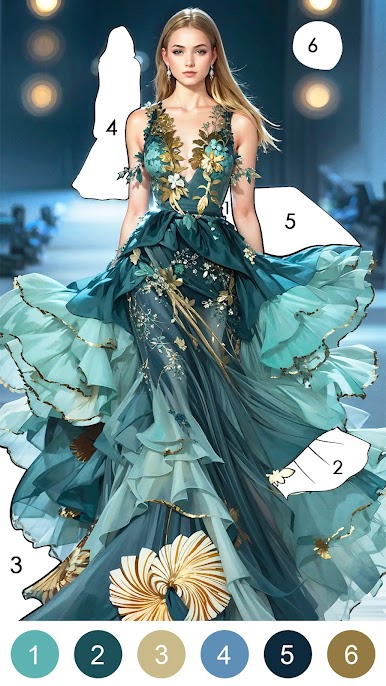

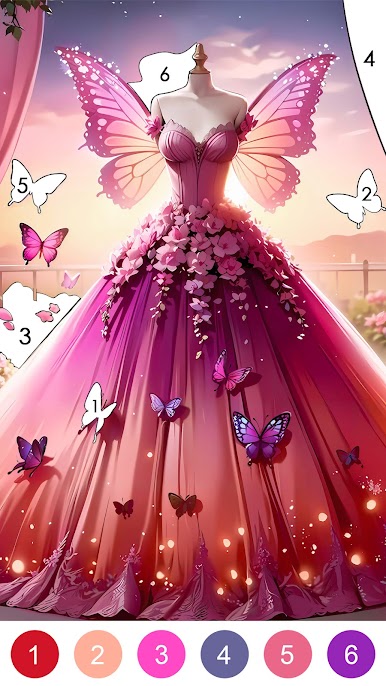





Play Princess Dress Coloring Game on PC. It’s easy to get started.
-
Download and install BlueStacks on your PC
-
Complete Google sign-in to access the Play Store, or do it later
-
Look for Princess Dress Coloring Game in the search bar at the top right corner
-
Click to install Princess Dress Coloring Game from the search results
-
Complete Google sign-in (if you skipped step 2) to install Princess Dress Coloring Game
-
Click the Princess Dress Coloring Game icon on the home screen to start playing

