


Color Rings:Rotate & Earn
Play on PC with BlueStacks – the Android Gaming Platform, trusted by 500M+ gamers.

Page Modified on: Oct 19, 2026
Play Color Rings:Rotate & Earn on PC
🎮 Game Features
• Simple one-finger rotation controls
• Hundreds of puzzle levels with rising difficulty
• Collect rewards by completing puzzle challenges
• Clean minimalist visuals & soothing sound effects
• Perfect casual game to kill time and exercise logic
How to play: Drag to spin interlocked rings. Align all gaps on the same line to solve the puzzle and collect rewards. Rules look easy at first, but advanced multi-ring puzzles will test your thinking skills.
If you love brain teasers and rewarding casual puzzle games, download Rotate Rings and start collecting rewards while you play!
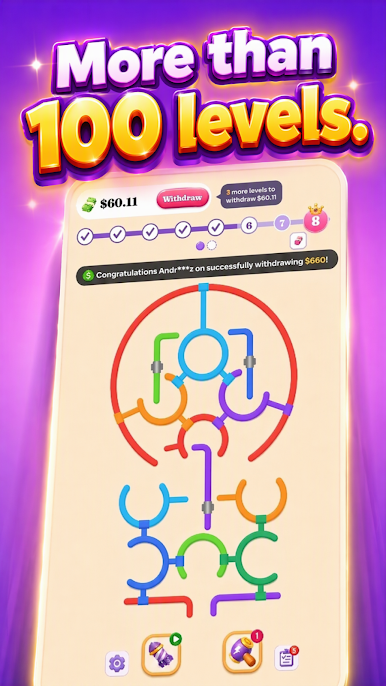
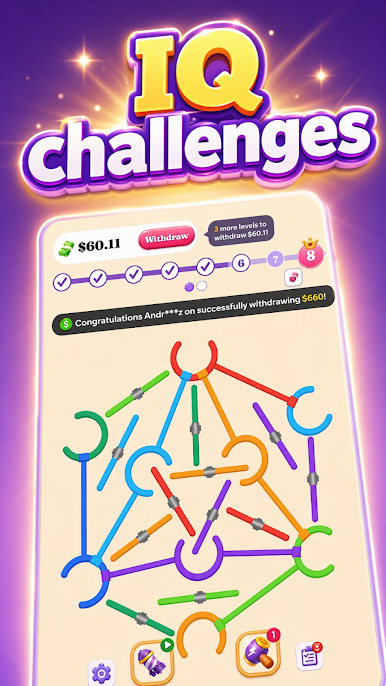
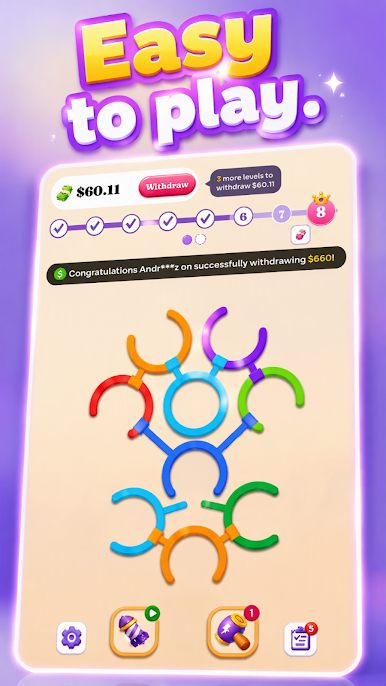
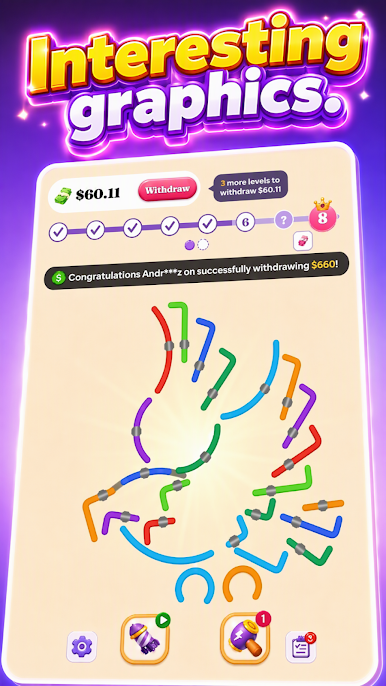
Play Color Rings:Rotate & Earn on PC. It’s easy to get started.
-
Download and install BlueStacks on your PC
-
Complete Google sign-in to access the Play Store, or do it later
-
Look for Color Rings:Rotate & Earn in the search bar at the top right corner
-
Click to install Color Rings:Rotate & Earn from the search results
-
Complete Google sign-in (if you skipped step 2) to install Color Rings:Rotate & Earn
-
Click the Color Rings:Rotate & Earn icon on the home screen to start playing

