


컴투스프로야구V26
Play on PC with BlueStacks – the Android Gaming Platform, trusted by 500M+ gamers.

Page Modified on: Feb 23, 2026
Play 컴투스프로야구V25 on PC or Mac
Join millions to experience 컴투스프로야구V25, an exciting Sports game from Com2uS. With BlueStacks App Player, you are always a step ahead of your opponent, ready to outplay them with faster gameplay and better control with the mouse and keyboard on your PC or Mac.
About the Game
컴투스프로야구V25 is a Sports title from Com2uS that packs the full KBO vibe into your phone. It’s all about building a roster you love, calling the big moments, and watching sharp, lifelike baseball play out in front of you. Want a quick at-bat on the train or a full series at home? It’s built for both.
Game Features
-
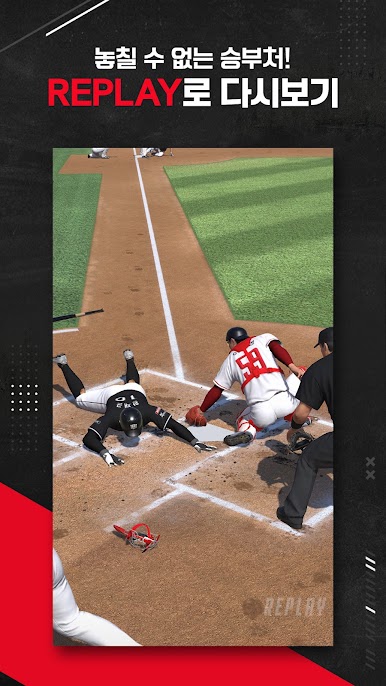
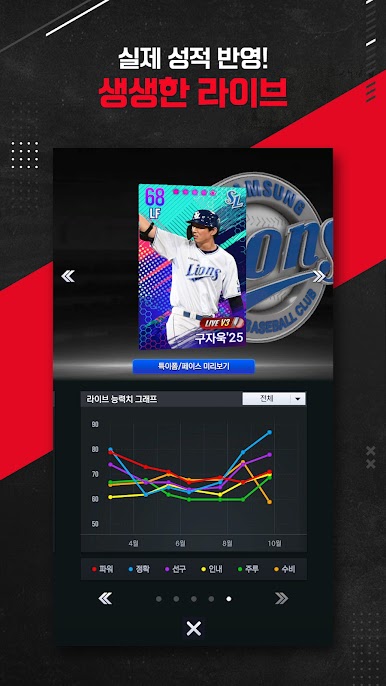
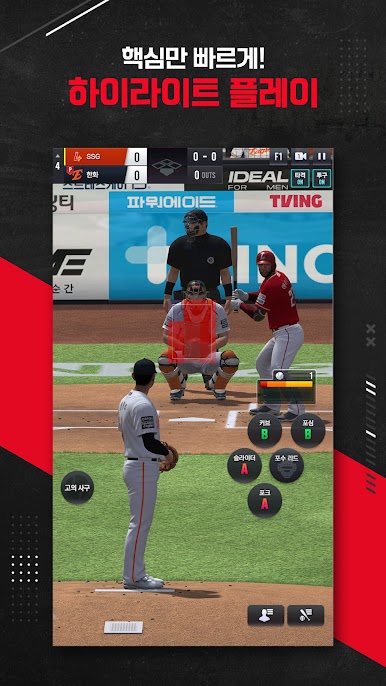
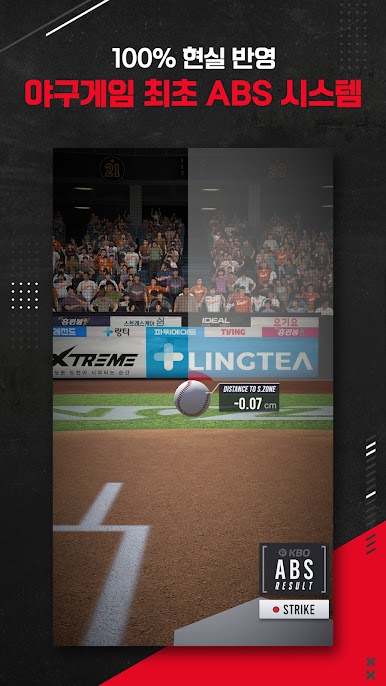
Authentic KBO Presentation: Face scans for hundreds of real KBO players and motion-captured swings and deliveries make every pitch and swing feel legit. Broadcast-style commentary from Jung Woo-young and Lee Soon-cheol ties it all together like a true game day.
-
Golden Glove Exchange: Got a Golden Glove card? Trade it for the player you actually want. Set up your own exchange list and shape a lineup that fits your style, not someone else’s.
-
Friendly Tournaments, Your Rules: The lobby system lets a host set match rules and organize friendly, tournament-like showdowns. Jump in, play a round, and keep it moving.
-
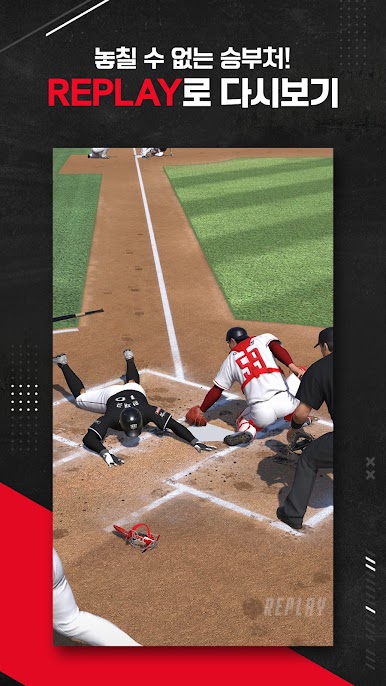
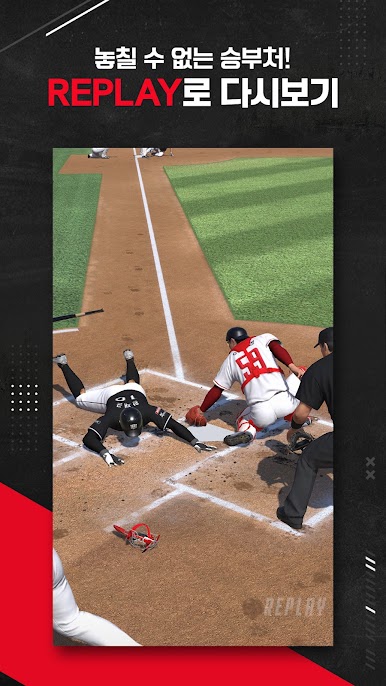
Big-Moment Highlights: Bases loaded in the ninth? Chasing a perfect game? Step into clutch plays where your decisions swing the momentum and the outcome.
-
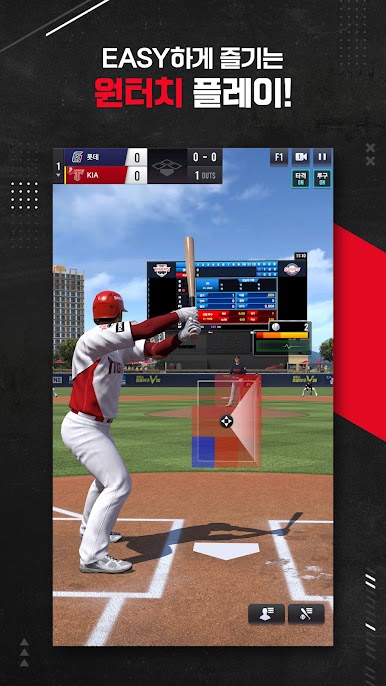
Play How You Like: Switch between landscape and portrait anytime. One-handed controls make it easy to sneak in an inning when you’re on the go.
-
Modes for Every Mood: Run a season with all 10 KBO teams in League Mode, climb Ranking challenges, battle in real-time matches, tackle rotating events and daily games, crush baseballs in the Home Run Race, team up for Club Battles, and go head-to-head in a six-player RBI Battle.
-
Looks Great on PC: If you want a bigger screen, 컴투스프로야구V25 plays smoothly on BlueStacks without changing how you like to control the game.
Get ready for a buttery smooth, high-performance gaming action only on BlueStacks.



Play 컴투스프로야구V26 on PC. It’s easy to get started.
-
Download and install BlueStacks on your PC
-
Complete Google sign-in to access the Play Store, or do it later
-
Look for 컴투스프로야구V26 in the search bar at the top right corner
-
Click to install 컴투스프로야구V26 from the search results
-
Complete Google sign-in (if you skipped step 2) to install 컴투스프로야구V26
-
Click the 컴투스프로야구V26 icon on the home screen to start playing

