


CRAVE THE AUTO
Play on PC with BlueStacks – the Android Gaming Platform, trusted by 500M+ gamers.

Page Modified on: Feb 24, 2026
Play CRAVE THE AUTO on PC
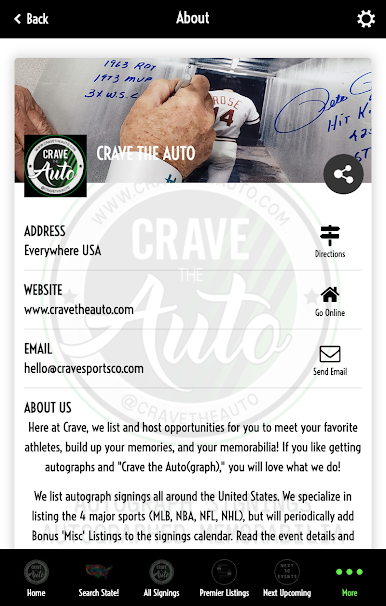
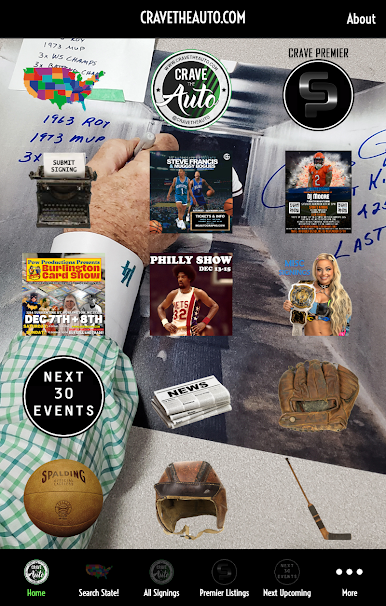
Crave Sports Company presents our application fully linked to all listings from cravetheauto.com!
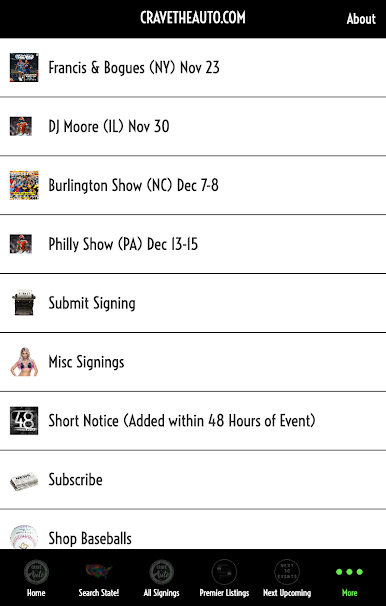
Within our application, you will be able to find where athletes in the four major sports are signing autographs.
DO YOU CRAVE THE AUTOGRAPH? We list/host opportunities for you to meet your favorite athletes, build up your memories, and your memorabilia! If you like getting autographs and "Crave the Auto(graph)," you will love what we do!
Download the application now and have everything right on your phone!
Play CRAVE THE AUTO on PC. It’s easy to get started.
-
Download and install BlueStacks on your PC
-
Complete Google sign-in to access the Play Store, or do it later
-
Look for CRAVE THE AUTO in the search bar at the top right corner
-
Click to install CRAVE THE AUTO from the search results
-
Complete Google sign-in (if you skipped step 2) to install CRAVE THE AUTO
-
Click the CRAVE THE AUTO icon on the home screen to start playing

