


ConnectWise Mobile
Play on PC with BlueStacks – the Android Gaming Platform, trusted by 500M+ gamers.

Page Modified on: Apr 27, 2026
Play ConnectWise Mobile on PC
This mobile app includes the most popular features of ConnectWise® PSA and combining them with a user-friendly interface designed to help you complete assigned tasks quickly and efficiently. See your agenda at a glance, update ticket status and notes, submit expenses, and more while on the go.
We want to hear your feedback!
Please use the “Send Feedback” button within the app or post on our enhancement forums at:
https://product.connectwise.com/communities/35-connectwise-mobile-enhancements
Requires ConnectWise® PSA Add-on license.
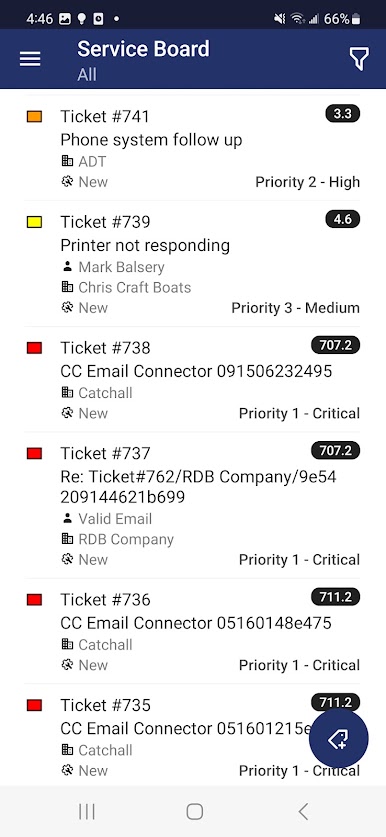
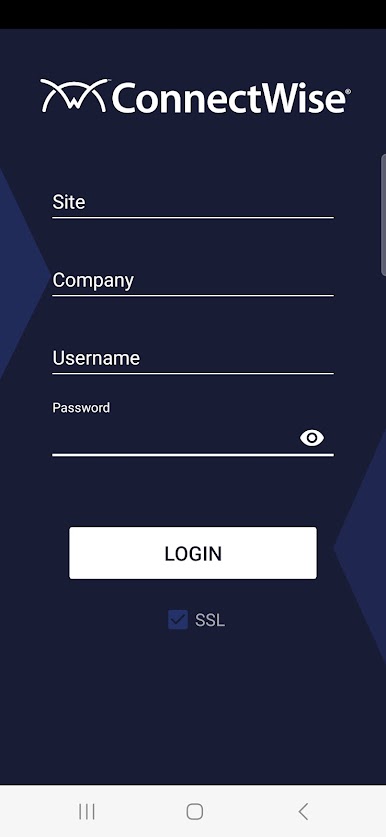
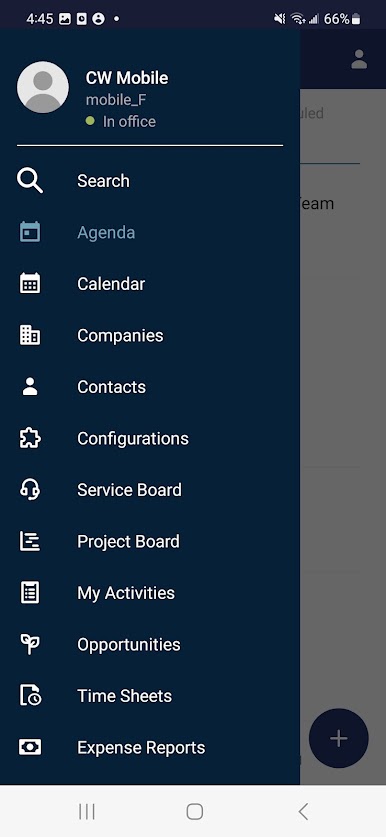
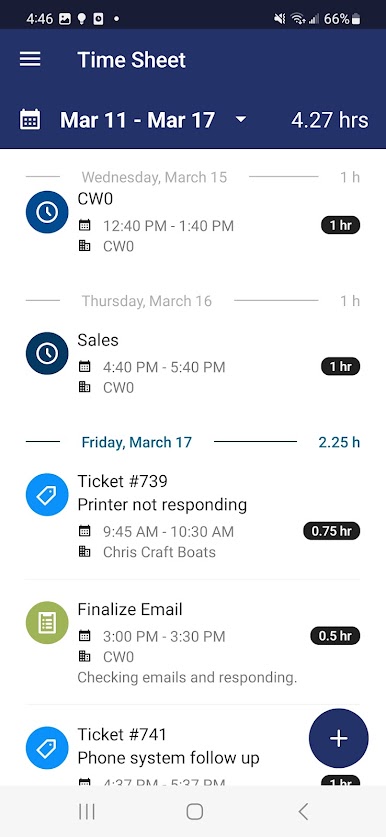
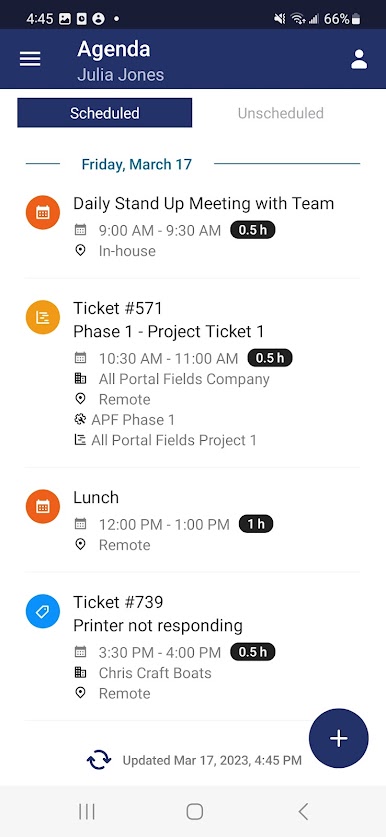
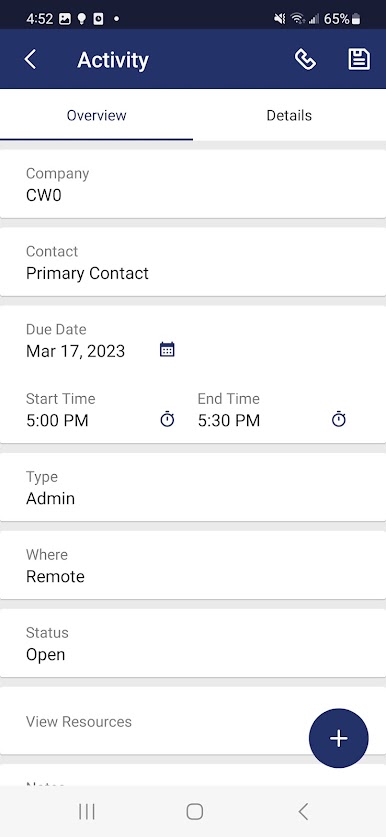
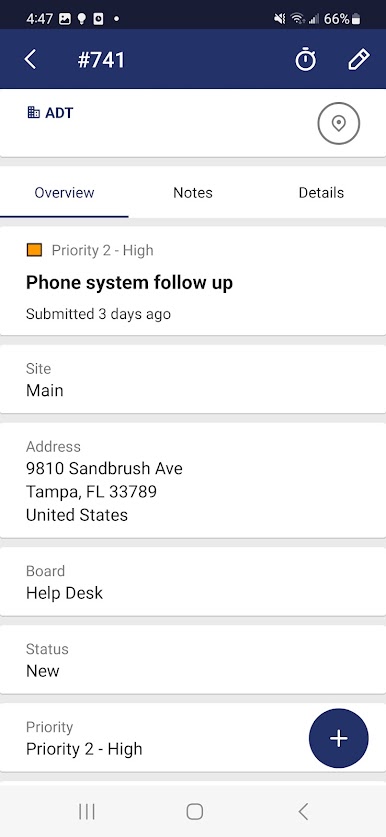
Play ConnectWise Mobile on PC. It’s easy to get started.
-
Download and install BlueStacks on your PC
-
Complete Google sign-in to access the Play Store, or do it later
-
Look for ConnectWise Mobile in the search bar at the top right corner
-
Click to install ConnectWise Mobile from the search results
-
Complete Google sign-in (if you skipped step 2) to install ConnectWise Mobile
-
Click the ConnectWise Mobile icon on the home screen to start playing

