


coogoong
Play on PC with BlueStacks – the Android Gaming Platform, trusted by 500M+ gamers.

Page Modified on: Sep 17, 2026
Run Fancast on PC or Mac
Multitask effortlessly on your PC or Mac as you try out Fancast, an Entertainment app by QuickwinStudio on BlueStacks.
About the App
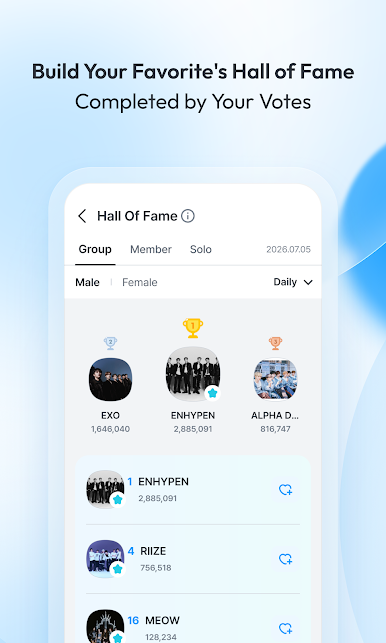
Welcome to Fancast, the ultimate spot for all K-pop enthusiasts! Developed by QuickwinStudio, this Entertainment app lets you vote for your favorite artists in the Korea Grand Music Awards (KGMA) and get them that prestigious win. Get excited for monthly themed voting events, real-time poll updates, and more all in one place.
App Features
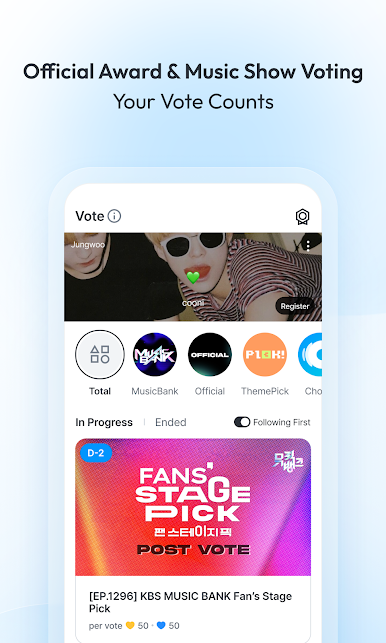
- KGMA Official Voting: Cast your vote to help your favorite artist win the 1st KGMA! Check poll statuses as they unfold live.
- Special Theme Picks: Join Ilgan Sports and Fancast for monthly theme-based voting. Do you have a favorite? Show your support and vote!
- Cheer Board: Share encouraging words with your favorite artists, letting them know they have your support.
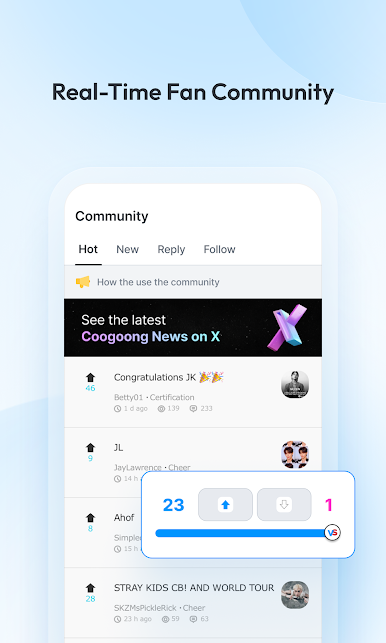
- Community Hub: Connect with fans worldwide and share your thoughts. Who knows, you might make some new friends along the way!
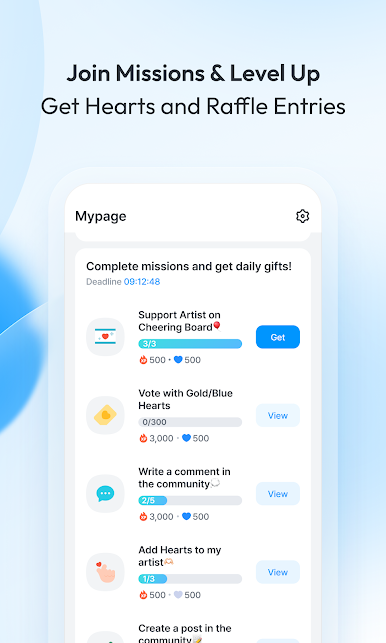
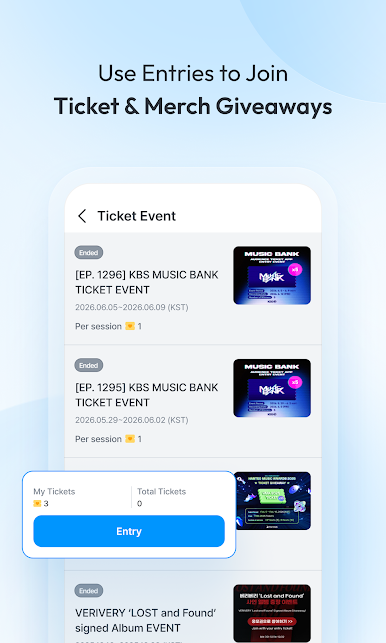
- Lucky Ticket Event: Complete missions to collect Lucky Tickets, unlocking fun events and rewards.
For a better experience, consider using BlueStacks.
Eager to take your app experience to the next level? Start right away by downloading BlueStacks on your PC or Mac.

Play coogoong on PC. It’s easy to get started.
-
Download and install BlueStacks on your PC
-
Complete Google sign-in to access the Play Store, or do it later
-
Look for coogoong in the search bar at the top right corner
-
Click to install coogoong from the search results
-
Complete Google sign-in (if you skipped step 2) to install coogoong
-
Click the coogoong icon on the home screen to start playing

