


Smash Blast
Play on PC with BlueStacks – the Android Gaming Platform, trusted by 500M+ gamers.

Page Modified on: Aug 28, 2026
Play Smash Blast on PC
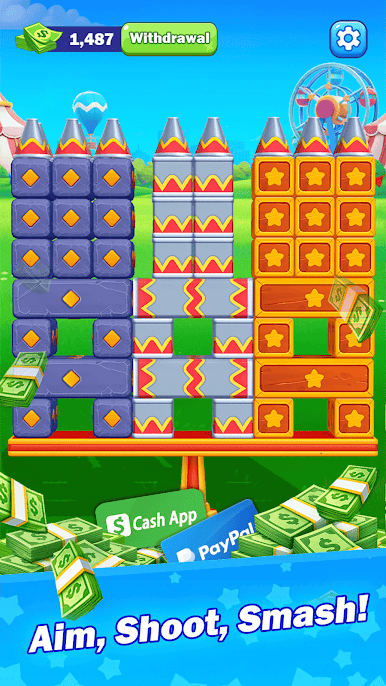
Aim your cannon, launch the balls, and knock down every can on the platform. Each level gives you a limited number of shots, so choose your angle carefully and make every launch count.
Watch stacked cans fall, collide, and scatter across the screen with satisfying effects. As you progress, you will encounter new layouts, larger structures, and fun challenges that test your aim and timing
Game Features:
• Simple one-touch aiming and shooting
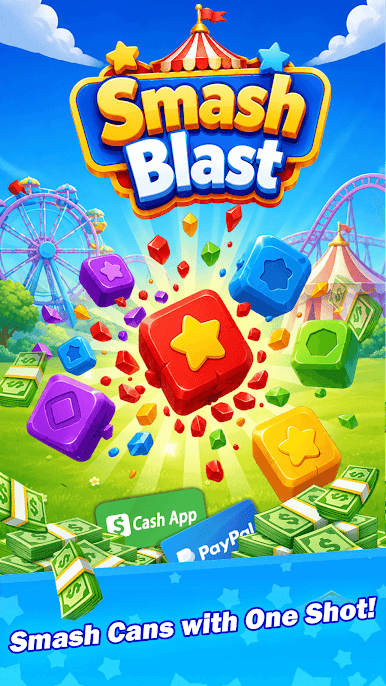
• Colorful carnival-themed environments
• Satisfying can-smashing effects
• Easy-to-understand level objectives
• Limited-ball challenges that reward smart shots
• A variety of can formations and stage layouts
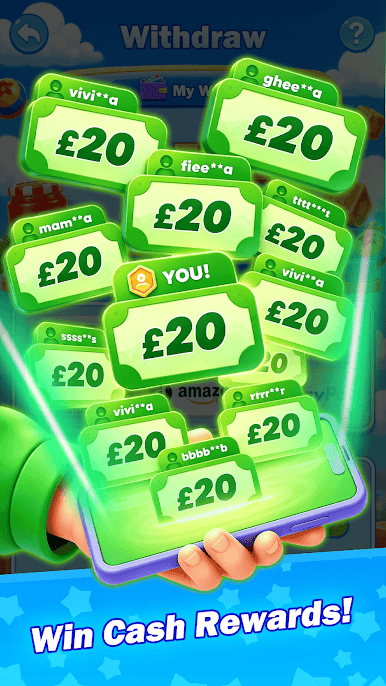
• In-game rewards earned through gameplay
• Suitable for quick and relaxing play sessions
Smash all the cans before you run out of balls and complete each challenge. Whether you play for a few minutes or continue through multiple levels, Smash Blast offers an easy and enjoyable shooting experience.
Play Smash Blast on PC. It’s easy to get started.
-
Download and install BlueStacks on your PC
-
Complete Google sign-in to access the Play Store, or do it later
-
Look for Smash Blast in the search bar at the top right corner
-
Click to install Smash Blast from the search results
-
Complete Google sign-in (if you skipped step 2) to install Smash Blast
-
Click the Smash Blast icon on the home screen to start playing

