


mconnect Player Lite – Cast AV
Play on PC with BlueStacks – the Android Gaming Platform, trusted by 500M+ gamers.

Page Modified on: Jan 13, 2026
Run mconnect Player Lite – Cast AV on PC or Mac
Why limit yourself to your small screen on the phone? Run mconnect Player Lite – Cast AV, an app by Conversdigital Co., Ltd., best experienced on your PC or Mac with BlueStacks, the world’s #1 Android emulator.
About the App
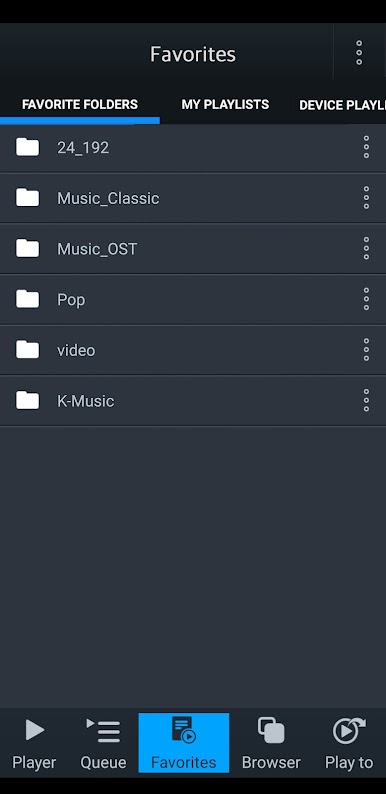
Ever wanted all your music and video in one place, ready to send around your home? mconnect Player Lite – Cast AV makes it easy to stream your favorite tracks, movies, or photos from your phone—or just about any server you’ve got—right to your smart TV, Chromecast, or audio system. No hassle, just open the app and you’re in control. Whether you’re chilling with your personal library or streaming from TIDAL, Qobuz, or the cloud, this lightweight version (from Conversdigital Co., Ltd.) keeps the good stuff rolling.
App Features
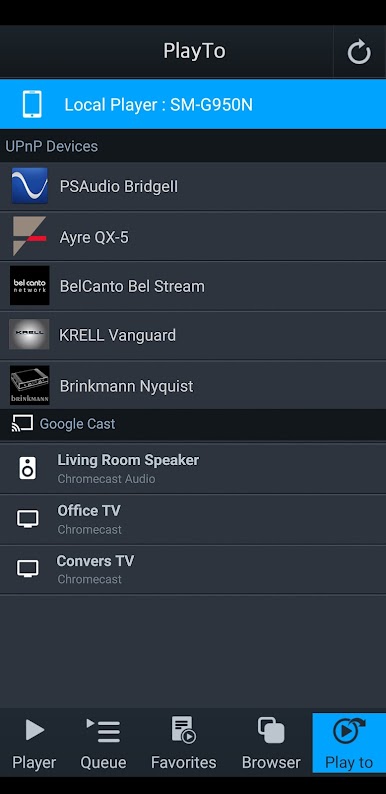
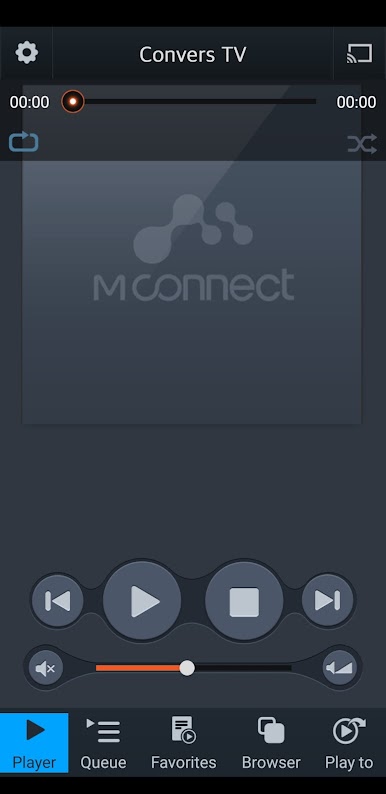
- Simple Streaming: Play music, videos, or photos from your phone and tablet to other devices using UPnP or Google Cast (yep, Chromecast included). Queue up that family slideshow or your party playlist, and you’re good.
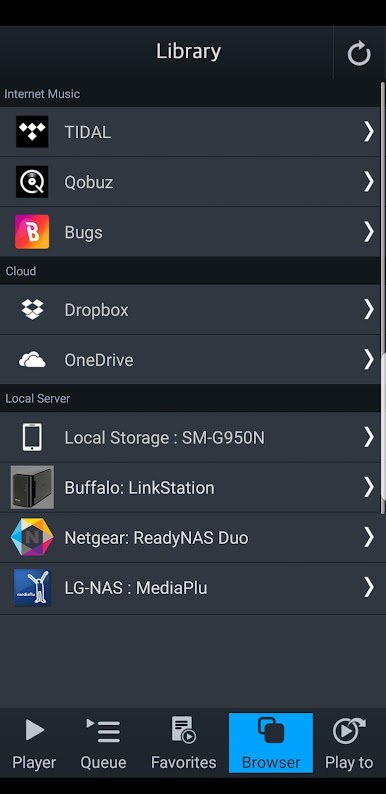
- Wide Server Support: Got music stashed in the cloud? The app connects with OneDrive, Dropbox, or UPnP-compatible servers (like your PC or NAS) with just a few taps. Internet music services like TIDAL, Qobuz, and Bugs are built right in.
- Flexible Playback Devices: Listen on your phone, blast it through your smart TV speakers, or play through Chromecast and UPnP-compatible audio gear. Handy if your living room has a bunch of gadgets.
- High-Quality Audio: Play MQA tracks from TIDAL Masters or your own library straight to UPnP devices, for those who love crisp sound details.
- Cross-Device Control: Start playback on your mobile, then switch to a speaker in the kitchen or a TV in the living room—great for total house coverage.
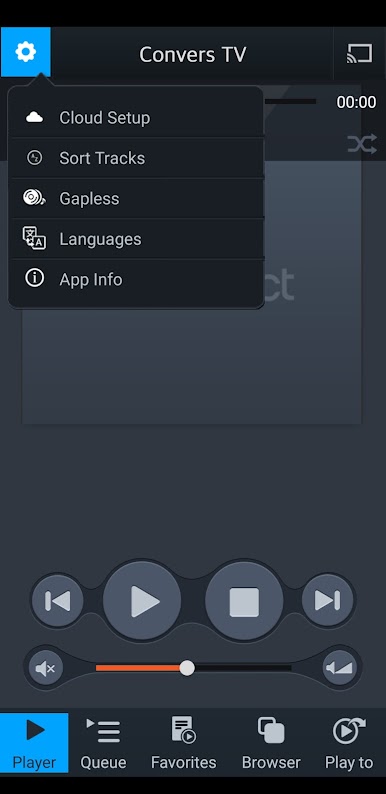
- Lightweight and Fast: Keeps things snappy, focusing on the essentials so you get straight to the music without unnecessary extras.
You can even check out how it runs on your PC with BlueStacks for a bigger, breezier experience.
Ready to experience mconnect Player Lite – Cast AV on a bigger screen, in all its glory? Download BlueStacks now.
Play mconnect Player Lite – Cast AV on PC. It’s easy to get started.
-
Download and install BlueStacks on your PC
-
Complete Google sign-in to access the Play Store, or do it later
-
Look for mconnect Player Lite – Cast AV in the search bar at the top right corner
-
Click to install mconnect Player Lite – Cast AV from the search results
-
Complete Google sign-in (if you skipped step 2) to install mconnect Player Lite – Cast AV
-
Click the mconnect Player Lite – Cast AV icon on the home screen to start playing

