


Genies & Gold - Gem Adventure
Play on PC with BlueStacks – the Android Gaming Platform, trusted by 500M+ gamers.

Page Modified on: Mar 20, 2022
Play Genies & Gold - Match 3 Jewel & Gem Adventure on PC or Mac
Step into the World of Genies & Gold – Match 3 Jewel & Gem Adventure, a thrilling Puzzle game from the house of CookApps. Play this Android game on BlueStacks App Player and experience immersive gaming on PC or Mac.
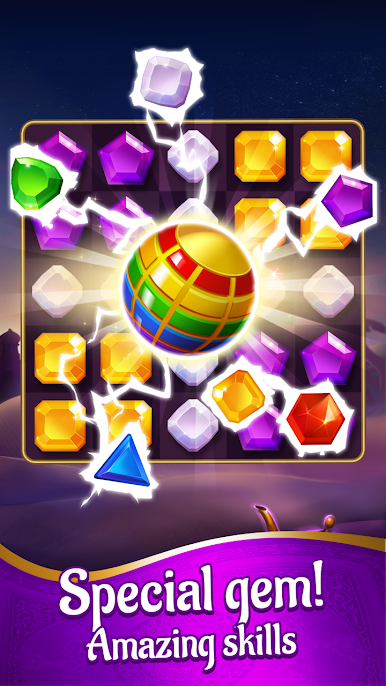
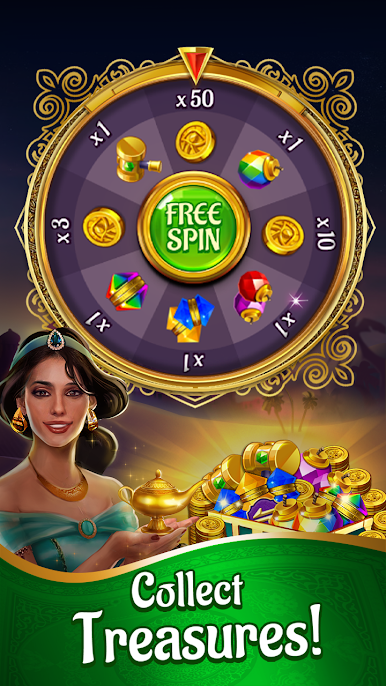
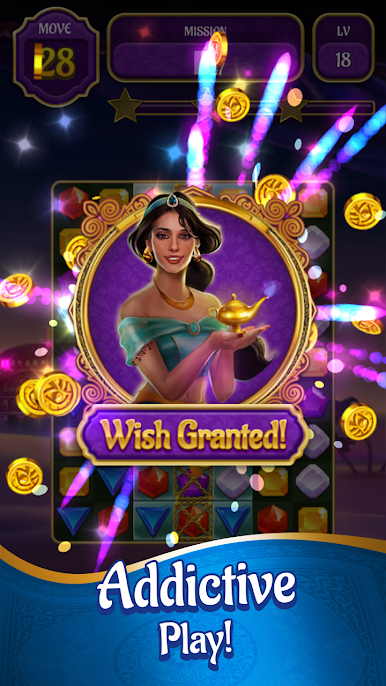
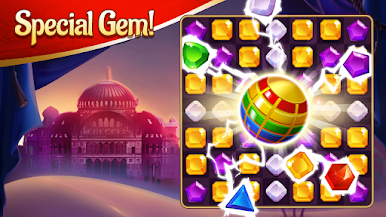
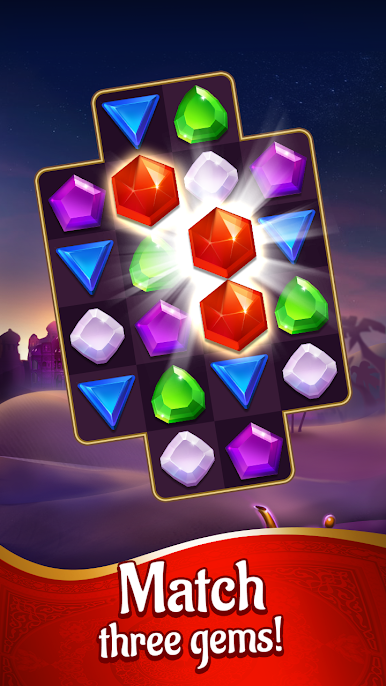
Genies & Gold is a match‑3 with an Arabian Nights feel, all about chasing lost palace treasure through deserts and caves. The setup is simple but fun: a sultan wants the jewels, gold, and that magic lamp back, so players move through boards full of shiny gems, keys, and coins. Swapping tiles feels smooth, and when a big combo goes off the screen lights up with satisfying pops. Early stages ease players in, then the game adds trickier layouts, limited moves, and little obstacles that make planning matter. Objectives shift between gathering certain pieces, breaking through blocked spots, and pulling special items onto the board, so it never turns into the exact same puzzle over and over.
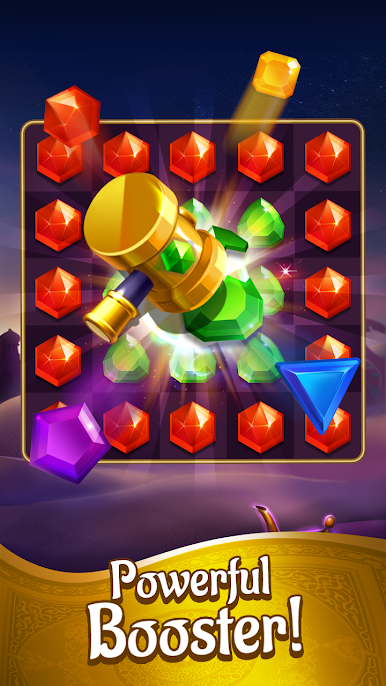
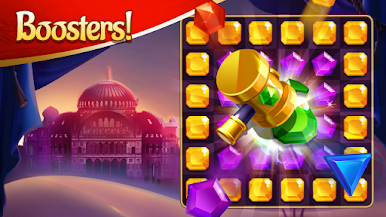
Boosters are a big part of the rhythm. Match enough pieces and players get rockets, bombs, and color clears that wipe lines or chew through clusters, which is perfect when a board starts to feel tight. The art leans warm and sparkly, with that genie‑and‑treasure vibe that fits the theme, and there are loads of levels to chip away at. On PC with BlueStacks, the bigger screen makes it easier to spot patterns, and mouse drags make precise swaps, which helps on tougher boards. Updates roll in with new stages, so there is always another cave of secrets waiting, even if progress takes a few tries here and there.
Ready to top the leaderboard? We bet you do. Let precise controls and sharp visuals optimized on BlueStacks lead you to victory.
Play Genies & Gold - Gem Adventure on PC. It’s easy to get started.
-
Download and install BlueStacks on your PC
-
Complete Google sign-in to access the Play Store, or do it later
-
Look for Genies & Gold - Gem Adventure in the search bar at the top right corner
-
Click to install Genies & Gold - Gem Adventure from the search results
-
Complete Google sign-in (if you skipped step 2) to install Genies & Gold - Gem Adventure
-
Click the Genies & Gold - Gem Adventure icon on the home screen to start playing

