


Cookingo: Perfect Meal
Play on PC with BlueStacks – the Android Gaming Platform, trusted by 500M+ gamers.

Page Modified on: Sep 10, 2026
Play Cookingo: Perfect Meal on PC or Mac
Bring your A-game to Cookingo: Perfect Meal, the Casual game sensation from DIGO Lab. Give your gameplay the much-needed boost with precise game controls, high FPS graphics, and top-tier features on your PC or Mac with BlueStacks.
About the Game
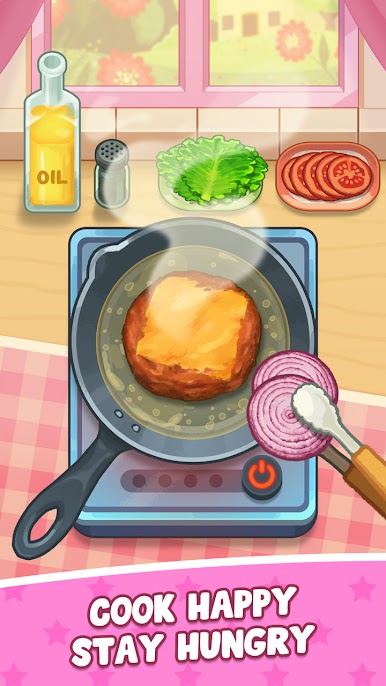
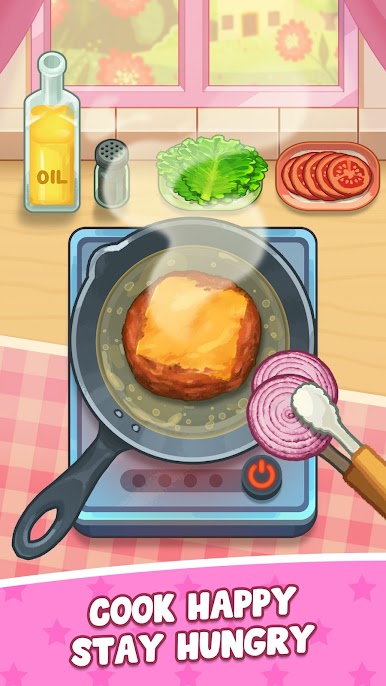
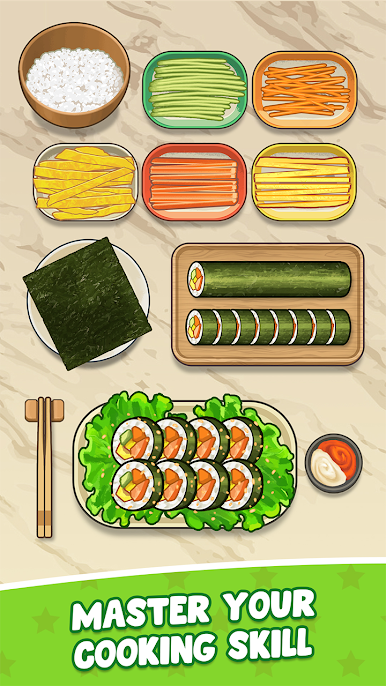
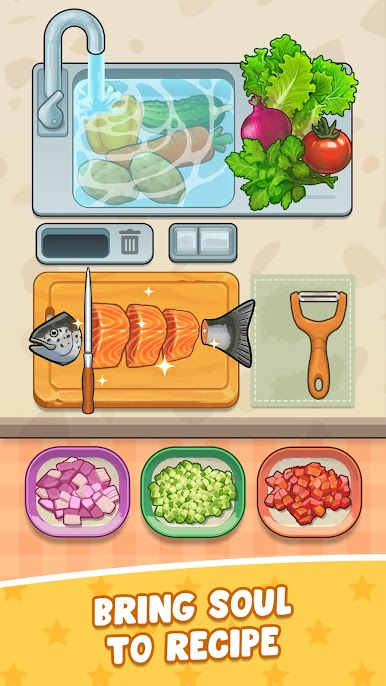
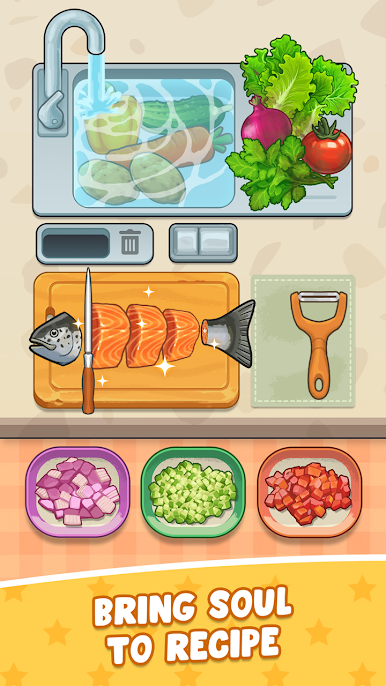
Cookingo: Perfect Meal is a cozy Casual game from DIGO Lab that turns your screen into a calm little kitchen. It’s all about the joy of making food—tapping to chop, swirling to mix, and adding those tiny finishing touches that make a dish feel special. The pace is unhurried and soothing, with gentle sounds and dreamy visuals that help you unwind while you create.
Game Features
- Satisfying Slicing: Tap to chop fruits and veggies in a soft, steady rhythm that feels almost musical.
- Whisk & Mix Magic: Watch colors blend and textures come together while mellow, ASMR-style audio keeps everything relaxing.
- Plate Like a Pro: Drizzle sauces, sprinkle spices, and place toppings just right to make every plate look delicious.
- Serene Soundscape: Calming effects and subtle kitchen noises create a peaceful vibe that’s easy on the mind.
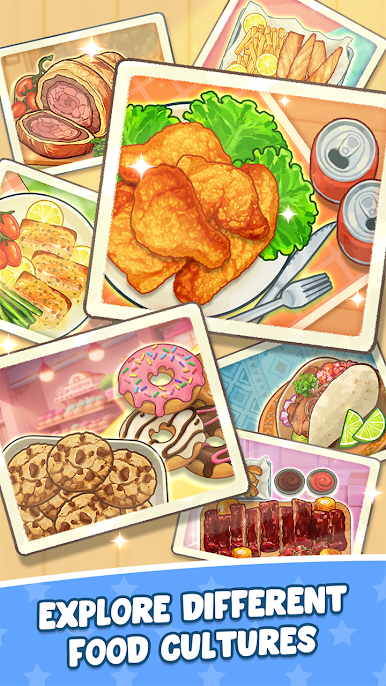
- Charming Recipe Moments: Each dish looks adorable and tells its own little story through playful animations and visuals.
- Made for All Kinds of Players: Whether you love cooking, enjoy laid-back games, or just want a cozy break, it’s easy to pick up and enjoy.
- No Pressure, Just Pleasure: Craft ingredients into delightful creations at your own pace—perfect for a quick breather or a longer chill session.
- Plays Nicely on PC: Prefer a bigger screen? You can also relax with Cookingo: Perfect Meal on BlueStacks without changing the feel of the game.
Start your journey now. Download the game on BlueStacks, invite your friends, and march on a new adventure.










Play Cookingo: Perfect Meal on PC. It’s easy to get started.
-
Download and install BlueStacks on your PC
-
Complete Google sign-in to access the Play Store, or do it later
-
Look for Cookingo: Perfect Meal in the search bar at the top right corner
-
Click to install Cookingo: Perfect Meal from the search results
-
Complete Google sign-in (if you skipped step 2) to install Cookingo: Perfect Meal
-
Click the Cookingo: Perfect Meal icon on the home screen to start playing

