


Cookingo: Perfect Meal
Play on PC with BlueStacks – the Android Gaming Platform, trusted by 500M+ gamers.

Page Modified on: Mar 5, 2026
Main Cookingo: Perfect Meal on PC
🍳 Your mission is simple: craft all the fresh ingredients into delightful creations.
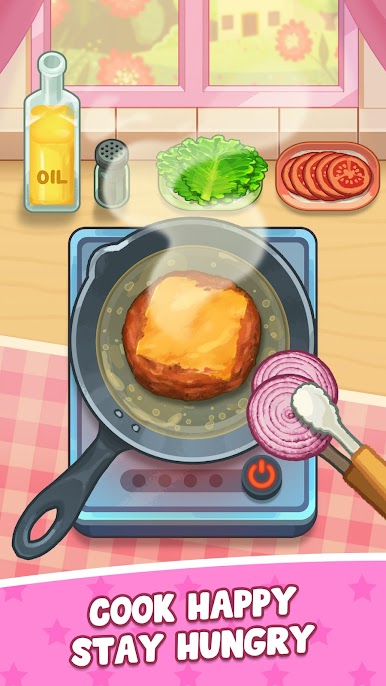
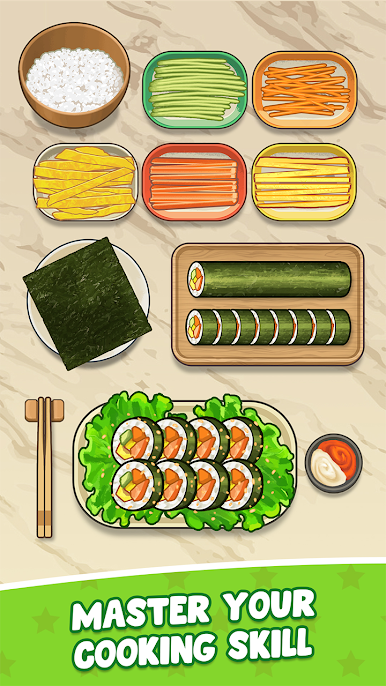
- Chop & Slice: Feel your rhythm as you softly slice fruits and veggies—each tap creating a playful little melody.
- Whisk & Mix: Watch colors swirl and textures blend while soothing ASMR sounds wrap around you like a cozy blanket.
- Perfect Plating: Sprinkle spices, drizzle sauces, and add the finishing touches to turn every dish into a masterpiece.
🌸 Tiny sweet touches that make Cookingo your peaceful place:
- Relaxing sounds that help you unwind and breathe a little easier.
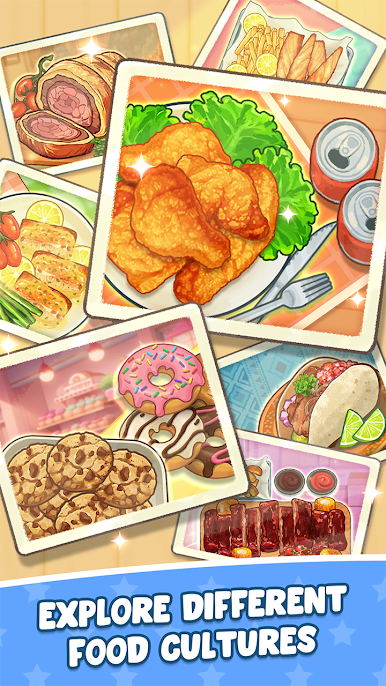
- Adorable, visually enchanting dishes—each recipe has its own dreamy story.
- Made for everyone, whether you’re a food enthusiast, a casual gamer, or someone who simply loves cozy, feel-good pleasures.
So, what are you waiting for? Step inside, turn your screen into a cozy kitchen, and let every cooking moment melt away your stress.











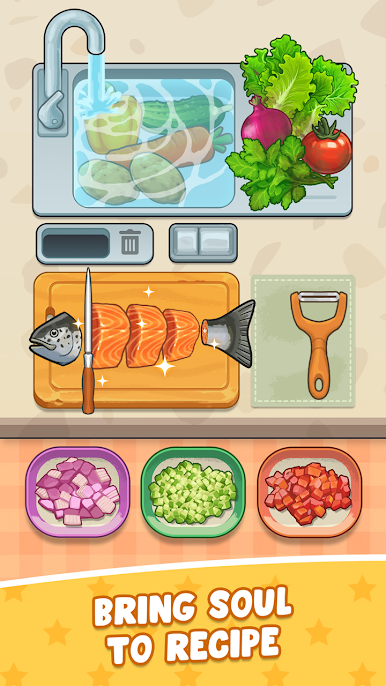
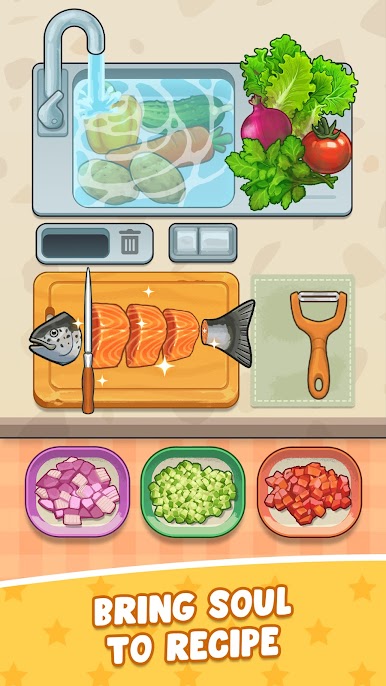





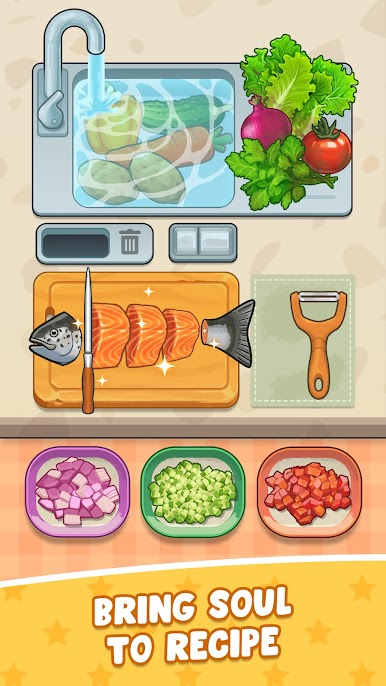
Play Cookingo: Perfect Meal on PC. It’s easy to get started.
-
Download and install BlueStacks on your PC
-
Complete Google sign-in to access the Play Store, or do it later
-
Look for Cookingo: Perfect Meal in the search bar at the top right corner
-
Click to install Cookingo: Perfect Meal from the search results
-
Complete Google sign-in (if you skipped step 2) to install Cookingo: Perfect Meal
-
Click the Cookingo: Perfect Meal icon on the home screen to start playing

