


Dice City: Idle Manager Tycoon
Play on PC with BlueStacks – the Android Gaming Platform, trusted by 500M+ gamers.

Page Modified on: Oct 6, 2026
Play Dice City: Idle Manager Tycoon on PC or Mac
Dice City: Idle Manager Tycoon by Cool Cats Games has plenty to keep you busy. BlueStacks lets you play it on PC or Mac with more screen space, better control, and fewer mobile limits.
About the Game
Luck and planning team up in Dice City: Idle Manager Tycoon, where rolling dice builds booming towns and steady income. This relaxed-yet-strategic Board game blends a snappy dice board with an idle city builder, so money keeps rolling in whether you’re actively playing or letting it cruise in the background. Want a larger view and smooth performance? BlueStacks makes it easy to play on PC without changing how the game feels.
Game Features
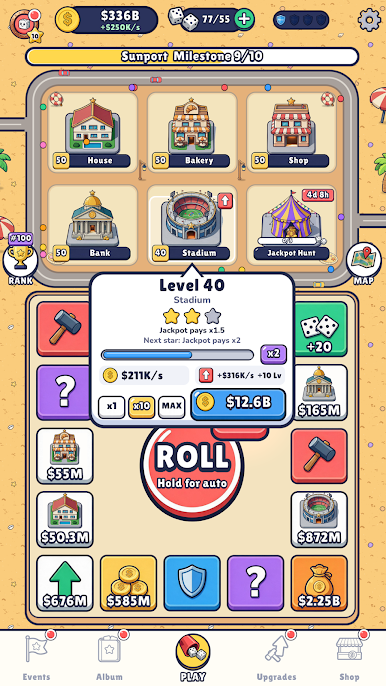
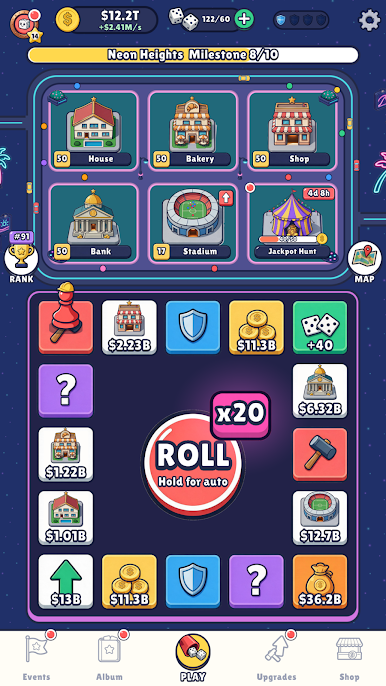
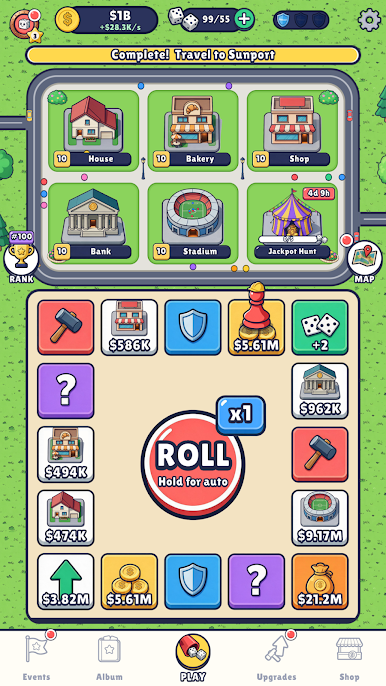
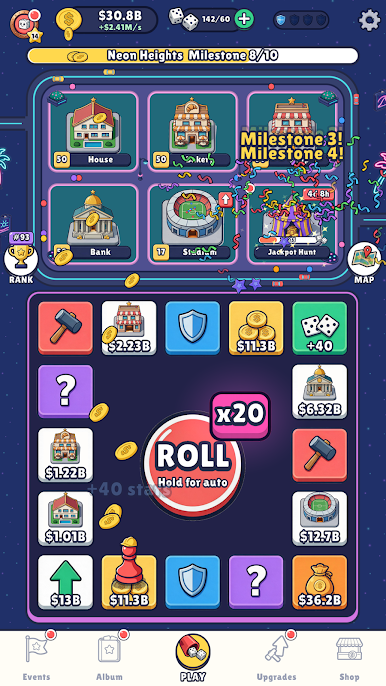
- Roll, land, profit: Toss two dice on a tight board where every stop pays—coin piles, rent hits, PAYDAY pops, Lucky Cards, even the Jackpot. Nudge the stake up to x100 when you’re feeling gutsy, or hold the button for auto-roll and let the wins stack.
- Build smarter, earn faster: Upgrade five essentials—House, Bakery, Shop, Bank, and Stadium—to pump up income per second. Key milestones at levels 10, 25, and 50 award stars that unlock tasty perks for your town.
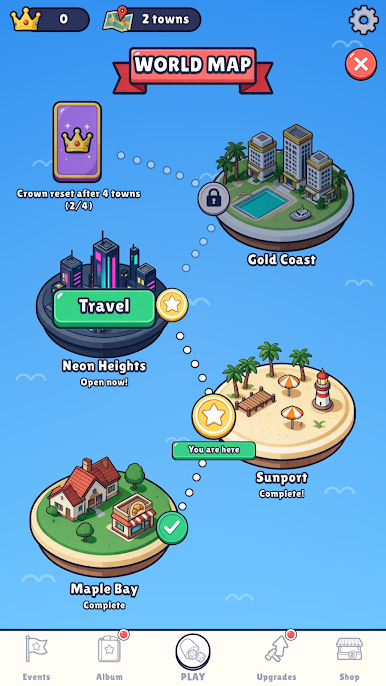
- From Maple Bay to Neon Heights: Start small, complete a town, then move on to fresh spots like Sunport and beyond. Finishing a location throws you more dice, deeds, and card packs to keep momentum going.
- Lasting upgrades that stick: Spend deeds on permanent citywide boosts—think busier, shinier streets—that carry through resets. Trigger a crown reset when you’re ready to turn progress into a long-term income boost.
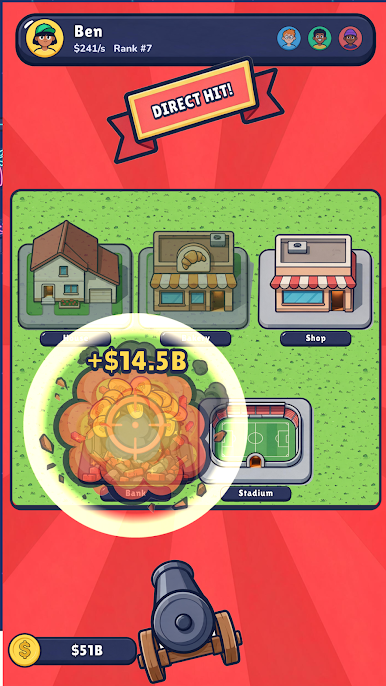
- Raid, shield, and retaliate: Land on an attack, pick a rival, and target a building to snatch their coins. Shields soak up hits; if one drops, repair your spot and get even.
- Card album chase: Collect 81 cards across 9 City Life sets. Packs range from green to purple with 1–5 star cards; trade duplicates in the Star Vault and complete sets for sweet bonuses.
- Events and leagues: Ongoing events like Dice Rush and the City Festival add tasks, leaderboards, and reward tracks, while weekly leagues rank your progress from Bronze to Gold.
- Hands-on or hands-off play: Jump in for quick rolls or let it idle—dice recharge over time, income never stops, and auto features keep the grind painless.
BlueStacks gives you more room to focus on the game and less time adjusting around mobile limitations.


Play Dice City: Idle Manager Tycoon on PC. It’s easy to get started.
-
Download and install BlueStacks on your PC
-
Complete Google sign-in to access the Play Store, or do it later
-
Look for Dice City: Idle Manager Tycoon in the search bar at the top right corner
-
Click to install Dice City: Idle Manager Tycoon from the search results
-
Complete Google sign-in (if you skipped step 2) to install Dice City: Idle Manager Tycoon
-
Click the Dice City: Idle Manager Tycoon icon on the home screen to start playing

