


Doom Defenders - Dungeon Idle
Play on PC with BlueStacks – the Android Gaming Platform, trusted by 500M+ gamers.

Page Modified on: Feb 20, 2026
Play Doom Defenders - Dungeon Idle on PC
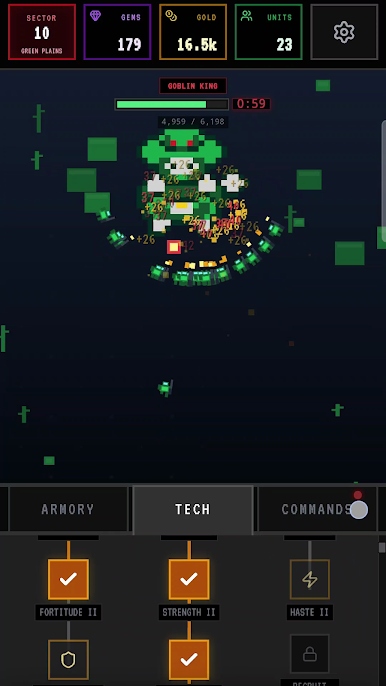
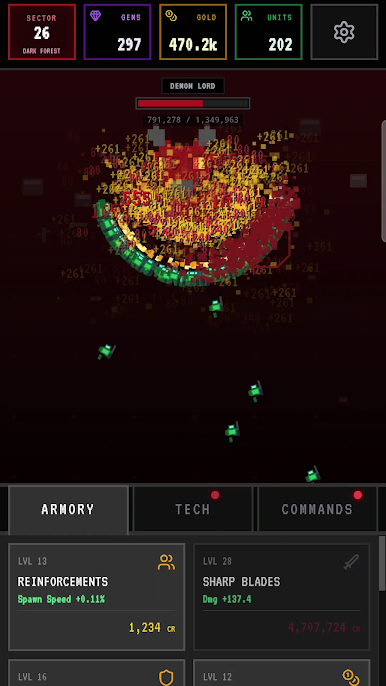
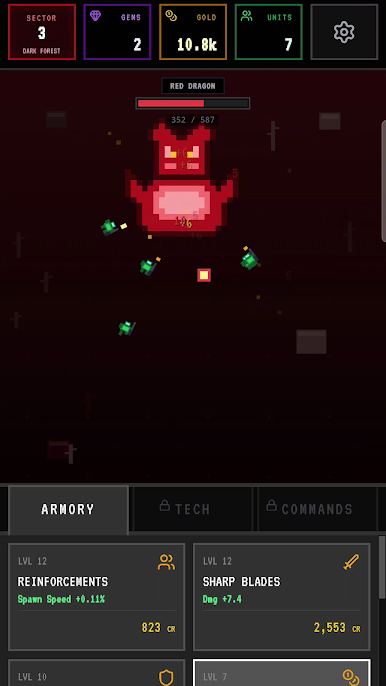
Your strategic decisions will fuel your army’s exponential growth. Invest your gold in the Armory for constant improvements, or research new skills in a deep technology tree to unlock permanent advantages for your entire swarm. Each upgrade makes your army stronger, allowing you to defeat tougher bosses and advance to new sectors in this satisfying idle game. Your progress is always visible as your swarm becomes more powerful with every investment you make.
As your power grows, you will unlock potent commands that can instantly turn the tide of battle. Activate these abilities for a massive surge in speed or income, helping you break through difficult challenges and push your limits. Lead your army through distinct worlds, from dark forests to ruined castles, each with unique bosses to overcome. Focus on your upgrade strategy, manage your growth, and witness your swarm evolve into an unstoppable force.
Start building your unstoppable army. Play now
Play Doom Defenders - Dungeon Idle on PC. It’s easy to get started.
-
Download and install BlueStacks on your PC
-
Complete Google sign-in to access the Play Store, or do it later
-
Look for Doom Defenders - Dungeon Idle in the search bar at the top right corner
-
Click to install Doom Defenders - Dungeon Idle from the search results
-
Complete Google sign-in (if you skipped step 2) to install Doom Defenders - Dungeon Idle
-
Click the Doom Defenders - Dungeon Idle icon on the home screen to start playing

