


Idle Town Builder - Gold Miner
Play on PC with BlueStacks – the Android Gaming Platform, trusted by 500M+ gamers.

Page Modified on: Sep 25, 2026
Play Idle Town Builder - Gold Miner on PC
It starts with a single hut and a hill full of trees. Tap to clear the land, fill the Citadel, and open new ground for your people. Then let your workers chop and gather while you raise stone walls and build town after town down the valley.
HOW YOU GROW
- Tap trees to clear the land and earn resources
- Fill the Citadel to unlock new land
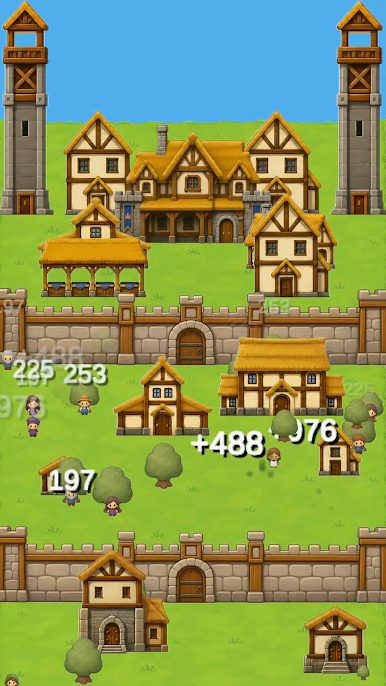
- Build timber houses, markets, watchtowers, and stone walls
- Unlock workers who chop and gather for you
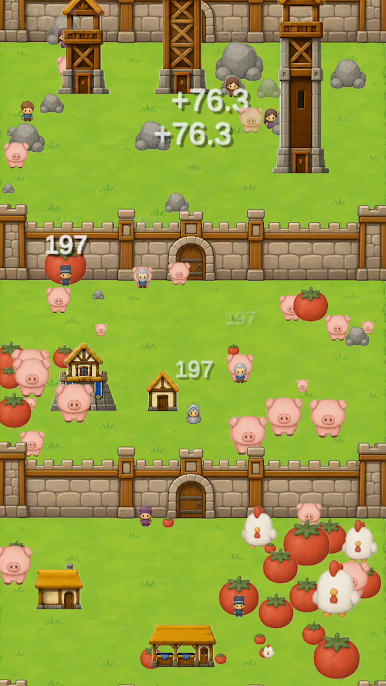
- Raise pigs, chickens, sheep, and tomato fields in every new town
UPGRADE EVERYTHING
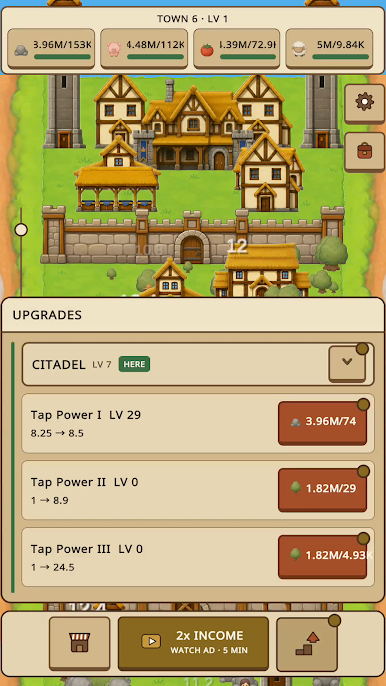
- Level up your tap power and max out every upgrade
- Collect stone, meat, crops, and wool to fund bigger towns
- Watch an ad for 2x income when you want a boost
A NATION OF TOWNS
Every town brings new animals, new crops, and new buildings. Each one you finish opens the next, and your nation stretches further across the hills.
Simple one-finger controls, cozy medieval art, and numbers that keep going up. How big can your nation grow?
Download Hill Nation and start building your kingdom today.
Play Idle Town Builder - Gold Miner on PC. It’s easy to get started.
-
Download and install BlueStacks on your PC
-
Complete Google sign-in to access the Play Store, or do it later
-
Look for Idle Town Builder - Gold Miner in the search bar at the top right corner
-
Click to install Idle Town Builder - Gold Miner from the search results
-
Complete Google sign-in (if you skipped step 2) to install Idle Town Builder - Gold Miner
-
Click the Idle Town Builder - Gold Miner icon on the home screen to start playing

