


Orc Slayer - Dice Idle RPG
Play on PC with BlueStacks – the Android Gaming Platform, trusted by 500M+ gamers.

Page Modified on: Feb 6, 2026
Overview
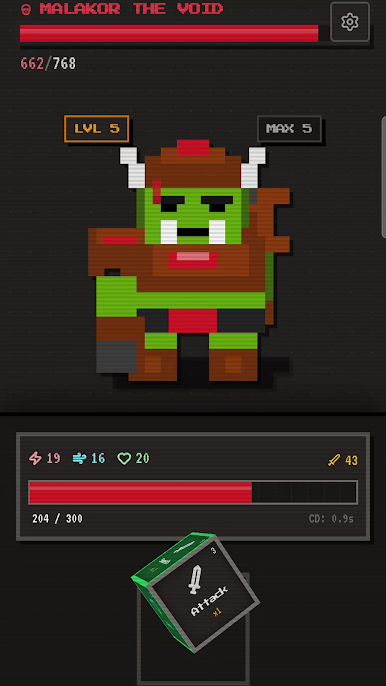
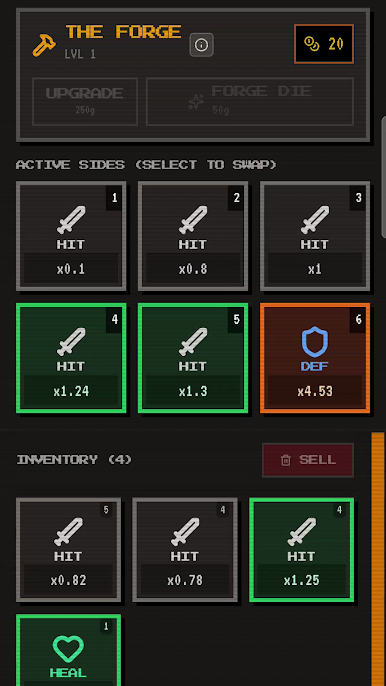
Your power is forged in the die you create. Customize each of the six sides to fit your playstyle. Collect and upgrade dozens of unique die faces, swapping out simple attacks for powerful critical hits, adding sturdy defensive shields, or equipping special abilities that can change the outcome of a fight. Building a better die is the key to winning every dice combat encounter.
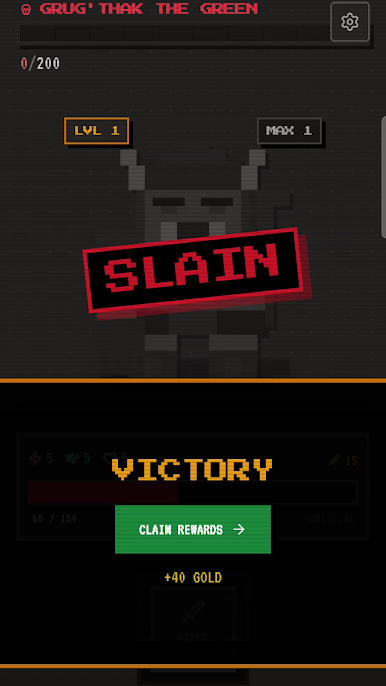
Put your custom die to the test against a series of ever-stronger monsters. Each new enemy brings greater challenges, forcing you to adapt your tactics and refine your weapon. Progress through the ranks, perfect your combat die, and prove your skill in this unique dice combat adventure. The next battle is always just one roll away.
Forge your weapon, master the roll, and conquer your foes. Play now
Play Orc Slayer - Dice Idle RPG on PC. It’s easy to get started.
-
Download and install BlueStacks on your PC
-
Complete Google sign-in to access the Play Store, or do it later
-
Look for Orc Slayer - Dice Idle RPG in the search bar at the top right corner
-
Click to install Orc Slayer - Dice Idle RPG from the search results
-
Complete Google sign-in (if you skipped step 2) to install Orc Slayer - Dice Idle RPG
-
Click the Orc Slayer - Dice Idle RPG icon on the home screen to start playing

