


Cool Lady
Play on PC with BlueStacks – the Android Gaming Platform, trusted by 500M+ gamers.

Page Modified on: Mar 26, 2026
Main Cool Lady on PC
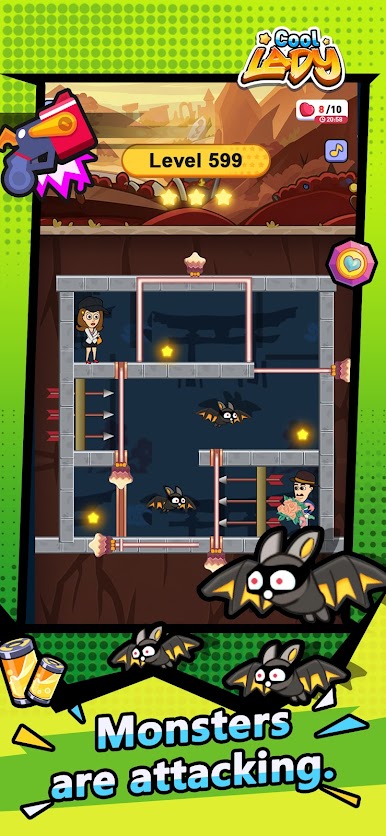
Move Pins, Avoid Traps
Each room is packed with items and monsters. Move pins to change the terrain, use props wisely to avoid danger, and plan a safe path to the exit. The controls are simple, but the later levels will challenge your observation and imagination.
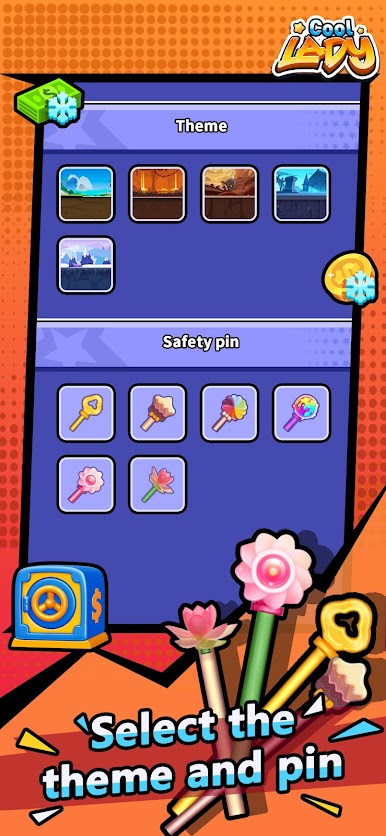
Freely Switch Character Skins
Multiple male and female character skins are available in the game and can be unlocked as you progress. Change your character’s outfit anytime and enjoy a fresh look every time you play.
Earn Rewards Through Tasks
Complete daily missions, medal leagues, and other activities to collect coins and cash rewards. Once you accumulate enough, you can withdraw them to your personal account. Play a few rounds in your spare time and you might earn a pleasant little bonus along the way.




Play Cool Lady on PC. It’s easy to get started.
-
Download and install BlueStacks on your PC
-
Complete Google sign-in to access the Play Store, or do it later
-
Look for Cool Lady in the search bar at the top right corner
-
Click to install Cool Lady from the search results
-
Complete Google sign-in (if you skipped step 2) to install Cool Lady
-
Click the Cool Lady icon on the home screen to start playing

