


Boss Air Hockey
Play on PC with BlueStacks – the Android Gaming Platform, trusted by 500M+ gamers.

Page Modified on: Mar 25, 2026
Play Boss Air Hockey on PC
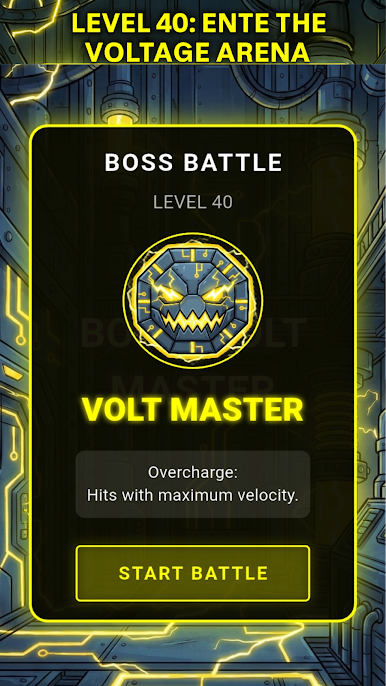
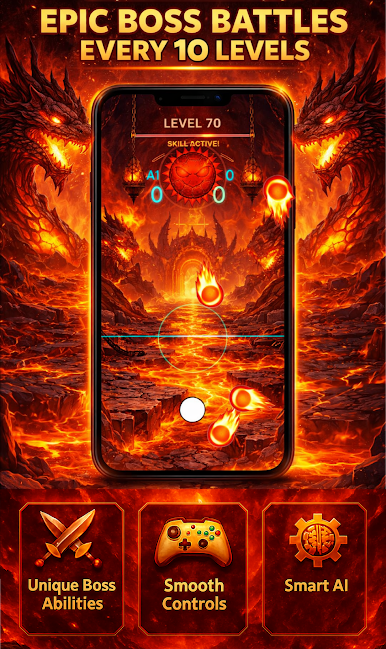
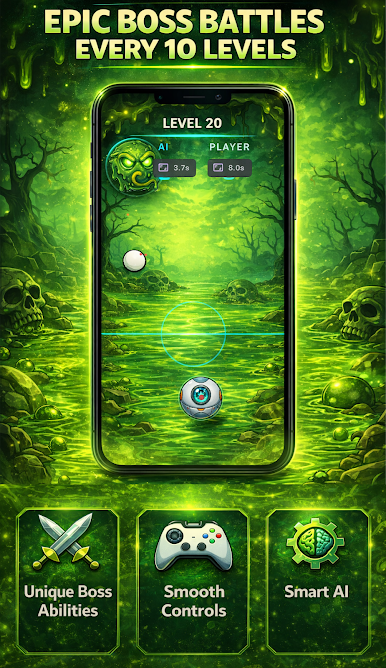
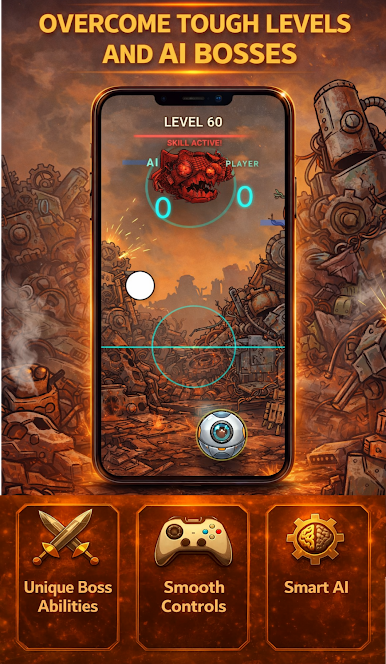
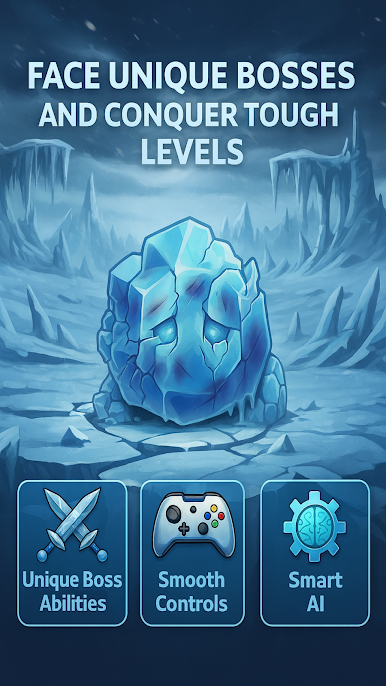
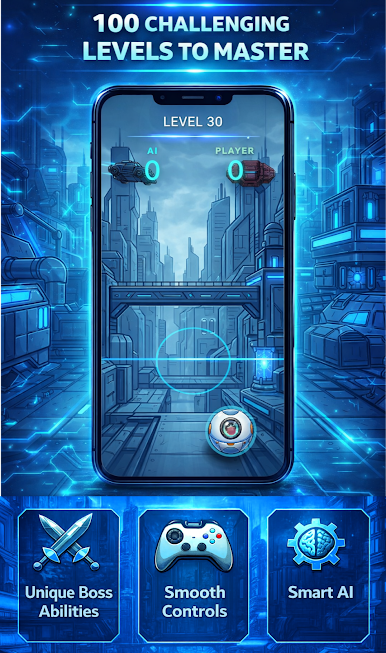
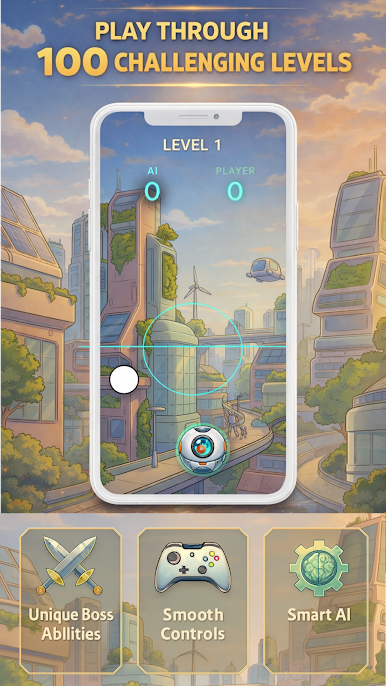
Play through 100 unique levels and face powerful boss opponents every 10 levels, each with special abilities and unique play styles.
Swipe to hit the puck, defend your goal, and score incredible goals in fast-paced matches. With smooth controls and realistic physics, Air Hockey delivers a fun and competitive arcade experience on your mobile device.
🎮 Features
100 challenging levels to master
Epic boss battles every 10 levels
Each boss has unique abilities and behavior
Smooth and responsive touch controls
Realistic puck and paddle physics
Smart AI opponents with increasing difficulty
Clean and modern user interface
Optimized for all Android devices
🏆 Boss Battles
Every 10 levels, face a powerful boss with special skills that change the gameplay. Each boss offers a new challenge, making the game more exciting and unpredictable.
📱 Play Anytime, Anywhere
No internet connection required. Play offline and enjoy Air Hockey wherever you are.
🚀 Download now and become the ultimate Air Hockey champion!

Play Boss Air Hockey on PC. It’s easy to get started.
-
Download and install BlueStacks on your PC
-
Complete Google sign-in to access the Play Store, or do it later
-
Look for Boss Air Hockey in the search bar at the top right corner
-
Click to install Boss Air Hockey from the search results
-
Complete Google sign-in (if you skipped step 2) to install Boss Air Hockey
-
Click the Boss Air Hockey icon on the home screen to start playing

