


Co–Star Personalized Astrology
Play on PC with BlueStacks – the Android Gaming Platform, trusted by 500M+ gamers.

Page Modified on: Sep 3, 2026
Play Co–Star Personalized Astrology on PC
> "Good advice." New York Times
> "Banging astrology app." Dua Lipa
> "Connect with people about your astrology sign." Conor Oberst
Features
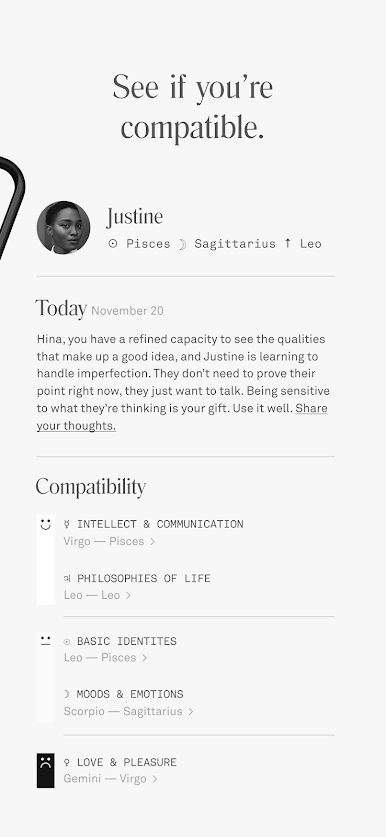
• Add friends to compare natal charts and see your compatibility.
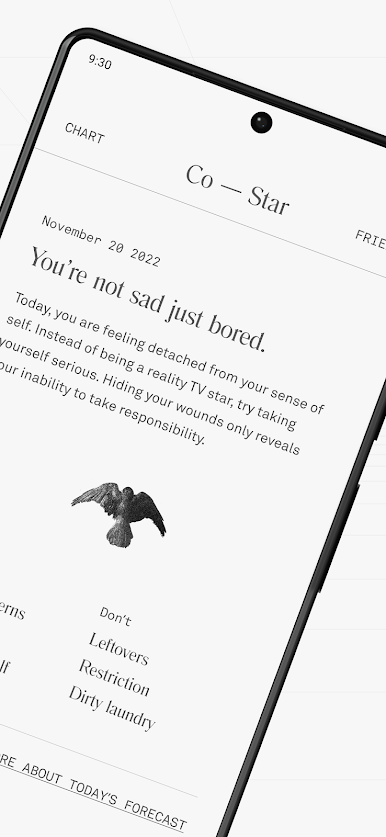
• Read personalized daily horoscopes.
• Receive daily push notifications based on your horoscope for the day.
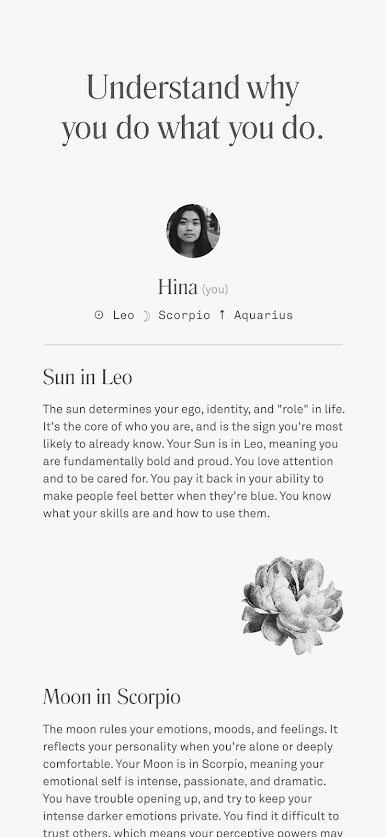
• Learn how to read your entire birth chart.
Premium Features
• See the full natal chart of somebody who doesn’t have the app.
• Get a complete personalized report on how you love and why.
• For couples, Eros, a feature that gives you insight on how to navigate everyday relationship situations based on your zodiac compatibility.
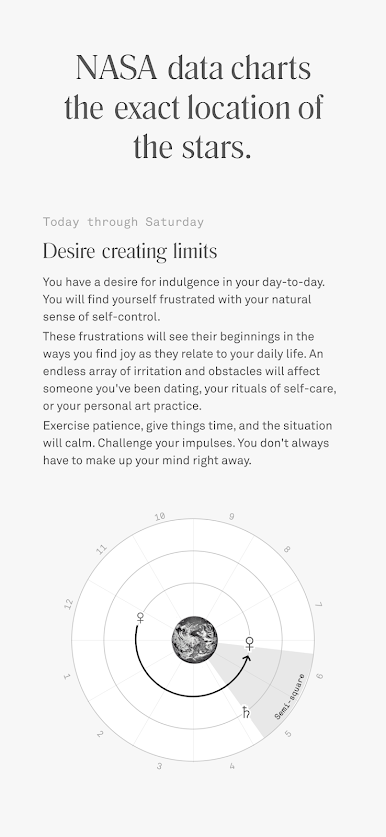
There are no bad zodiac signs, only complicated dynamics. Co–Star uses astrology as a framework for understanding ourselves and our relationships; a shortcut to real talk in a sea of small talk. We use NASA data to chart the exact location of the stars in real-time. This is then interpreted by real human astrologers who collaborate with AI technology to produce the birth chart and daily horoscopes you read in the app.
Follow us everywhere
• Instagram: https://www.instagram.com/costarastrology/
• Tiktok: https://www.tiktok.com/@costarastrology
• Twitter: https://twitter.com/costarastrology
Need help? Email us: horoscopes@costarastrology.com
We don't do creepy stuff with your data —> costarastrology.com/privacy
Terms —> https://www.costarastrology.com/terms

Play Co–Star Personalized Astrology on PC. It’s easy to get started.
-
Download and install BlueStacks on your PC
-
Complete Google sign-in to access the Play Store, or do it later
-
Look for Co–Star Personalized Astrology in the search bar at the top right corner
-
Click to install Co–Star Personalized Astrology from the search results
-
Complete Google sign-in (if you skipped step 2) to install Co–Star Personalized Astrology
-
Click the Co–Star Personalized Astrology icon on the home screen to start playing

