


Royal Arrow: Merge & Match
Play on PC with BlueStacks – the Android Gaming Platform, trusted by 500M+ gamers.

Page Modified on: Jul 15, 2026
Play Royal Arrow: Merge & Match on PC
How to Play
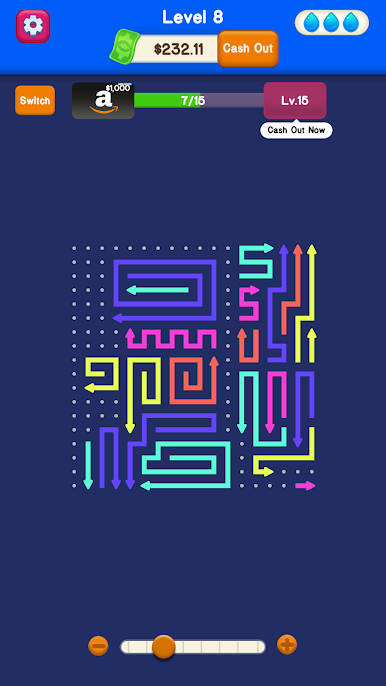
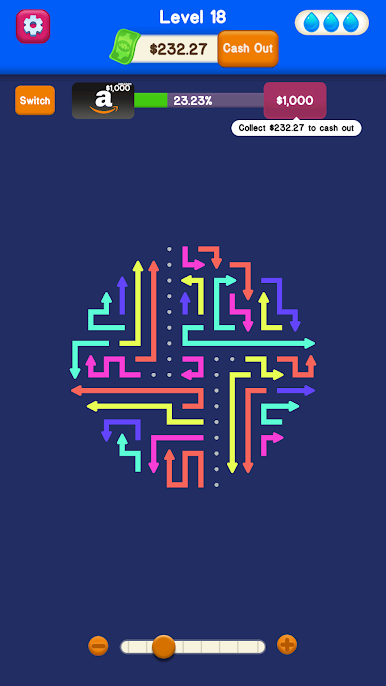
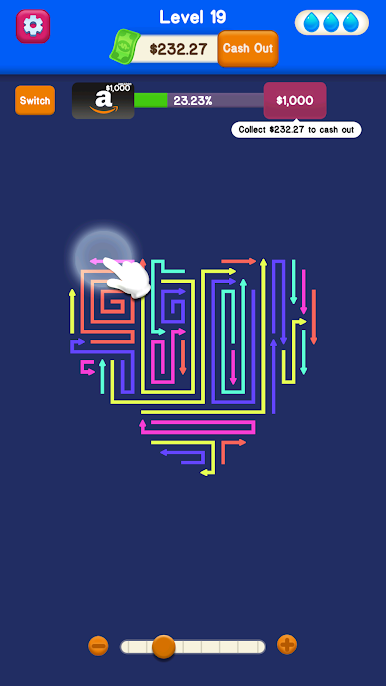
Each level features a board filled with arrows pointing in various directions. By tapping and swiping the screen, you direct the paths of these arrows to match and eliminate them. Planning your moves carefully allows you to bypass obstacles, trigger chain reactions, and efficiently clear the board to advance to the next stage.
Game Features
Strategic Level Design: As you progress, the puzzle layouts become increasingly challenging. Different arrow combinations and board mechanics will require spatial thinking and observation to solve.
Offline Play: The game does not require an internet connection. You can play entirely offline, allowing you to enjoy a puzzle session wherever you are.
Casual Experience: With clean visual designs and a laid-back pace, the game is accessible to players of all ages looking for a straightforward puzzle experience during their spare time.
Royal Arrow: Merge & Match is an original puzzle game and is not affiliated with, endorsed by, or connected to any other brand or company.
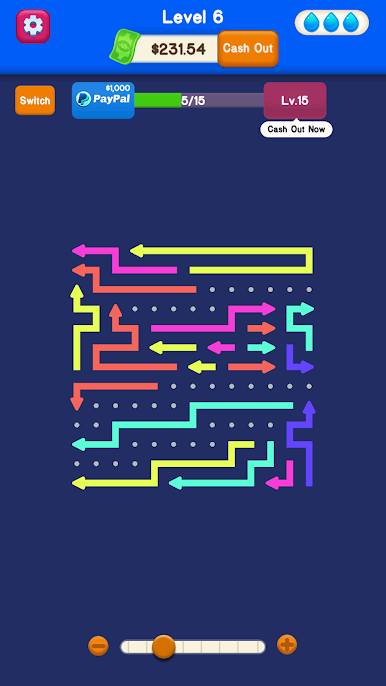
Play Royal Arrow: Merge & Match on PC. It’s easy to get started.
-
Download and install BlueStacks on your PC
-
Complete Google sign-in to access the Play Store, or do it later
-
Look for Royal Arrow: Merge & Match in the search bar at the top right corner
-
Click to install Royal Arrow: Merge & Match from the search results
-
Complete Google sign-in (if you skipped step 2) to install Royal Arrow: Merge & Match
-
Click the Royal Arrow: Merge & Match icon on the home screen to start playing

