


Nocturnals
Play on PC with BlueStacks – the Android Gaming Platform, trusted by 500M+ gamers.

Page Modified on: May 4, 2026
Main Nocturnals on PC
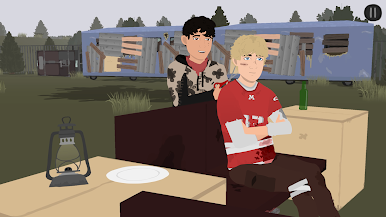
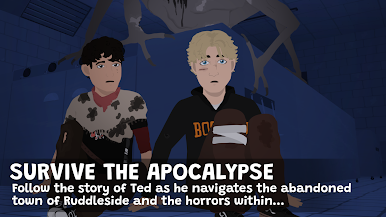
Follow the story of Ted as he navigates the abandoned town of Ruddleside amidst the post apocalypse, finding a solitary companion in Diego.
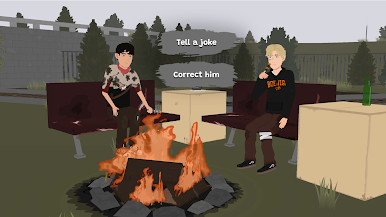
Your choices determine whether Diego will bond with Ted and help him continue his search for surviving communities, or whether the pair will face difficulties and challenges that put them at odds with each other whilst trying to escape the horrors within Ruddleside.
Gameplay:
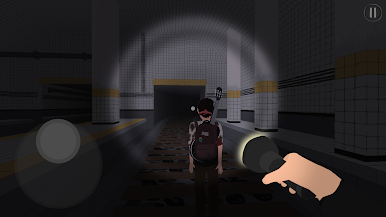
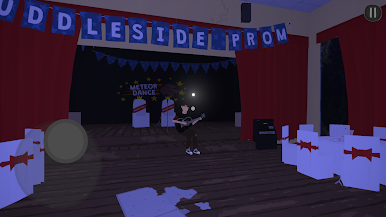
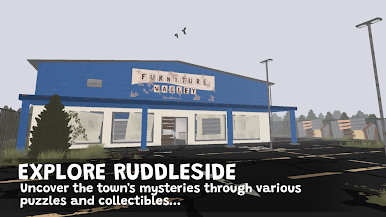
• Explore Stylized 3D Environments: Navigate the atmospheric setting of Ruddleside.
• Solve Puzzles and Find Collectibles: Uncover the town's mysteries through various puzzles and collectibles.
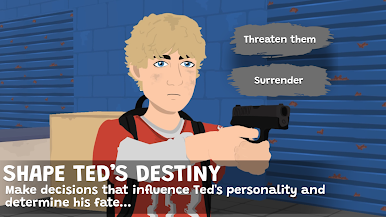
• Shape Ted's Destiny: Make decisions that influence Ted's personality and determine his fate.
*Best optimised for Android devices with 4gb of Ram or more. Lower-end devices may have technical issues, leading to a less than preferable experience, or may not support the game at all.
The game has been fully ported over from PC to mobile, and includes controller support and 4 additional subtitle languages, including Spanish, French, Polish and Russian.


Play Nocturnals on PC. It’s easy to get started.
-
Download and install BlueStacks on your PC
-
Complete Google sign-in to access the Play Store, or do it later
-
Look for Nocturnals in the search bar at the top right corner
-
Click to install Nocturnals from the search results
-
Complete Google sign-in (if you skipped step 2) to install Nocturnals
-
Click the Nocturnals icon on the home screen to start playing

