


SV-2 SpiritVox
Play on PC with BlueStacks – the Android Gaming Platform, trusted by 500M+ gamers.

Page Modified on: Mar 13, 2017
Run SV-2 SpiritVox on PC or Mac
What’s better than using SV-2 SpiritVox by BIG BEARD Studios? Well, try it on a big screen, on your PC or Mac, with BlueStacks to see the difference.
SV-2 SpiritVox feels like a throwback ghost box rebuilt for phones, now just as comfy on a PC. It layers four noise channels and lets the user sweep them at their own speed, so the sound has that choppy radio static thing going on without feeling messy. There are two noise banks to pick from. Bank A is modeled after PRD-1000 style tones, and Bank B keeps the familiar set people used before. Reverb is there if a room needs a bit more space, or turn it off for cleaner clips. The sweep rate control adds a nice bit of randomness, so it never falls into a stiff loop. It comes off more like a tool than a toy, which is good if someone likes fiddling with settings and getting the room dialed in.
Recording is simple. One mode writes a standard file to disk, and the other gives real time echo monitoring in an EchoVox style. The app suggests using the device speaker to throw the echo into the room while headphones are used to monitor what is being recorded. Files save at 44.1 kHz, 16 bit, and session naming keeps everything organized so nothing gets lost after a long night. Running it on BlueStacks is handy, since desktop speakers carry the sound better and managing recorded files is easier. Quick setup that actually matters a lot: set volume to max, place the device face down on a hard tabletop, prop it up about half an inch. External speakers help if a phone is quiet, while most tablets are loud enough on their own. If a person is into ITC style sessions and wants control over sweep speed, randomness, and a bit of reverb without dragging around hardware, this lands in a sweet spot.
Switch to BlueStacks and make the most of your apps on your PC or Mac.
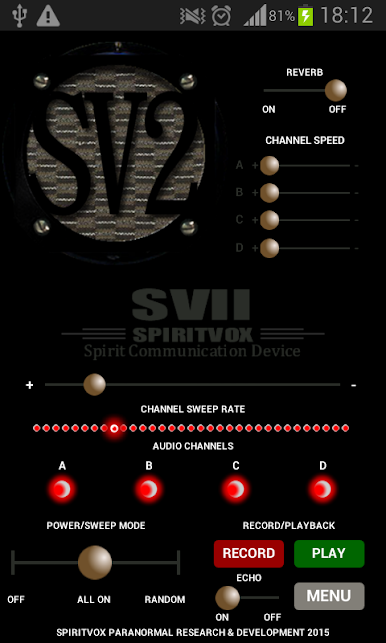
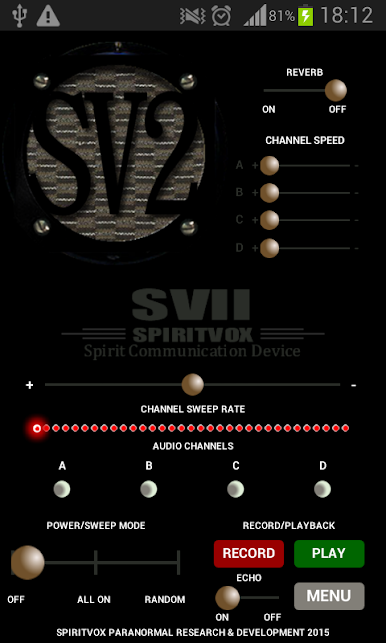
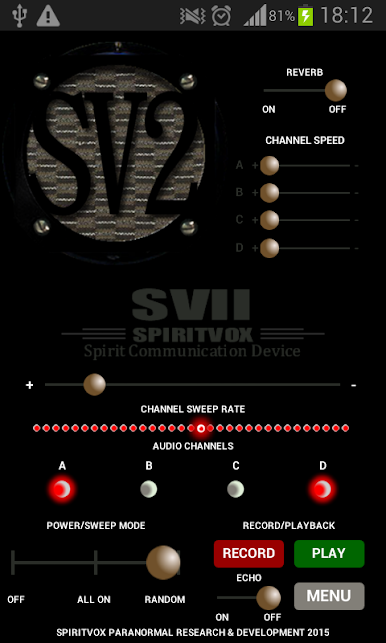
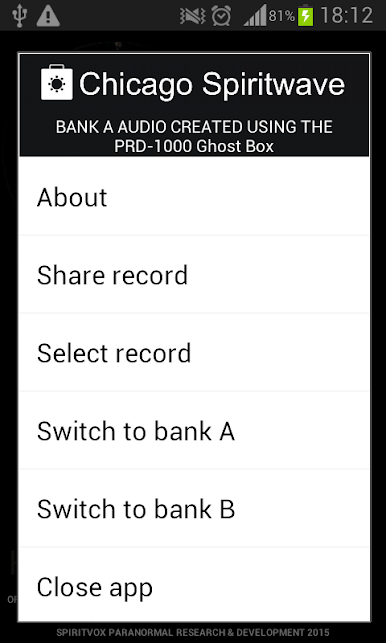
Play SV-2 SpiritVox on PC. It’s easy to get started.
-
Download and install BlueStacks on your PC
-
Complete Google sign-in to access the Play Store, or do it later
-
Look for SV-2 SpiritVox in the search bar at the top right corner
-
Click to install SV-2 SpiritVox from the search results
-
Complete Google sign-in (if you skipped step 2) to install SV-2 SpiritVox
-
Click the SV-2 SpiritVox icon on the home screen to start playing

