


Craze Luck Slots
Play on PC with BlueStacks – the Android Gaming Platform, trusted by 500M+ gamers.

Page Modified on: Apr 30, 2026
Play Craze Luck Slots on PC
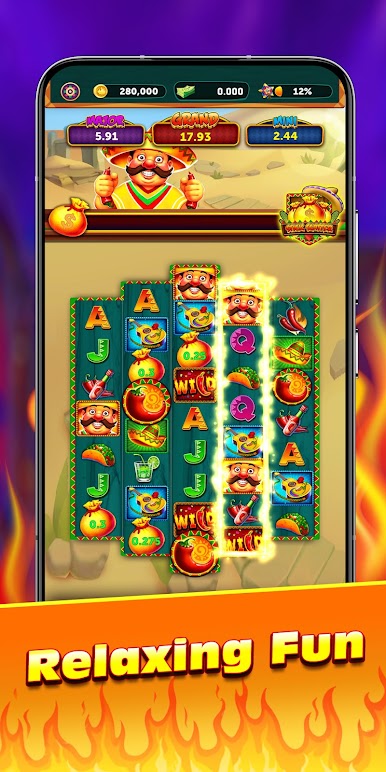
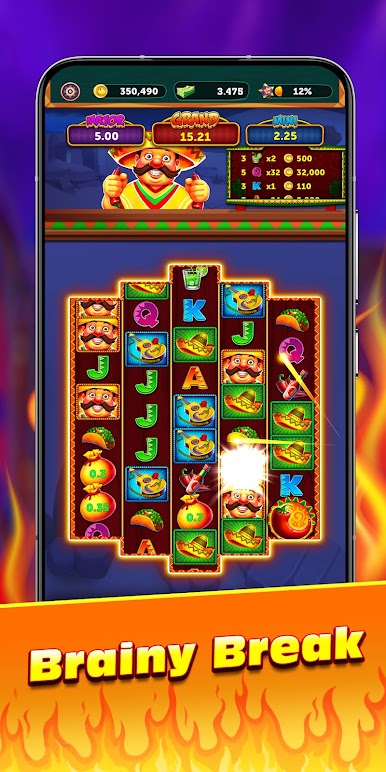
The core experience features a colorful spinning journey. Immerse yourself in a world of sizzling peppers and golden tacos, designed to provide a joyful mental break and a feast for the senses.
Getting Started:
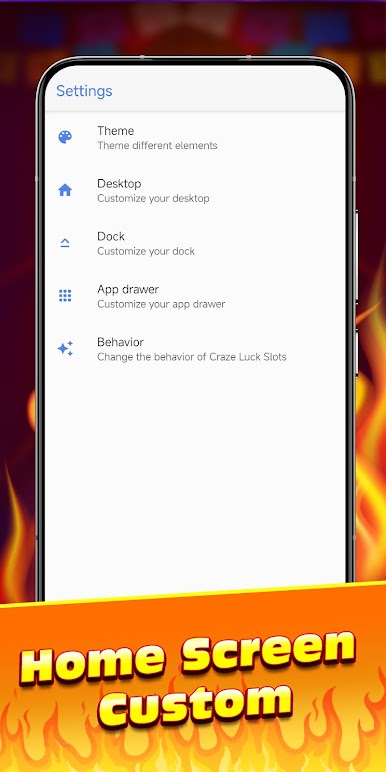
After installation, follow the simple guide to set Craze Luck Slots as your default launcher.
Note: Setting this launcher as default will reorganize your home screen layout for better efficiency; however, all your installed applications and personal data remain secure and will not be deleted.
Smart Launcher Features
Searchable App Drawer
A clean, organized app list that allows you to find any application on your phone in seconds using the integrated search bar.
App Drawer Customization
Personalize your organization. Choose to hide specific application icons for better privacy or adjust the number of icons displayed in the drawer to match your preferred layout.
Flexibility & Support
Restore Layout Anytime
You have full control. You can easily go back to your original home screen or revert to the system launcher from your default app settings whenever you wish.
Support Center & FAQ
Find answers to common questions and simple setup steps to ensure your journey is flawless. Learn more about your home screen setup by visiting our FAQ: https://www.justsoftdev.com/games.html#FAQ
Important Notice:
Craze Luck Slots is designed for adult entertainment purposes only.
This is NOT a real money gambling game. It does not offer real currency prizes or winnings.
All in-game coins are virtual, have no cash value, and cannot be exchanged.
Success in this simulation does not predict success in real-money gambling.

Play Craze Luck Slots on PC. It’s easy to get started.
-
Download and install BlueStacks on your PC
-
Complete Google sign-in to access the Play Store, or do it later
-
Look for Craze Luck Slots in the search bar at the top right corner
-
Click to install Craze Luck Slots from the search results
-
Complete Google sign-in (if you skipped step 2) to install Craze Luck Slots
-
Click the Craze Luck Slots icon on the home screen to start playing

