

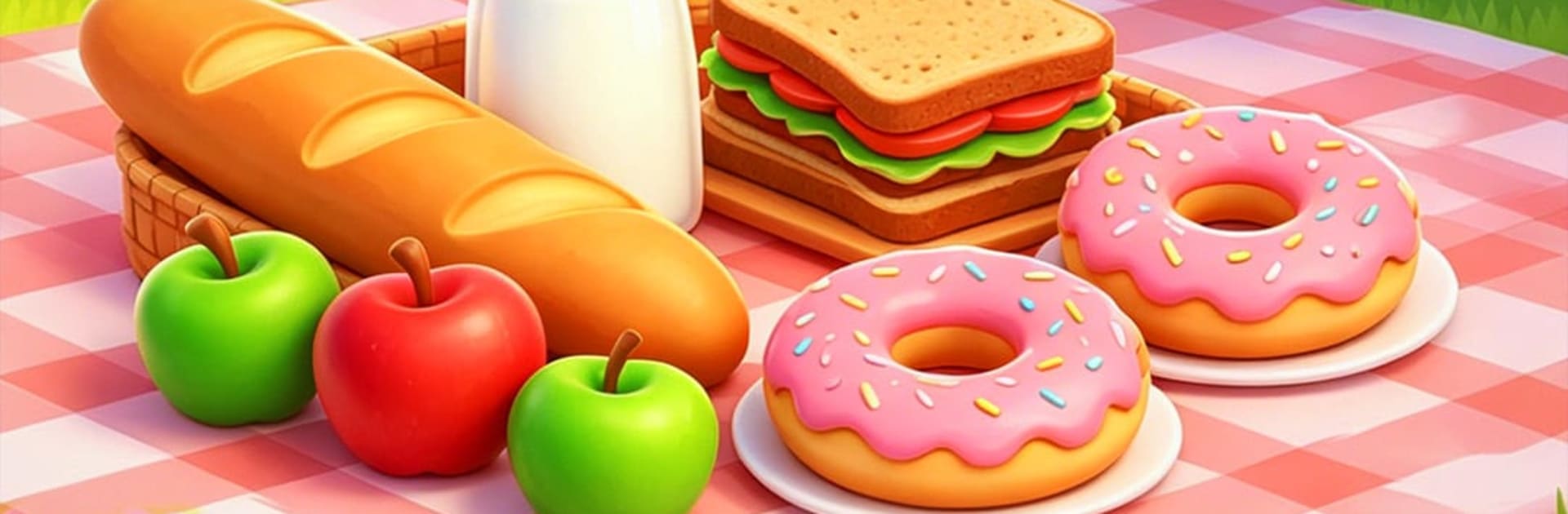
Crazy Food
Play on PC with BlueStacks – the Android Gaming Platform, trusted by 500M+ gamers.

Page Modified on: Jul 29, 2026
Play Crazy Food on PC or Mac
Step into the World of Crazy Food, a thrilling Racing game from the house of DotVerse. Play this Android game on BlueStacks App Player and experience immersive gaming on PC or Mac.
About the Game
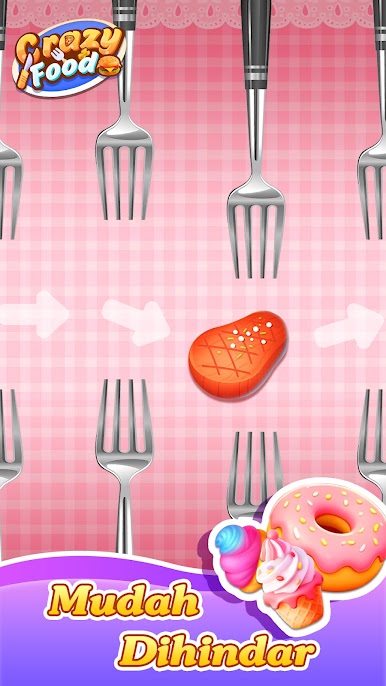
Crazy Food is a quirky, fast-paced Racing game where you’re a brave little snack sprinting for your life across a chaotic dinner table. It’s all tap timing, close calls, and that “okay, one more run” feeling. Prefer a bigger screen and comfy controls? It also plays nicely on BlueStacks.
Game Features
- Tap-to-Dash Controls: One-finger play that feels instant. Time your taps to slip between forks, knives, and spoons without getting clipped. Blink and you’ll ping off a utensil.
- Fresh Routes Every Run: Obstacle layouts shuffle each time, so no two escapes feel alike. The pace ramps up fast, turning quick reflexes into your best friend.
- Adorable Edible Heroes: Unlock a lineup of tasty characters—think pizza slices, fried eggs, fries, donuts, and more. Swap tableware and tablecloth styles to match your mood.
- Reflex-and-Rhythm Challenge: It’s not just speed; it’s flow. Read patterns, commit to a lane, and thread the tiniest gaps when the table turns into a traffic jam.
- Daily Rankings and Records: Chase your personal best and see how you stack up on the day’s leaderboard. Short sessions add up when you’re hunting a cleaner, longer run.
- Earn Coins, Unlock Stuff: Scoop up coins from Daily Quests, Activity goals, the Food Truck, and Escape Supplies, then spend them on new looks and handy upgrades.
- Quick, Snack-Sized Sessions: Runs are fast, restarts are instant, and progress feels steady—perfect for a few attempts on a break or a longer binge when you’re in the zone.
Ready to top the leaderboard? We bet you do. Let precise controls and sharp visuals optimized on BlueStacks lead you to victory.
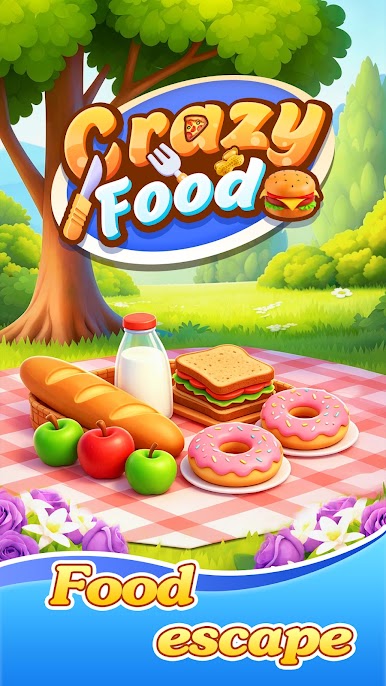
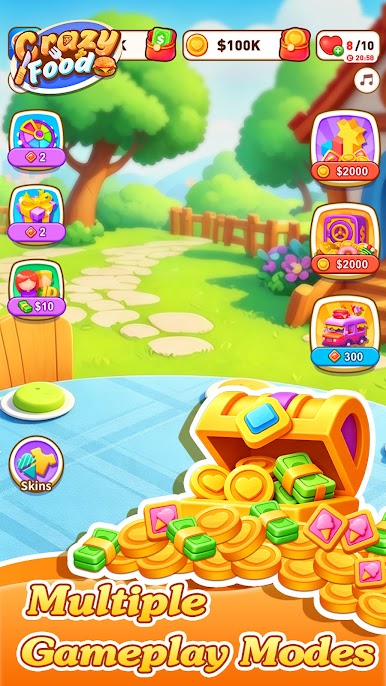
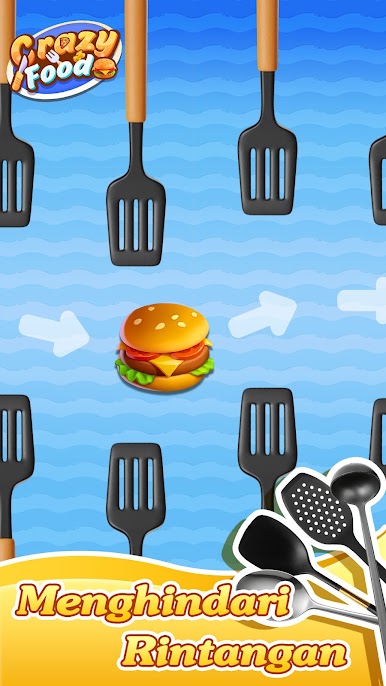

Play Crazy Food on PC. It’s easy to get started.
-
Download and install BlueStacks on your PC
-
Complete Google sign-in to access the Play Store, or do it later
-
Look for Crazy Food in the search bar at the top right corner
-
Click to install Crazy Food from the search results
-
Complete Google sign-in (if you skipped step 2) to install Crazy Food
-
Click the Crazy Food icon on the home screen to start playing

